
Our new user-centric APIs and v5.x.x SDKs offer an improved user and data management experience. However, they may not be at 1:1 feature parity with our previous versions yet.
If you are migrating an existing app, we suggest using iOS and Android’s Phased Rollout capabilities to ensure that there are no unexpected issues or edge cases. Here is the documentation for each:
If you run into any challenges or have concerns, please contact our support team at support@onesignal.com
OneSignal is a free email, sms, push notification and in-app message service for mobile apps. This plugin makes it easy to integrate your .NET application with OneSignal.
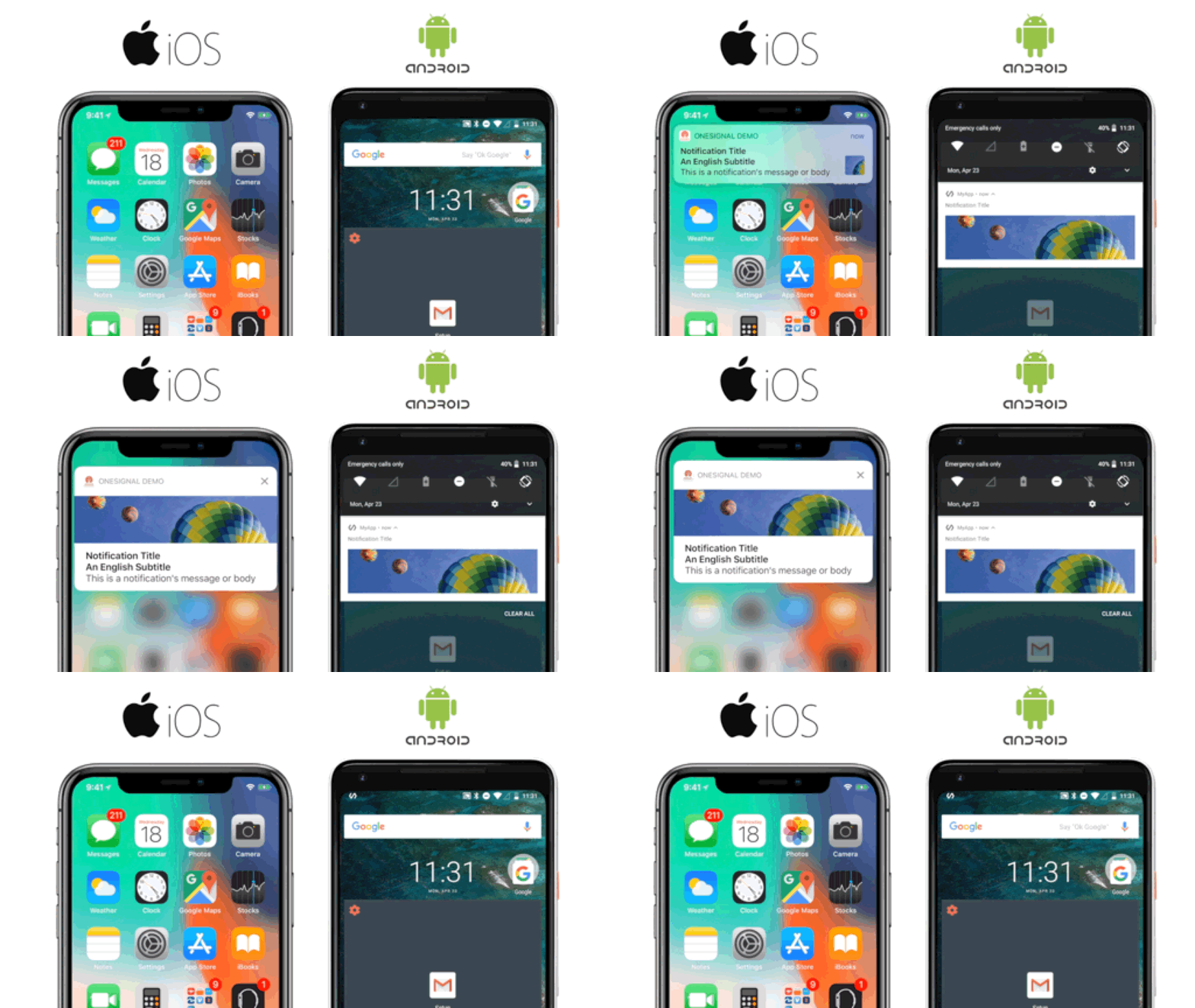

.NET6+ projects: See the Setup Documentation for installation and setup instructions. Xamarin projects: See the Setup Documentation for installation and setup instructions.
See OneSignal's .NET SDK API page for a list of all available methods.
See this repository's release tags for a complete change log of every released version.
Please visit this repository's Github issue tracker for feature requests and bug reports related specificly to the SDK.
For account issues and support please contact OneSignal support from the OneSignal.com dashboard.
Install dotnet 10 or later
Use the OneSignalDev app to test the OneSignal functionality.
For Android you need a google-services.json file from Firebase. Place it above the repo root and run the setup script:
google-services.json
OneSignal-DotNet-SDK/
Then from the repo root: ./setup-devapp.sh
Run iOS like so: dotnet build -t:Run -f net10.0-ios
For Android, run: dotnet build -t:Run -f net10.0-android
- .NET 10.0 for Android (
net10.0-android) - .NET 10.0 for iOS (
net10.0-ios)
- iOS 12.2 and higher.
- Android 5.0 (API Level 21) and higher.
- Multi-platform App UI (MAUI) applications.