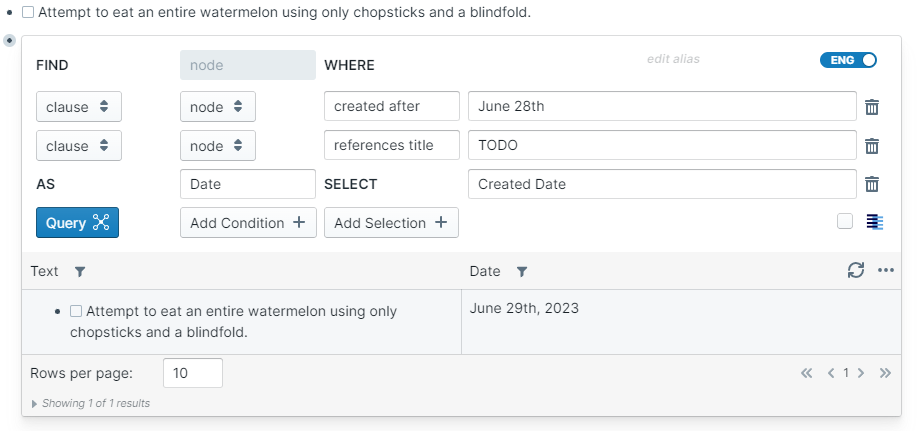
created after - The source block or page was created after the naturally specified target
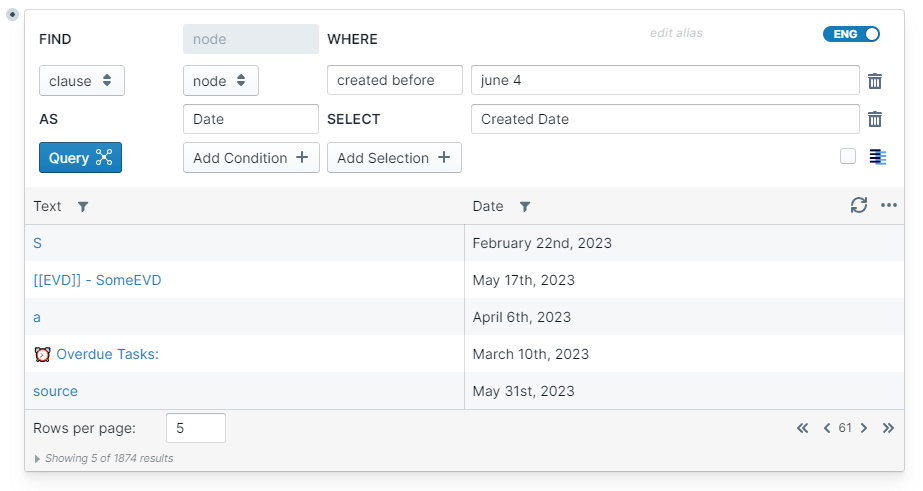
created before - The source block or page was created before the naturally specified target
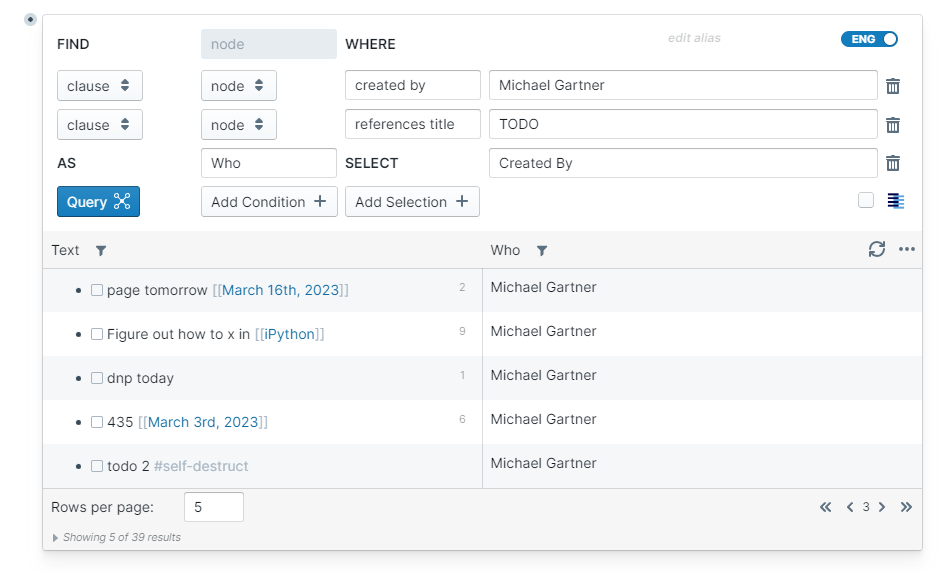
created by - The source block or page was created by the user with a display name of target
edited after - The source block or page was edited after the naturally specified target
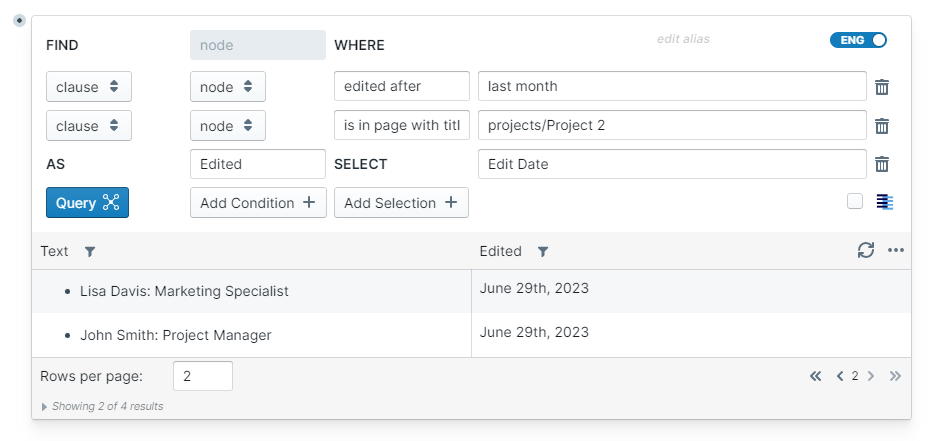
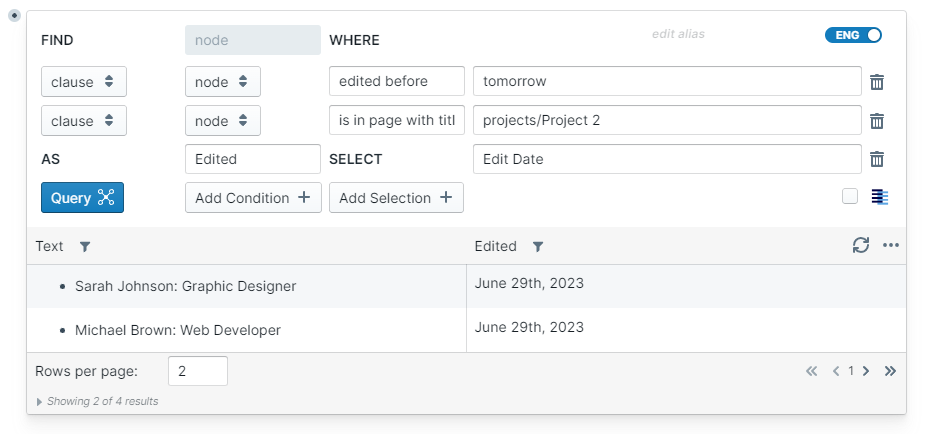
edited before - The source block or page was edited before the naturally specified target
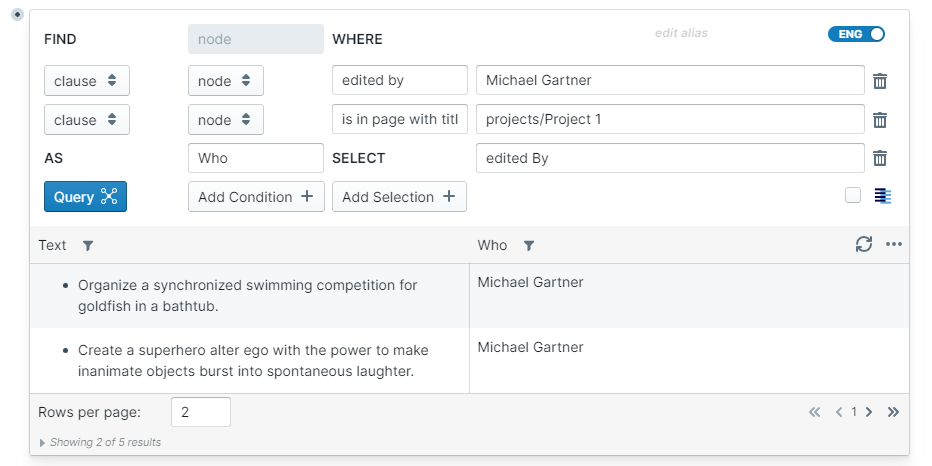
edited by - The source block or page was last edited by the user with a display name of target
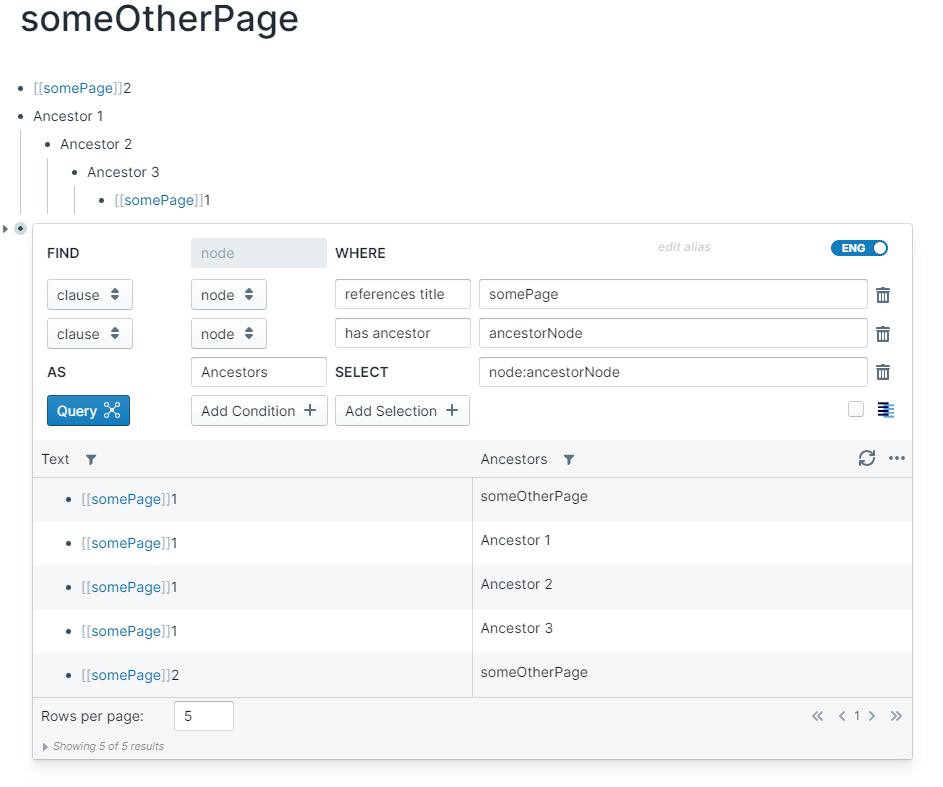
has ancestor - The source block has the target block or page as an ancestor up the outliner tree
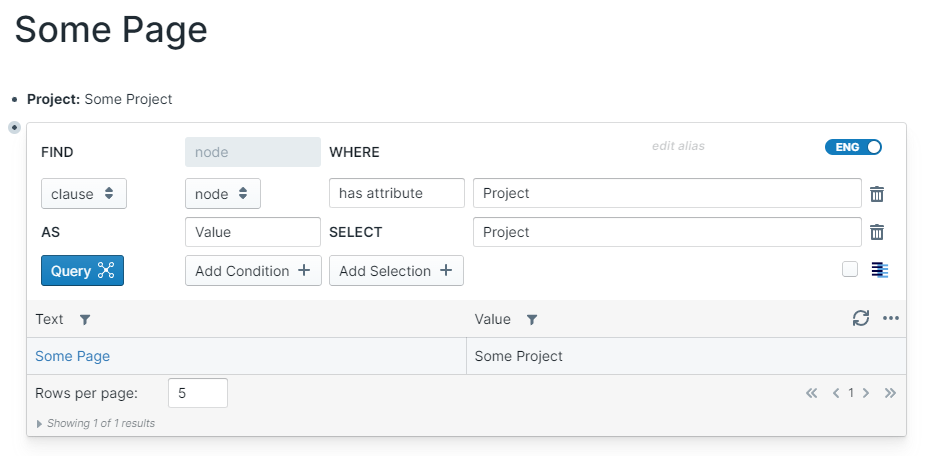
has attribute - The source block or page has an attribute with value target
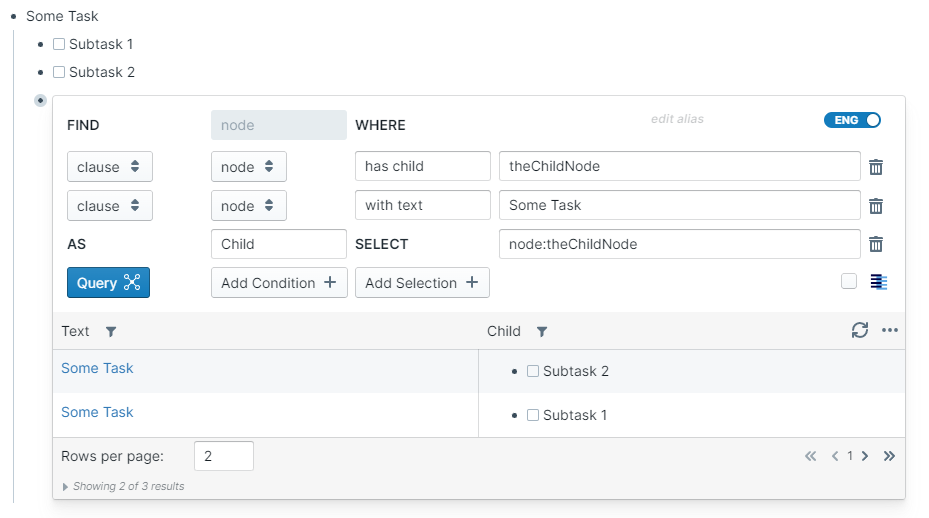
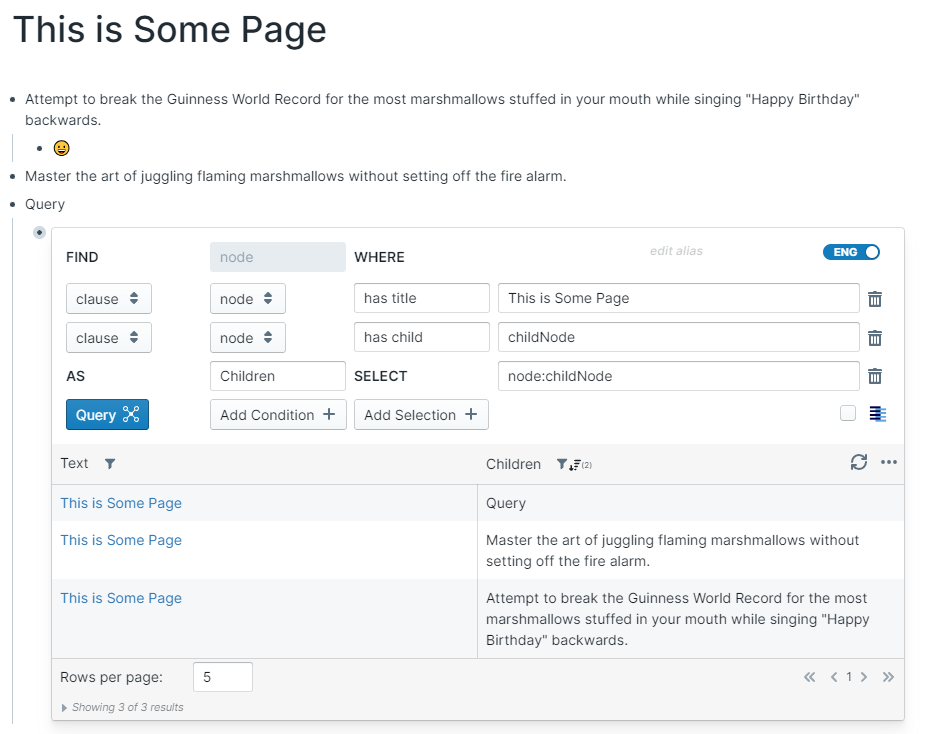
has child - The source block or page has the target block as a child
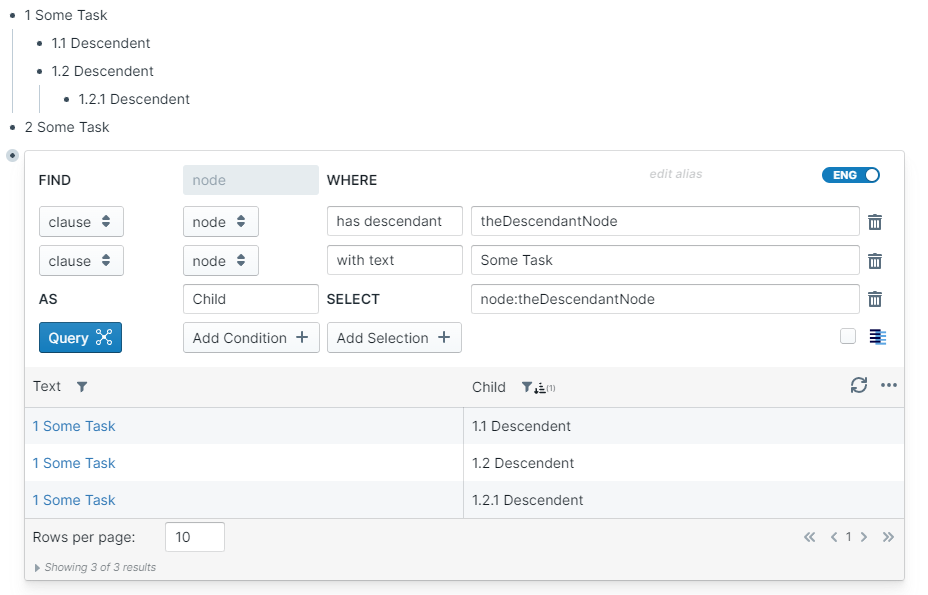
has descendent - The source block or page has the target block as a descendant somewhere down the outliner tree
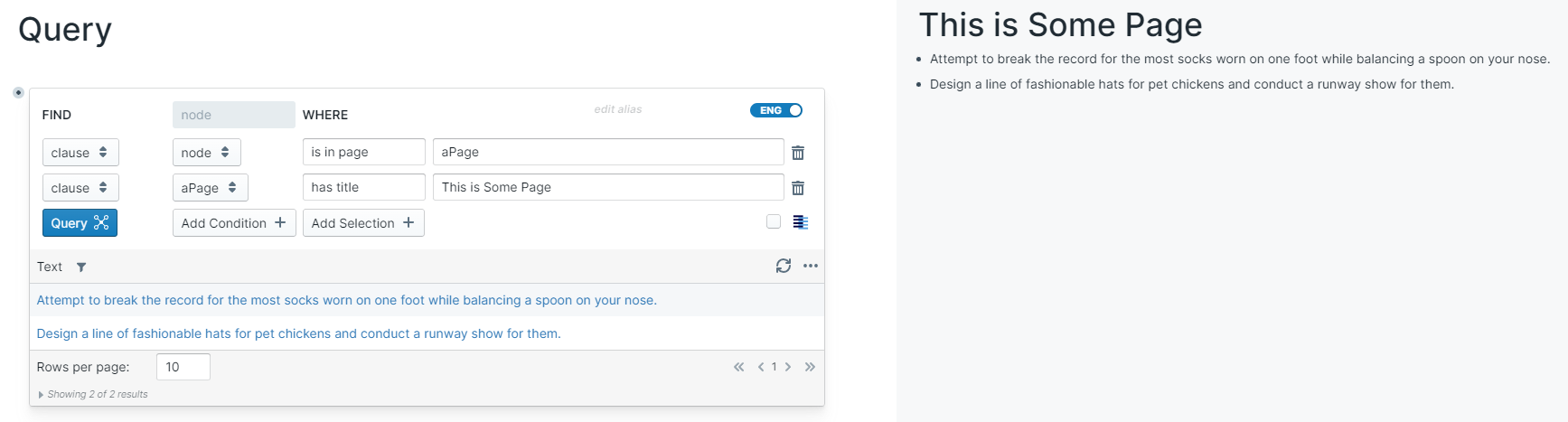
has title - The source page has the exact text target as a title.
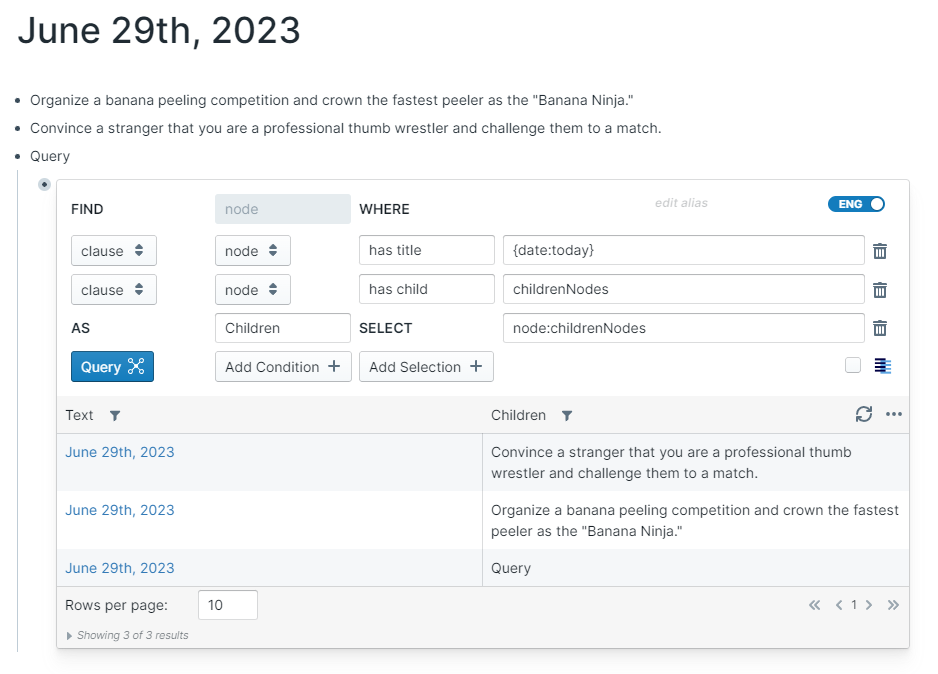
If target is equal to {date}, then it matches any Daily Note Page.
Supports date NLP to resolve a single date, e.g. {date:today}.
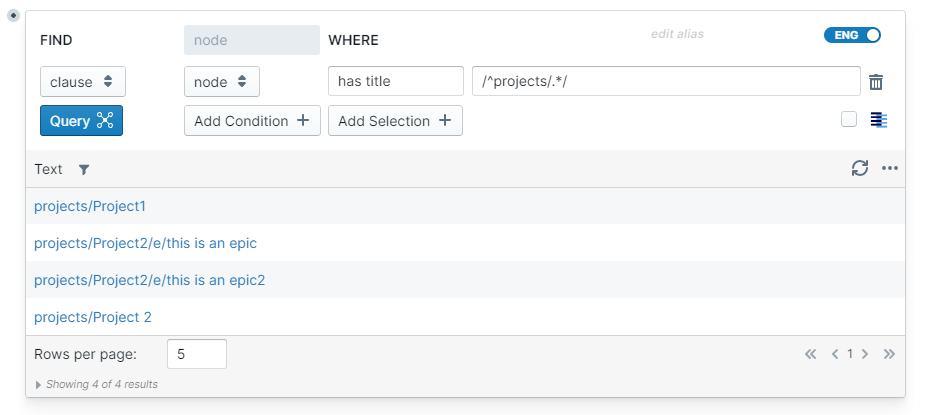
The target also supports Regular Expressions by starting and ending the value with a /.
is in page - The source block is in the target page
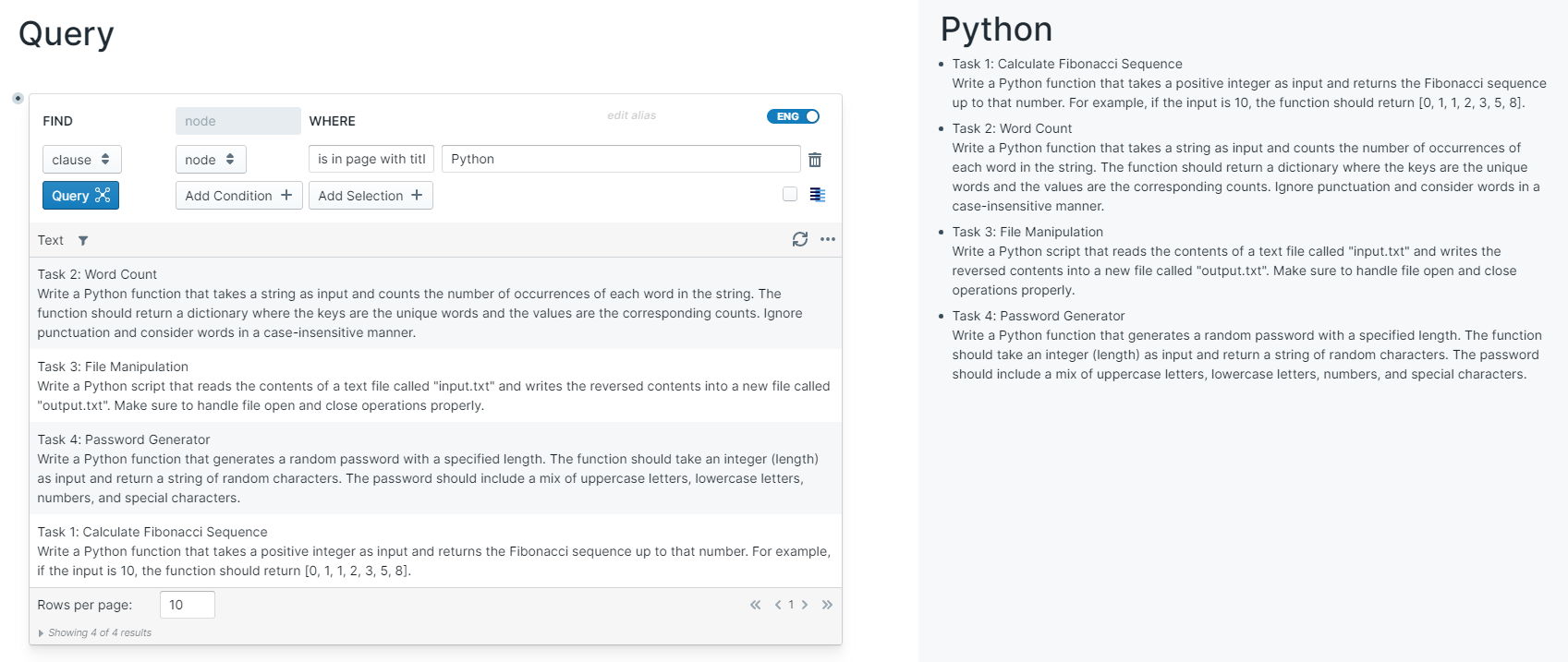
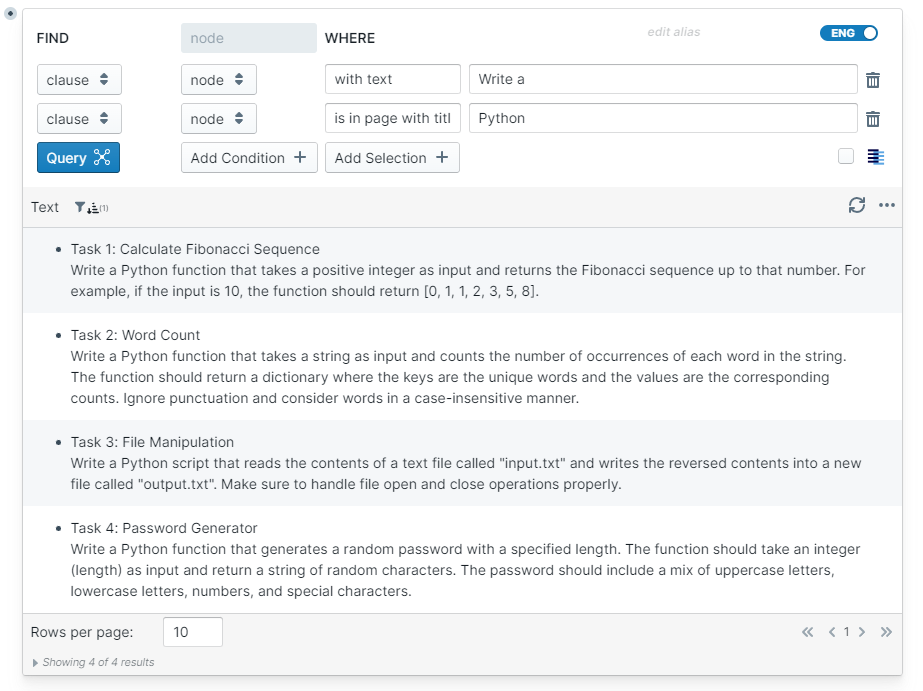
is in page with title - The source block is in a page with title target.
- If
targetis equal to{date}, then it matches any Daily Note Page. - Supports date NLP to resolve a single date, e.g.
{date:today}. - The
targetalso supports Regular Expressions by starting and ending the value with a/.
is referenced by - The source block or page is referenced by the target block or page
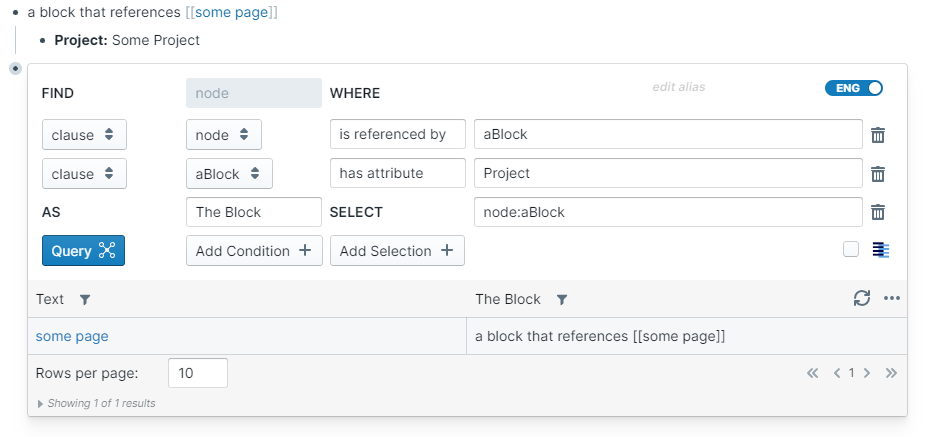
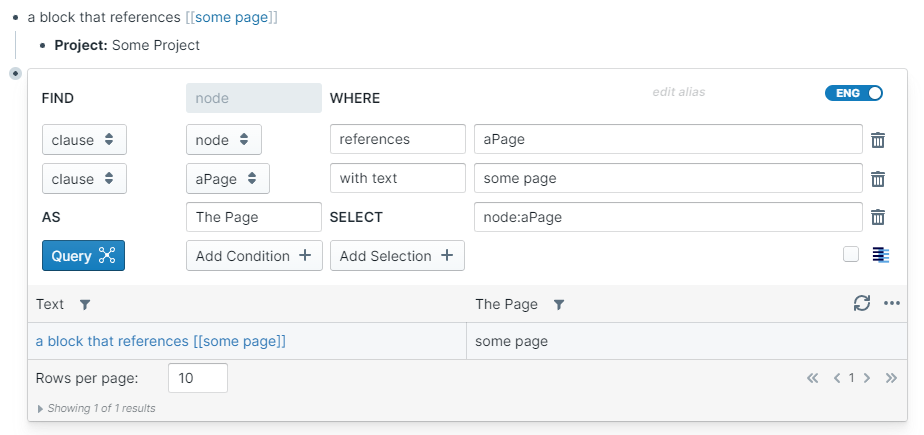
references - The source block or page references the target block or page
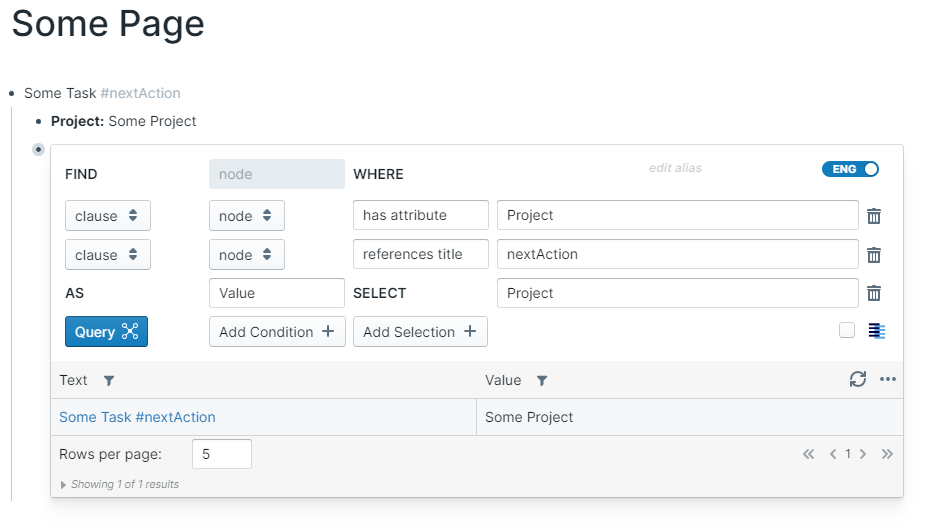
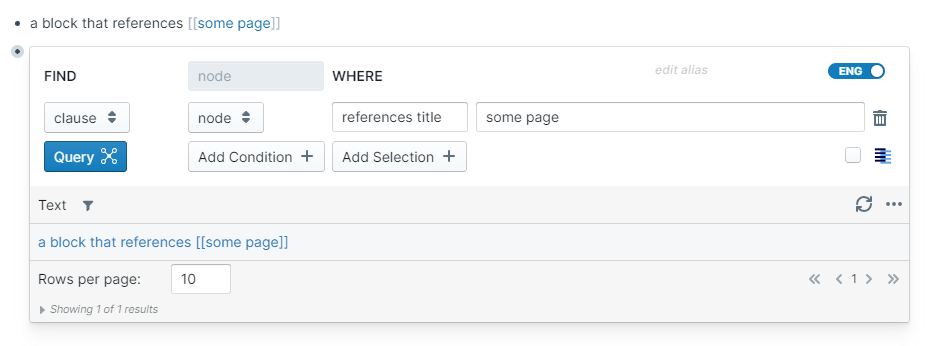
references title - The source block or page references a page with target as the title.
- If
targetis equal to{date}, then it matches any Daily Note Page. - Supports date NLP to resolve a single date, e.g.
{date:today}. - The
targetalso supports Regular Expressions by starting and ending the value with a/.
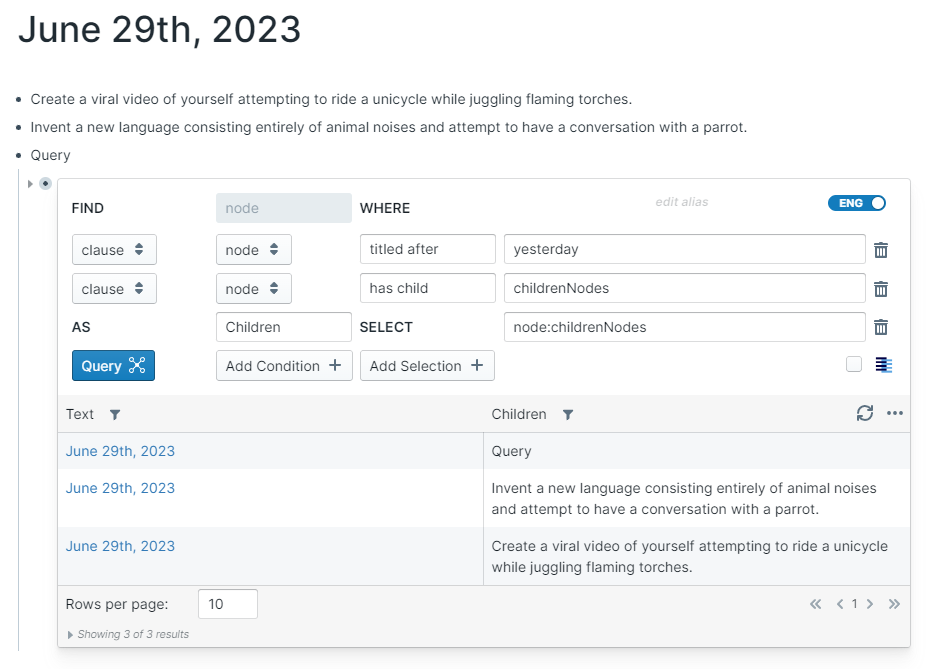
titled after - The source page is a DNP that is after the naturally specified target
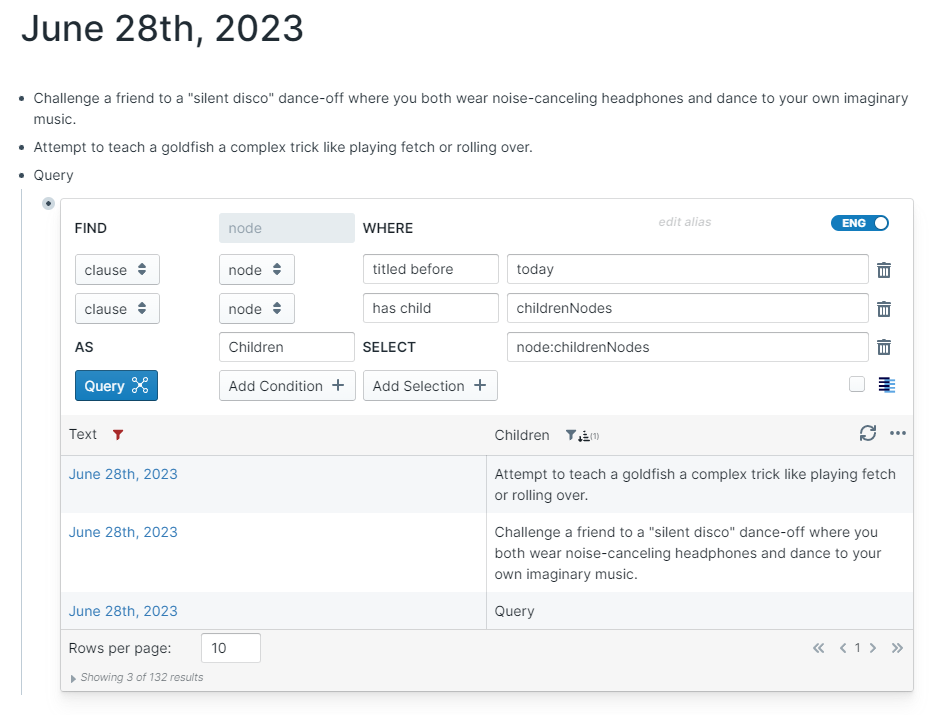
titled before - The source page is a DNP that is before the naturally specified target
with text - The source block or page has the exact text target somewhere in its block text or page title
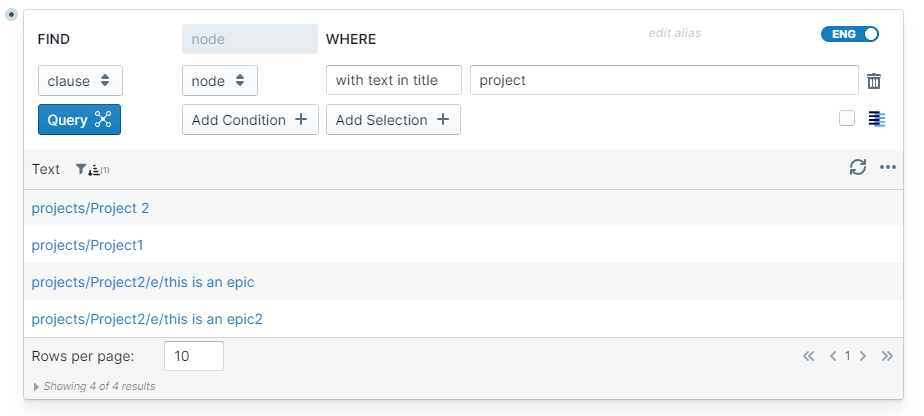
with title in text - The source page has the exact text target somewhere in its page title.
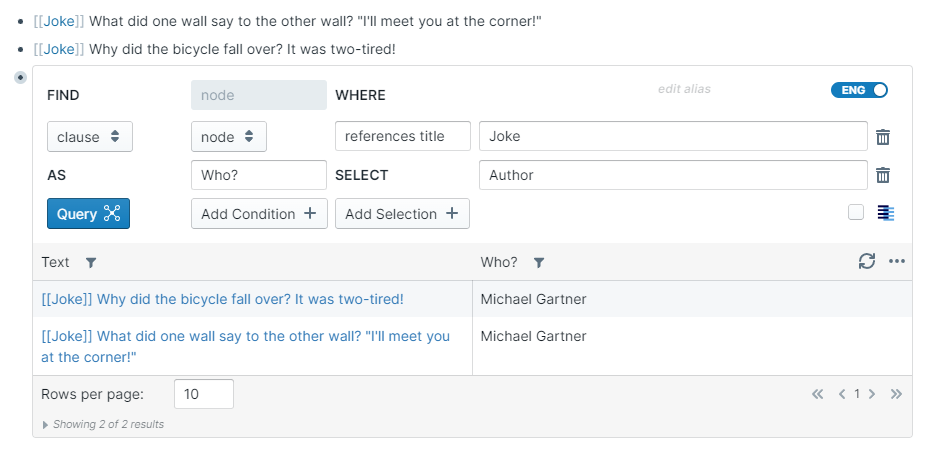
Author - The user who created the block or page
Created By also works.
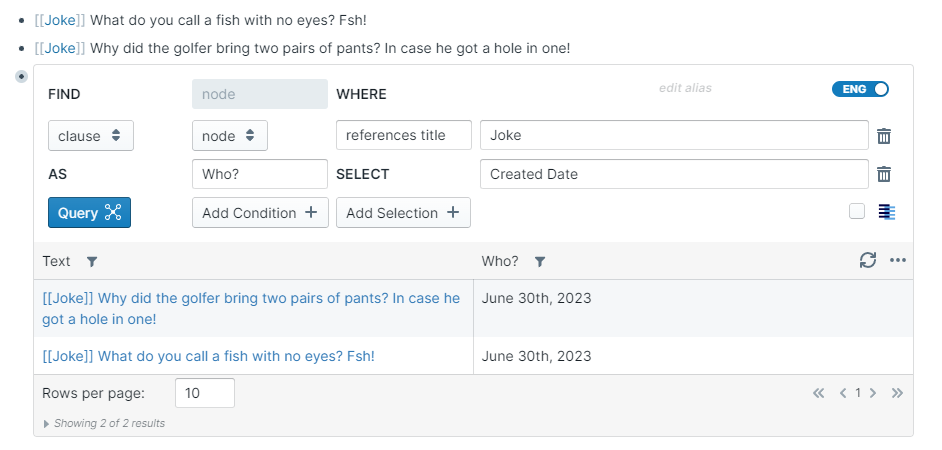
Created Date - The date the block or page was created
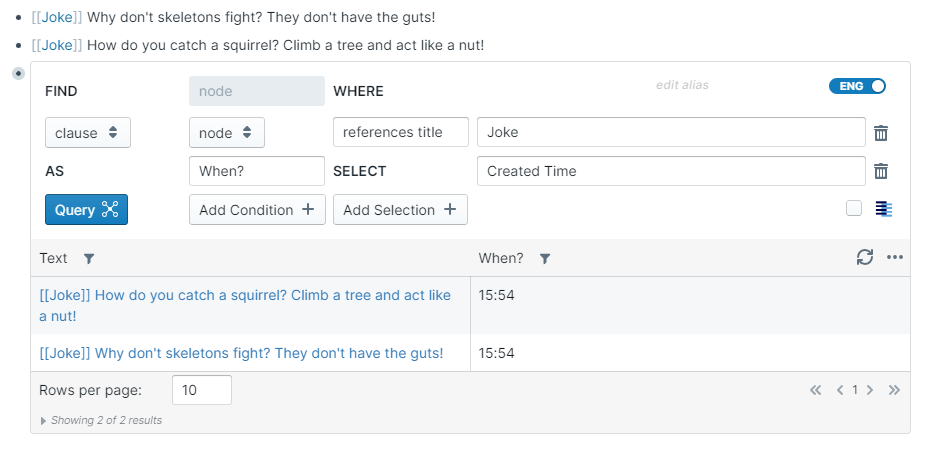
Created Time - The time the block or page was created in hh:mm format
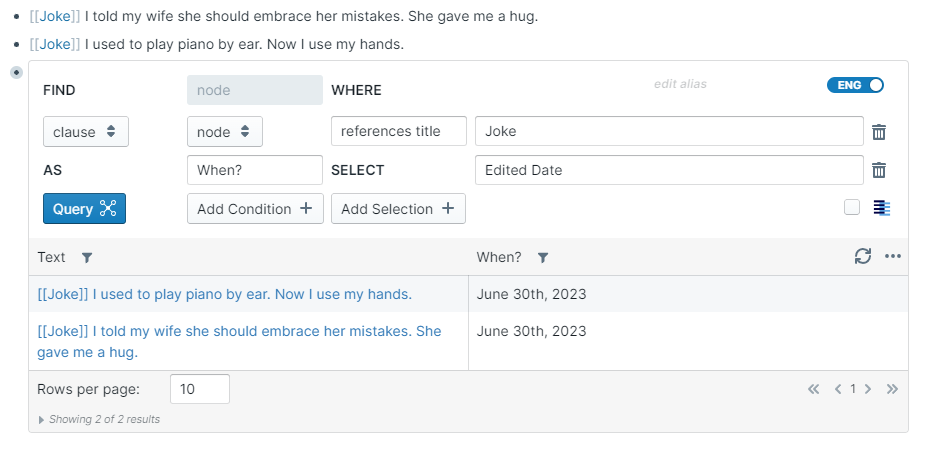
Edited Date - The date the block or page was edited
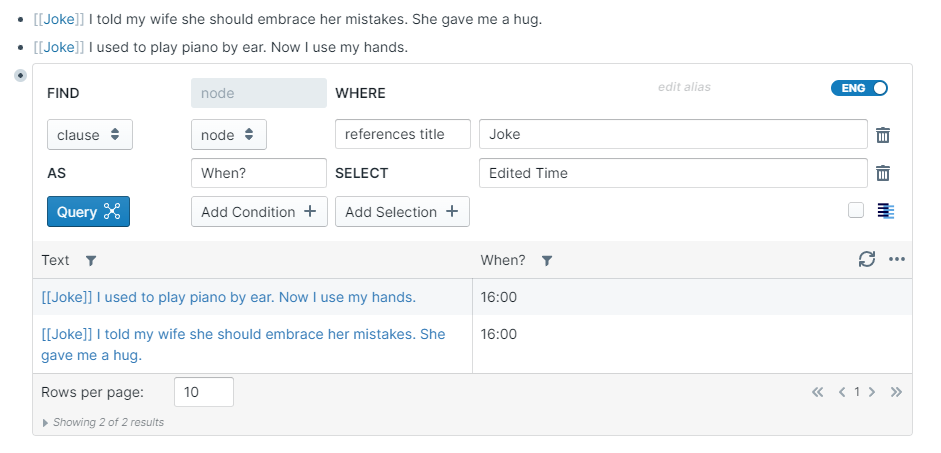
Edited Time - The time the block or page was edited in hh:mm format
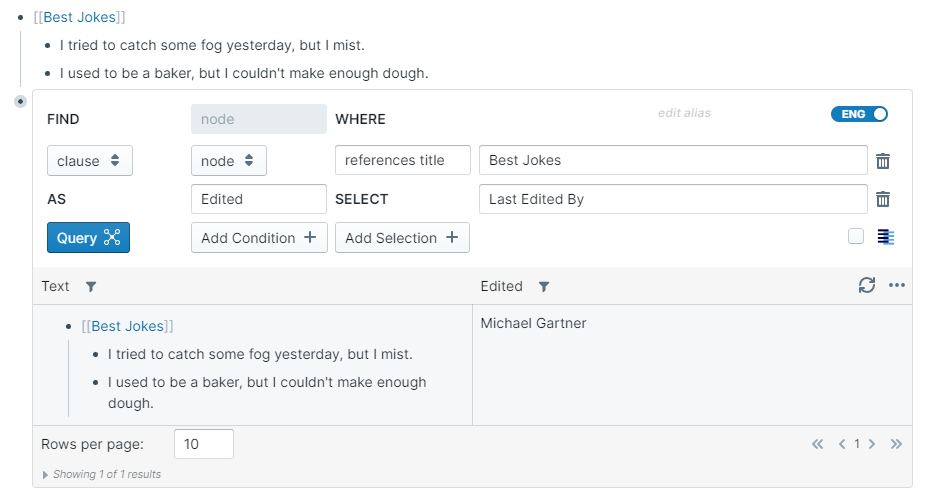
Last Edited By - The user who created the block or page
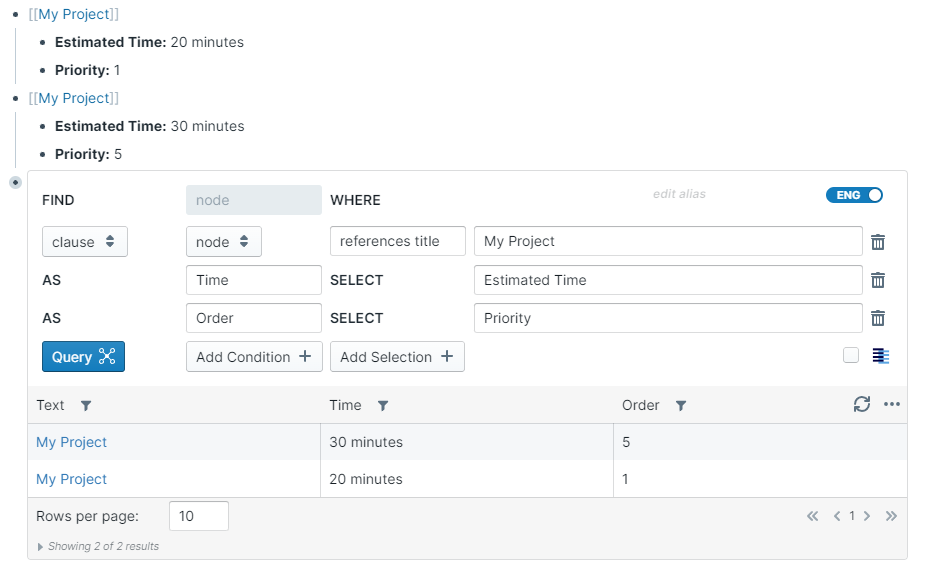
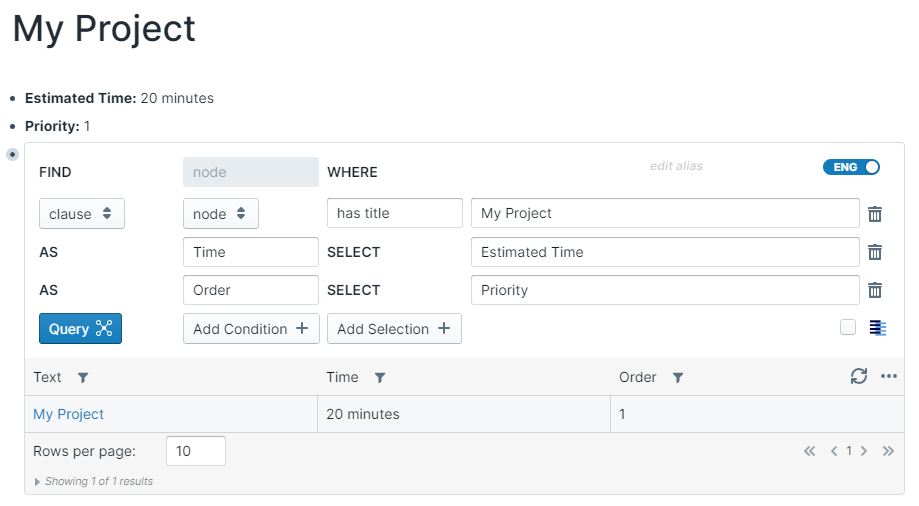
{attribute} - Returns the value of an {attribute} associated with the queried
node:{node} - Returns any intermediary node you defined in one of the conditions.
node:Jokewill return the title of aJokereferenced in a condition.node:placeholderwill return the title of aplaceholderreferenced in a condition.
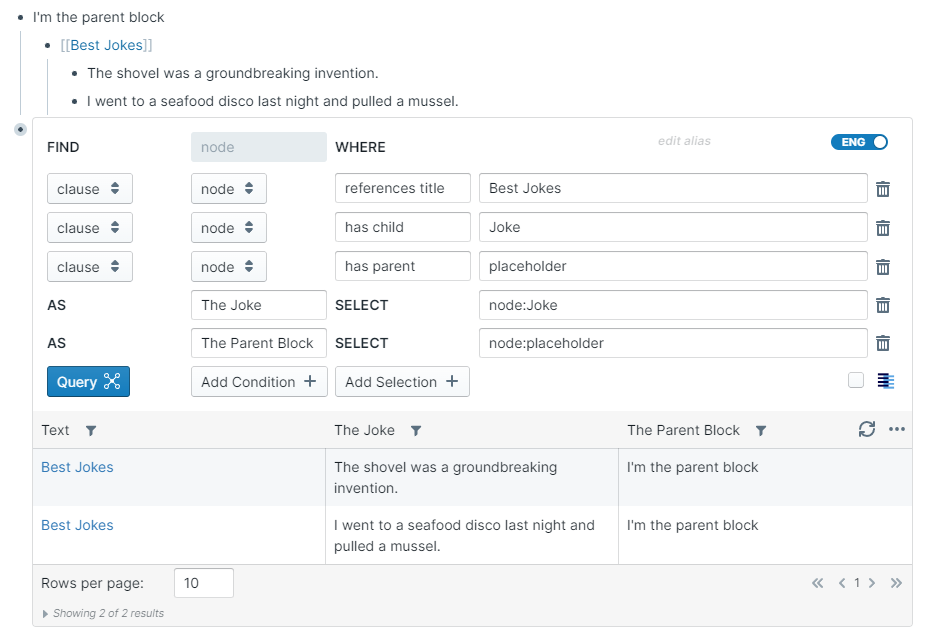
node:{node}:{data} - Specify one of the first six options as the field to return the related metadata for the intermediary node.
Metadata
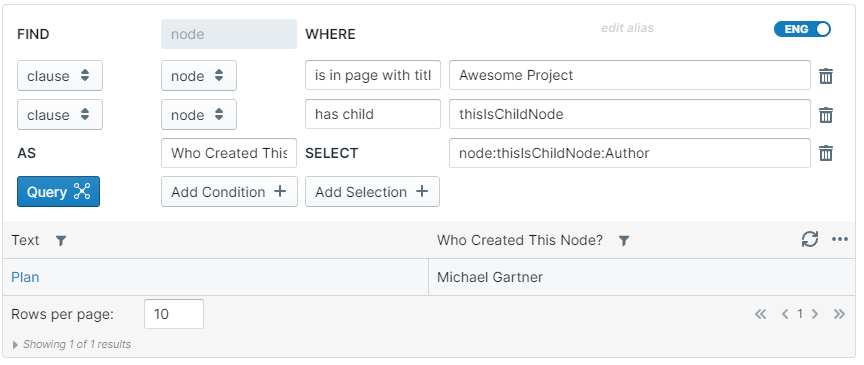
node:thisIsChildNode:Author will return the user who created the thisIsChildNode node defined in a condition.
Attribute
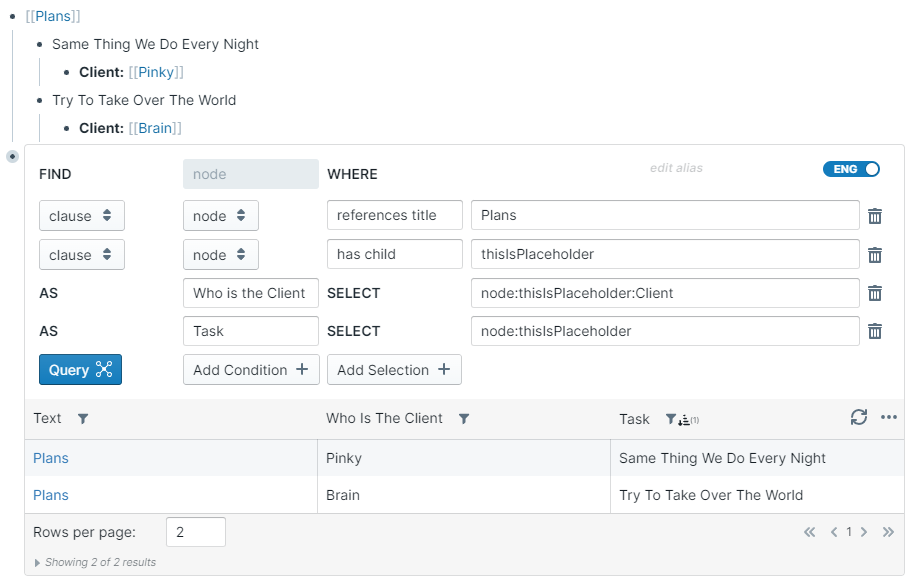
node:thisIsPlaceholder:Client will return the value of the Client attribute from the thisIsPlaceholder node defined in a condition.
node:{node}:/regular_expression/ - returns match according to a regular expression between /'s.
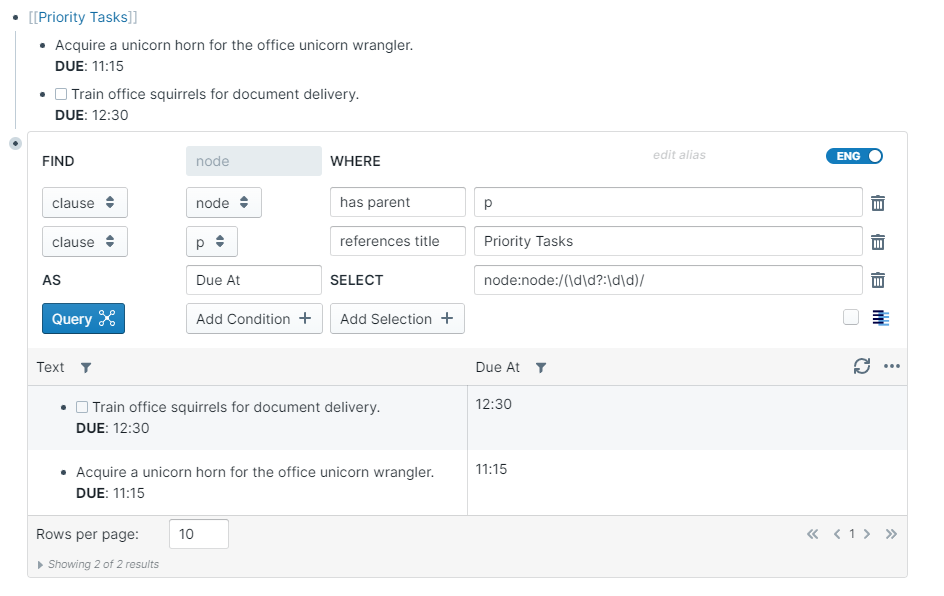
node:node:/(\d\d?:\d\d)/ will return time in the format of "hours:minutes" from the main node being queried
node:placeholder:/#([^\s]*)/ will return the text after the first hashtag from the placeholder node defined in a condition.
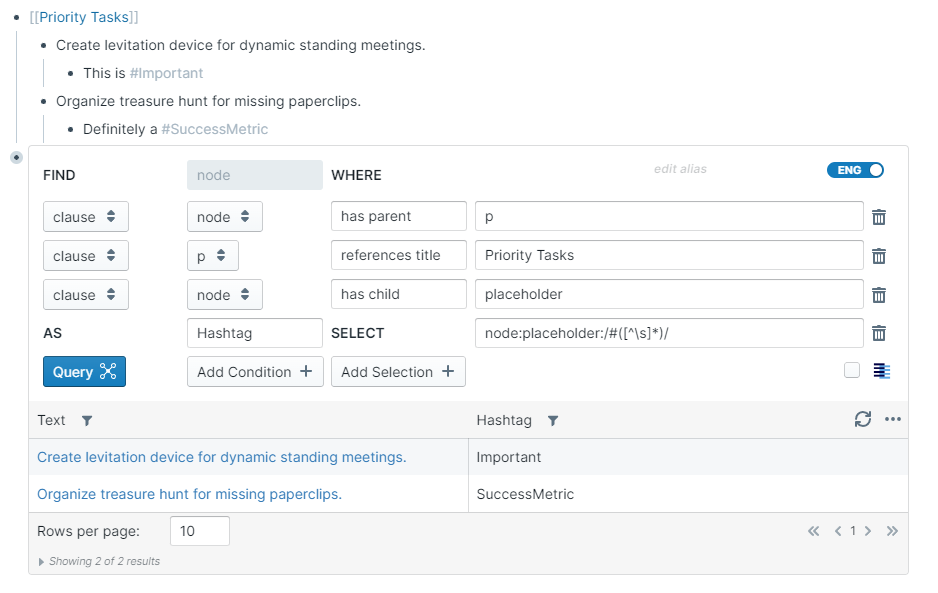
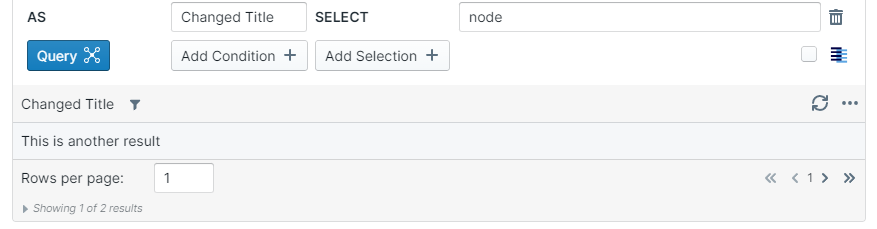
node - Use the label to edit the column header of the first column
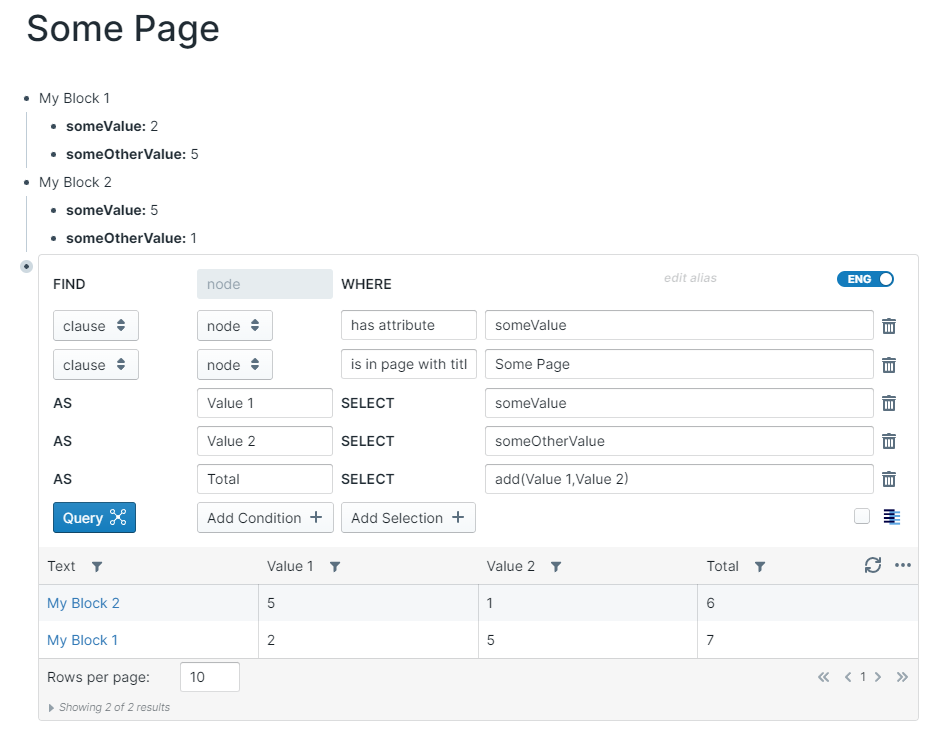
add({alias1},{alias2}) - Add the values of two columns.
subtract({alias1},{alias2}) - Subtract the values betweenn two columns.
Supports adding values to dates.
If one of the aliases is today, then today's date will be used.

The following layouts are available for displaying your data:
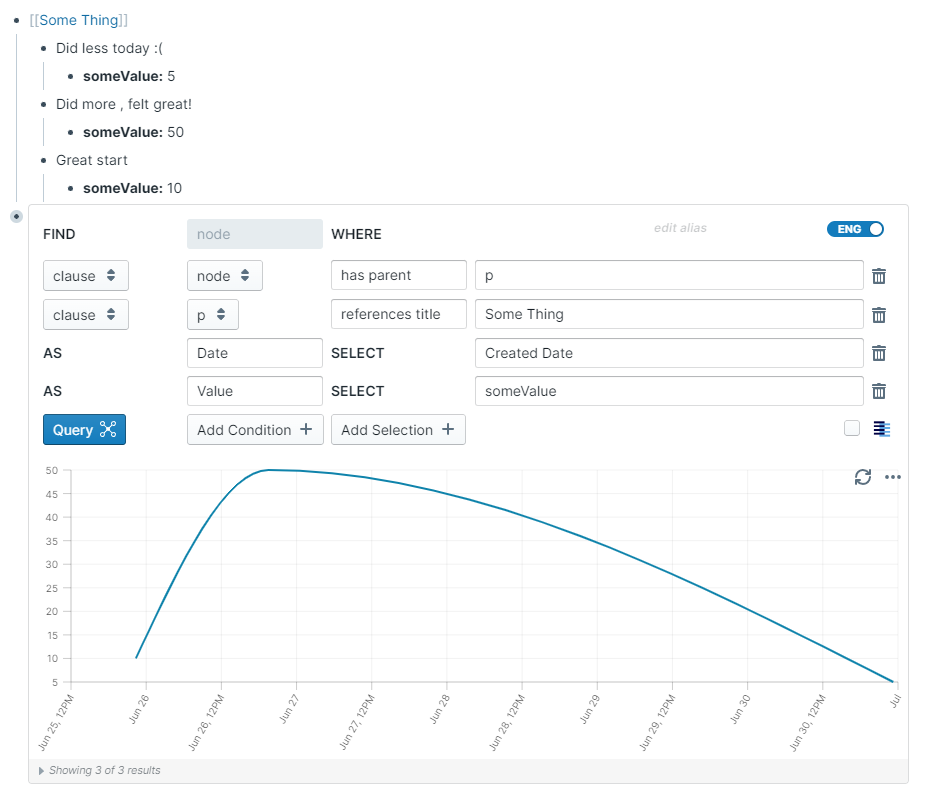
Displays your data as a line chart.
You need to have at least two selections for this layout to work
- The first is a selection that returns date values
- all subsequent selections return numeric values.
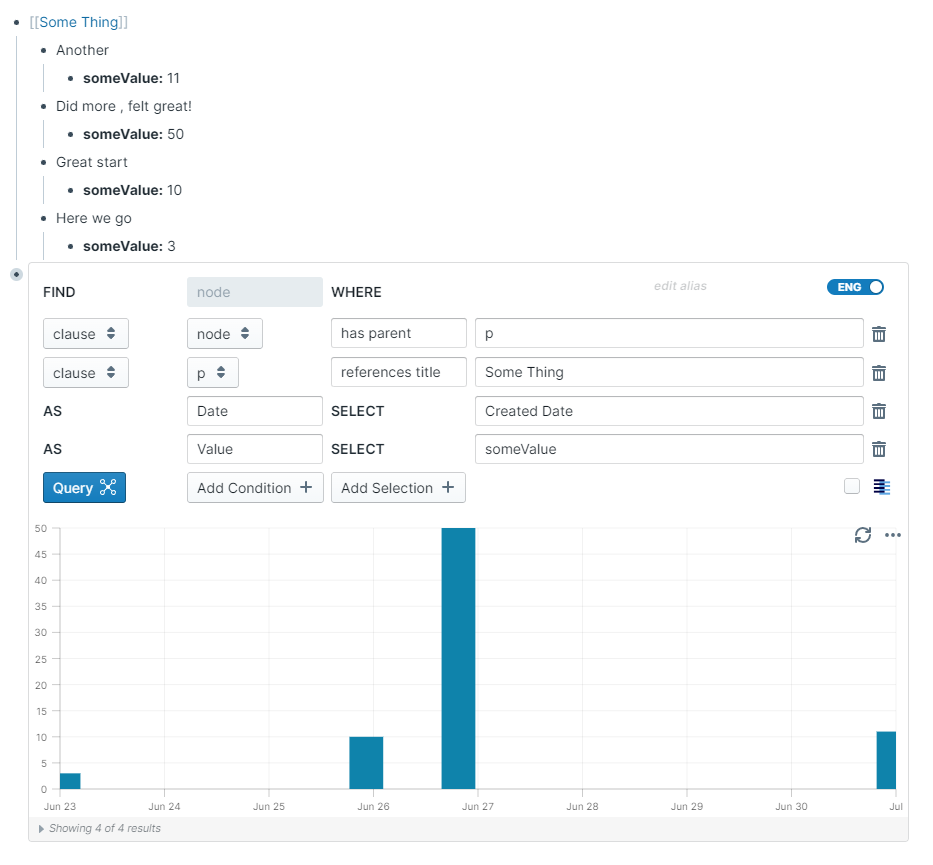
Displays your data as a bar chart.
You need to have at least two selections for this layout to work
- The first is a selection that returns date values
- all subsequent selections return numeric values.
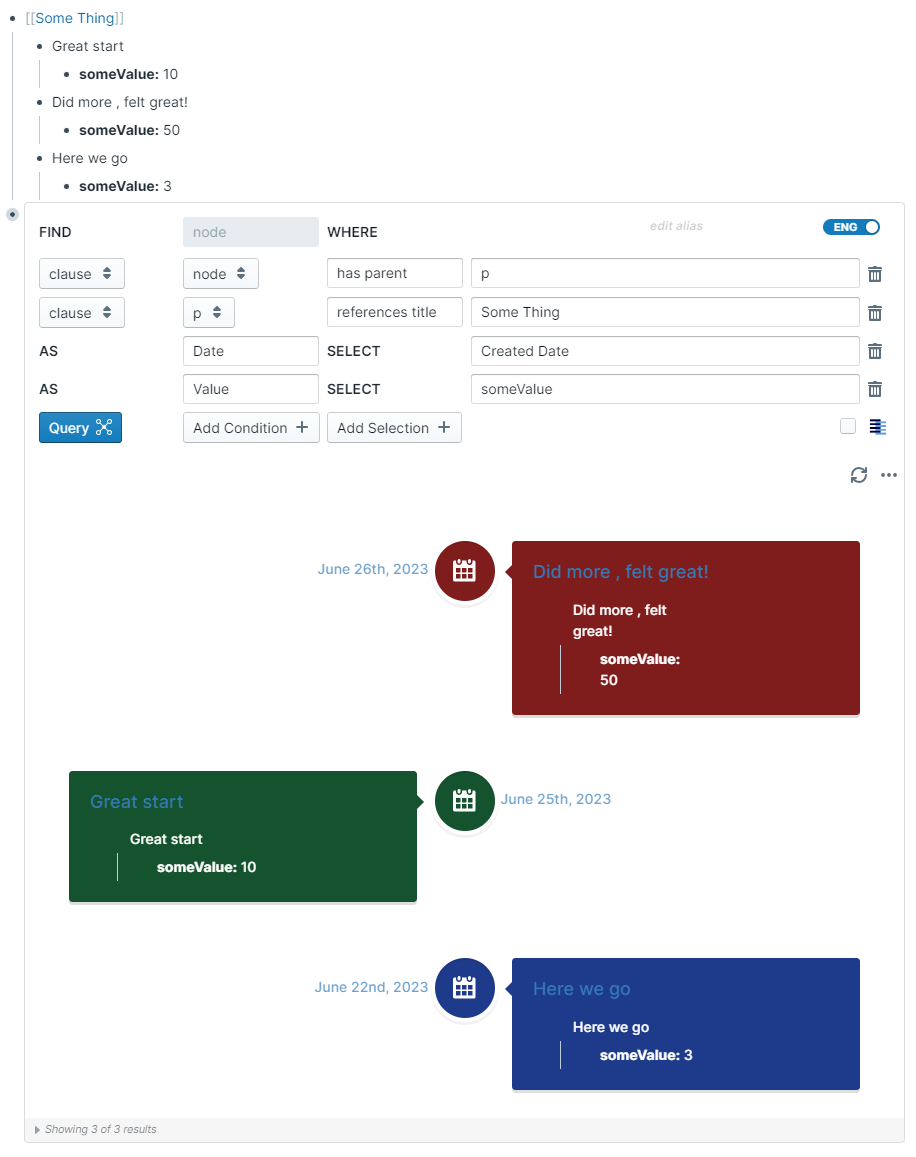
Displays your data as an interactive timeline view.
- You need to have a selection chosen labelled Date that returns date values for this layout to work.
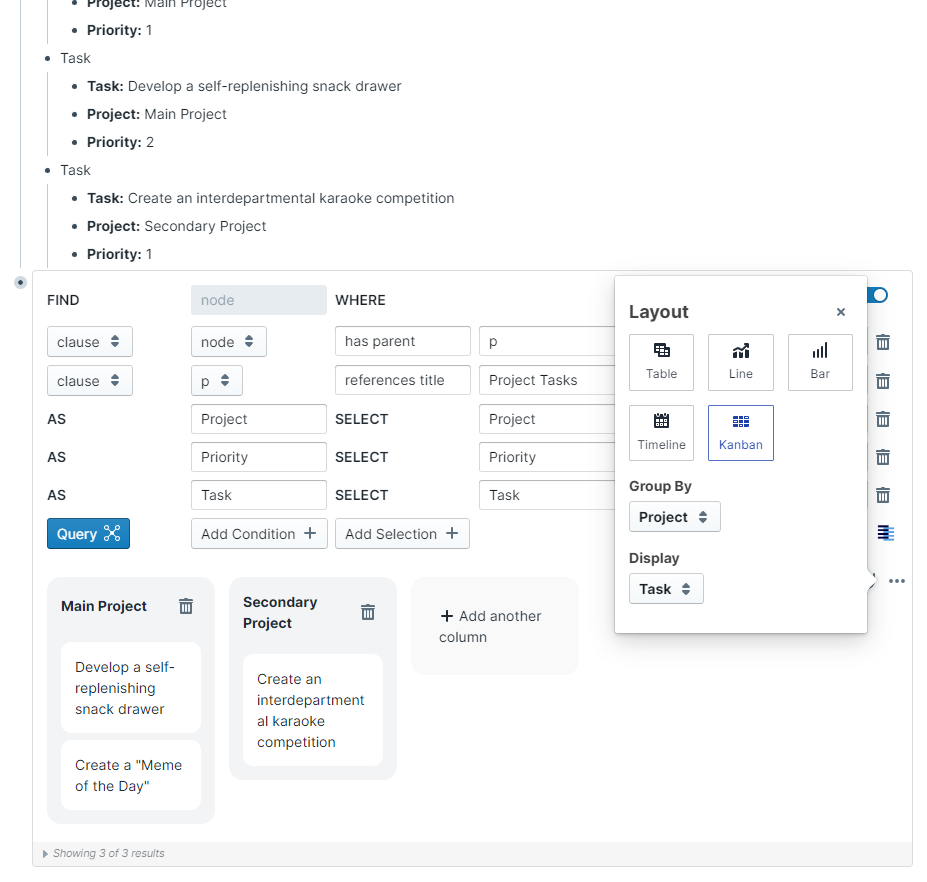
Displays your data as a Kanban board.