A small Windows utility that improves CPU scheduling for The Settlers 7 by changing the game's process affinity and priority after launch.
The Settlers 7 can perform poorly on some CPUs with simultaneous multithreading (SMT / Hyper-Threading). This tool works around that behavior by keeping one logical processor per physical CPU core and setting the game process priority to High. Depending on your hardware and the in-game situation, this can improve performance without changing graphics settings.
The recommended and maintained version is the PowerShell script in this repository:
.\settlers7-cpu-optimizer.ps1This version is readable and does not require Python, a virtual environment, PyInstaller, or a packaged executable.
Windows may mark a PowerShell script downloaded from the internet as coming from an external source. If PowerShell blocks the script, review it first and then remove that mark:
Unblock-File .\settlers7-cpu-optimizer.ps1Then run it normally:
.\settlers7-cpu-optimizer.ps1Changing the machine-wide PowerShell execution policy is not required for this project.
The old v1.x prebuilt .exe versions in GitHub Releases are legacy builds from 2021. They are preserved for historical/reference purposes and are no longer the maintained version of the optimizer.
Some antivirus tools may flag the old .exe as suspicious. This is likely a false positive caused by the way the old Python application was packaged into a standalone executable, but you should still make your own decision before running any executable downloaded from the internet.
For normal use, use the PowerShell script instead of the legacy .exe.
When started, the optimizer:
- Reads the physical-core topology reported by Windows.
- Identifies which logical processors belong to each physical core.
- Builds an affinity mask that keeps one logical processor from every physical core.
- Reuses an already-running
Settlers7R.exeprocess, or tries to launch the game through Ubisoft Connect. - Waits for
Settlers7R.exeif the launcher cannot start it automatically. - Sets the game process priority to High.
- Applies the topology-derived CPU affinity mask.
The script only targets the running The Settlers 7 process.
The optimizer no longer uses hard-coded masks or assumes that SMT siblings have adjacent logical-processor numbers. It uses the Windows GetLogicalProcessorInformationEx(RelationProcessorCore) API to discover the actual relationship between physical cores and logical processors.
This also makes mixed/hybrid layouts safer: a single-threaded core remains available, while an SMT-enabled core contributes one of its logical processors to the target mask.
The current implementation intentionally supports one Windows processor group only. A processor group can contain up to 64 logical processors on 64-bit Windows.
If Windows reports more than one processor group, the script exits instead of applying a partial or misleading affinity mask. Correctly optimizing a process across multiple processor groups requires group-aware thread-affinity handling rather than the single process-affinity mask used by this utility.
Use 64-bit PowerShell on modern systems. A 32-bit PowerShell process cannot represent affinity masks above 32 logical processors.
- Windows
- Windows PowerShell 5.1 or PowerShell 7
- The Settlers 7 installed through Ubisoft Connect or already running manually
- A CPU topology contained within one Windows processor group
Open PowerShell in the repository folder and run:
.\settlers7-cpu-optimizer.ps1If The Settlers 7 is already running, the script uses the existing process and does not try to launch another instance.
Otherwise, the script tries to launch the game through Ubisoft Connect. If the uplay:// URI cannot be opened on your system, the script continues running and waits for you to launch the game manually.
You need to run the optimizer each time you launch the game, because Windows process affinity and priority are reset when the game closes.
CI validates the project on Windows by:
- parsing the script with Windows PowerShell 5.1;
- parsing it with PowerShell 7;
- exercising the Windows processor-topology API in both runtimes;
- running the Pester unit-test suite;
- running PSScriptAnalyzer.
The CI tool versions are pinned for reproducible builds.
Normal releases are created through the repository's Release GitHub Actions workflow. It validates the script and test suite before publishing the PowerShell script as the release asset.
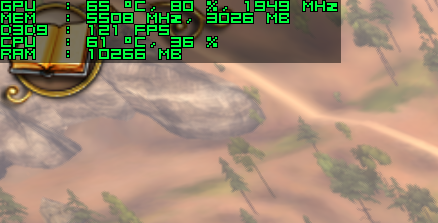
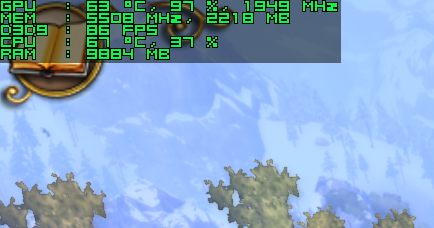
Historically reported improvement: 7-30 FPS, depending on CPU, GPU, game state, and scene complexity.
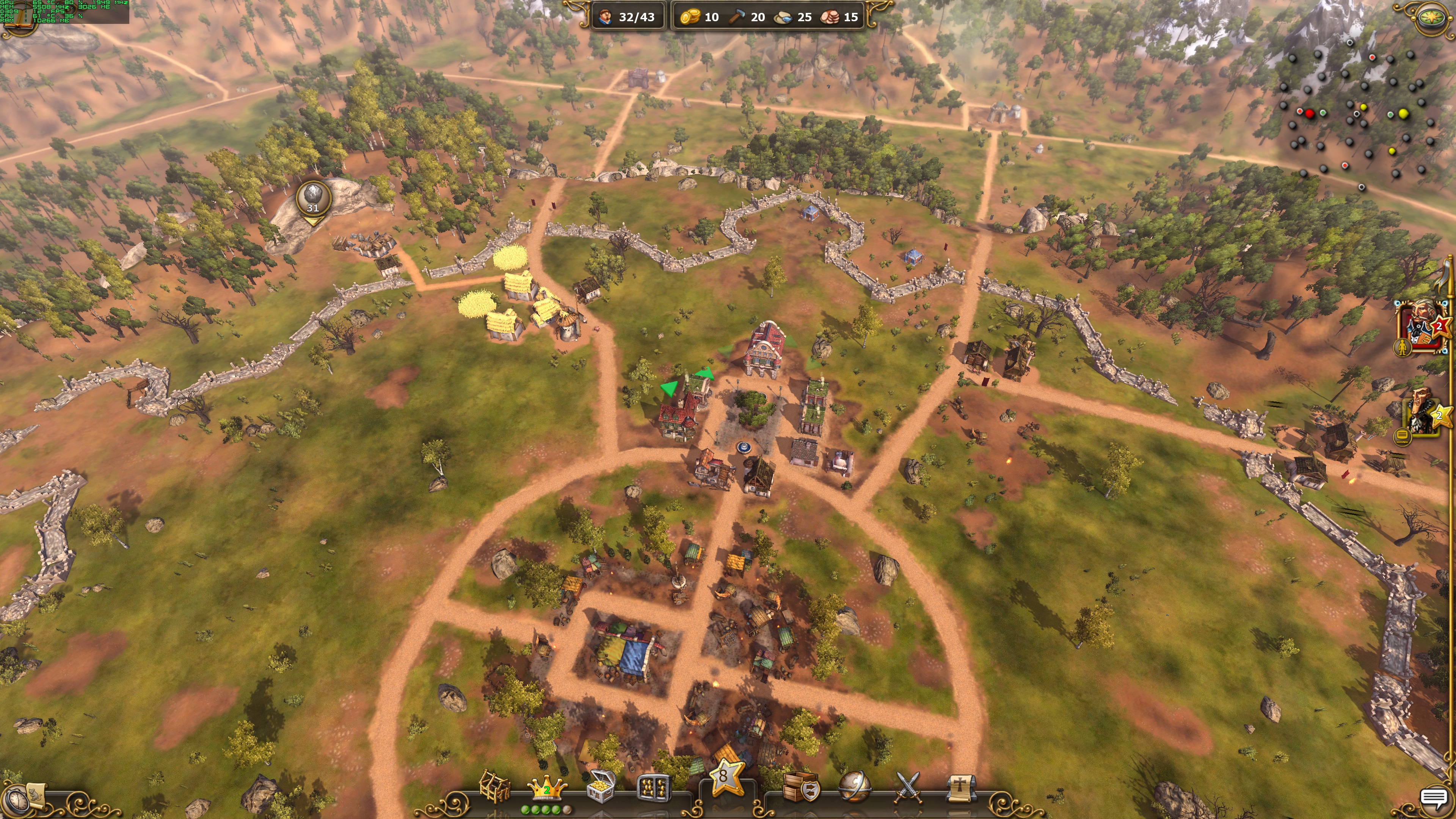
The screenshots below were captured at 4K with maximum settings on an Intel i7-7700K and GTX 1080 Ti.
Before

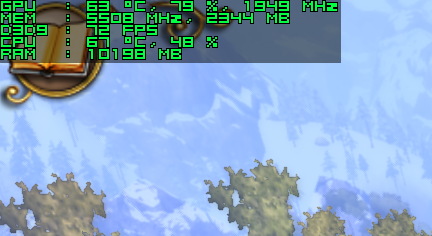
After

Before
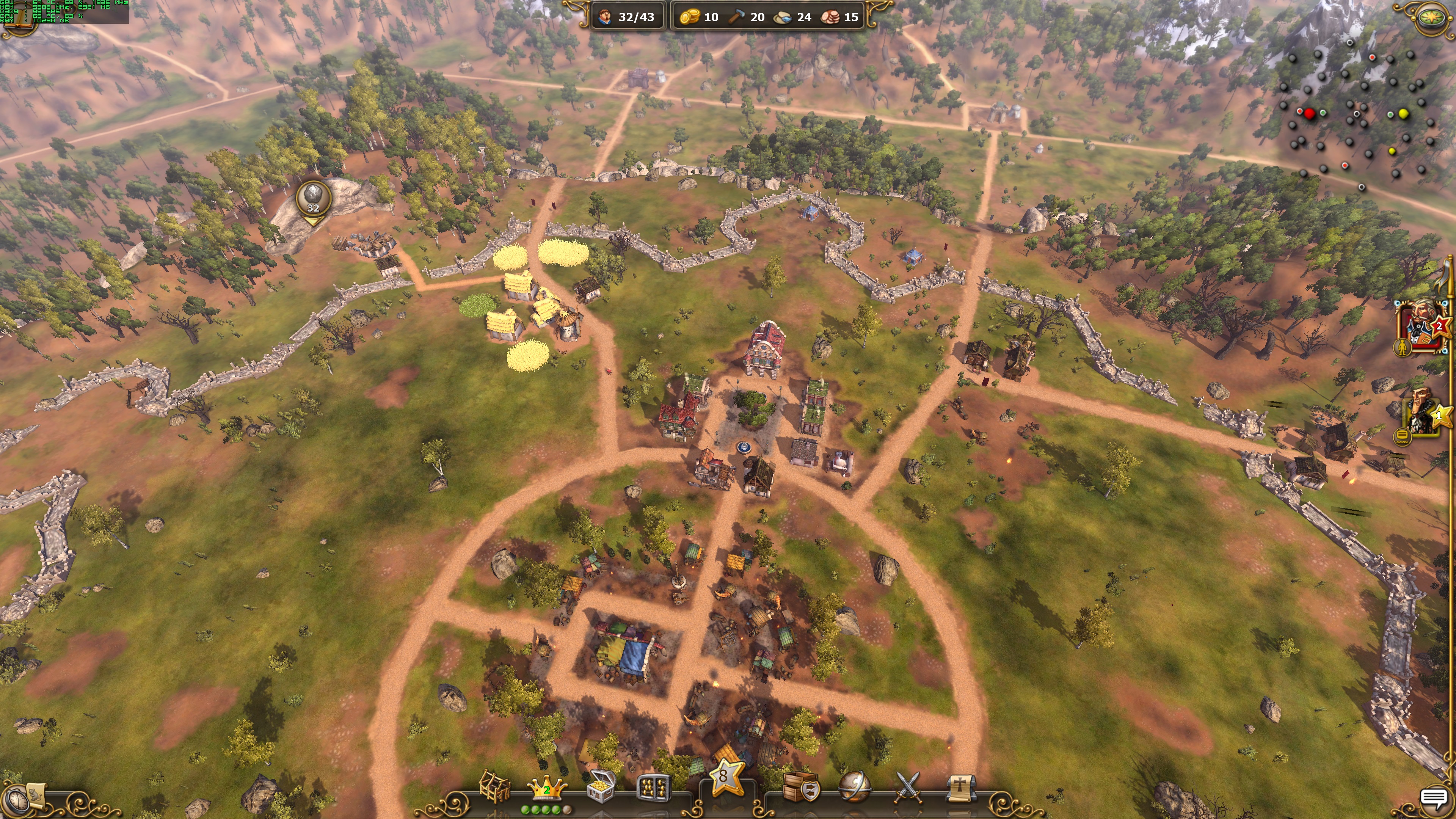
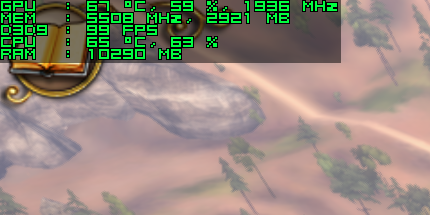
After