Cheat Sheet
Import EFQRCode module where you want to use it:
import EFQRCodeA String Array is returned as there might be several QR Codes in a single CGImage:
if let testImage = UIImage(named: "test.png")?.cgImage {
    let codes = EFQRCode.recognize(testImage)
    if !codes.isEmpty {
        print("There are \(codes.count) codes")
        for (index, code) in codes.enumerated() {
            print("The content of QR Code \(index) is \(code).")
        }
    } else {
        print("There is no QR Codes in testImage.")
    }
}Create QR Code image, basic usage:
| Parameter | Description |
|---|---|
content |
REQUIRED, content of QR Code |
size |
Width and height of image |
backgroundColor |
Background color of QRCode |
foregroundColor |
Foreground color of QRCode |
watermark |
Background image of QRCode |
if let image = EFQRCode.generate(
    for: "https://github.com/EFPrefix/EFQRCode",
    watermark: UIImage(named: "WWF")?.cgImage
) {
    print("Create QRCode image success \(image)")
} else {
    print("Create QRCode image failed!")
}
Result:

Use EFQRCode.generateGIF to create GIF QRCode.
| Parameter | Description |
|---|---|
generator |
REQUIRED, an EFQRCodeGenerator instance with other settings |
data |
REQUIRED, encoded input GIF |
delay |
Output QRCode GIF delay, emitted means no change |
loopCount |
Times looped in GIF, emitted means no change |
if let qrCodeData = EFQRCode.generateGIF(
    using: generator, withWatermarkGIF: data
) {
    print("Create QRCode image success.")
} else {
    print("Create QRCode image failed!")
}
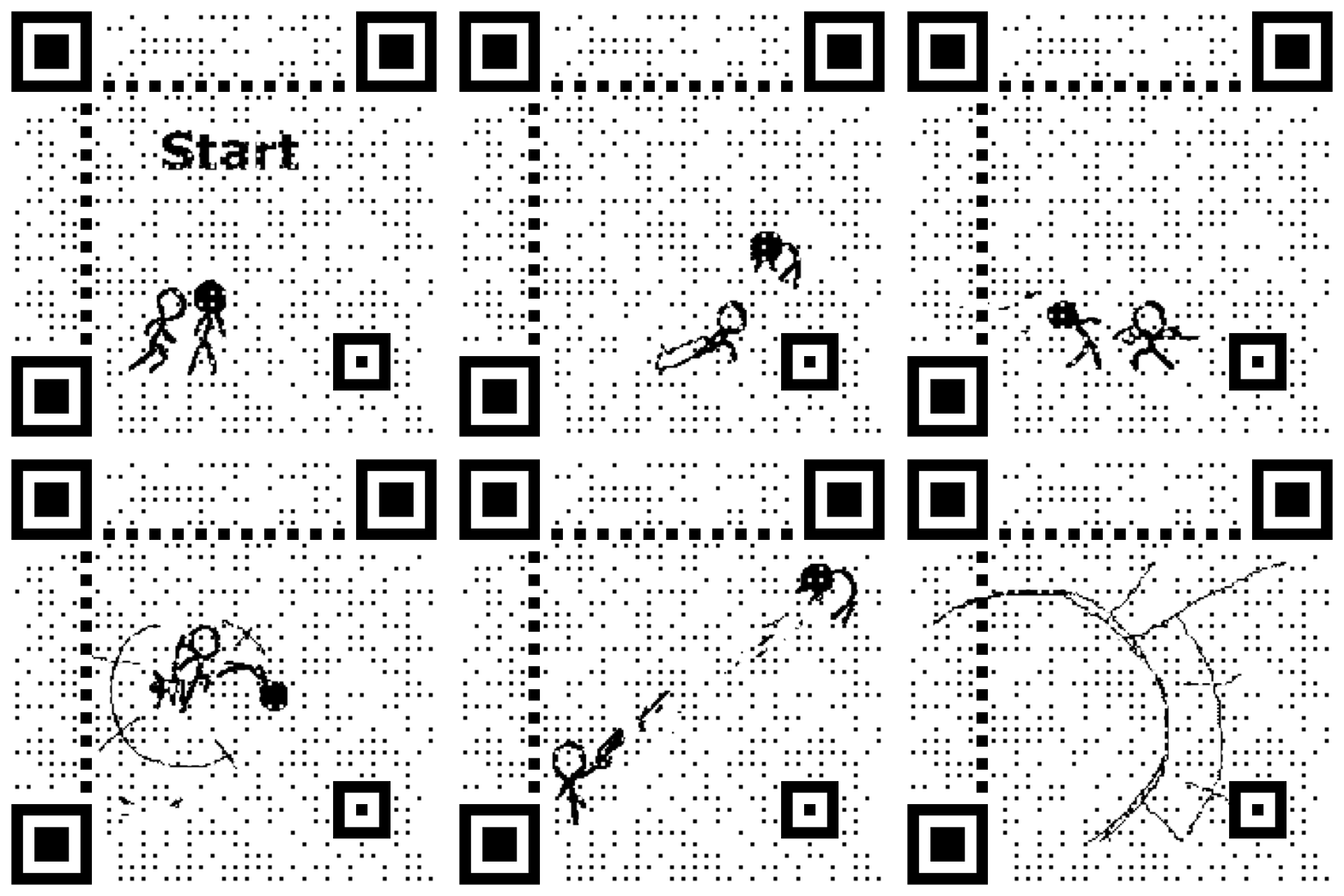
You can get more information from the demo, result will like this:
Learn more about advanced customizations from the User Guide.