Adding Simplified Chinese Localization #3014
Conversation


This comment has been minimized.
This comment has been minimized.
 HebaruSan
added
Enhancement
HebaruSan
added
Enhancement

This comment has been minimized.
This comment has been minimized.

|
Pasting from Discord: |

|
Mine looks the same except the "X files" string is translated, I think thanks to the addition of
|
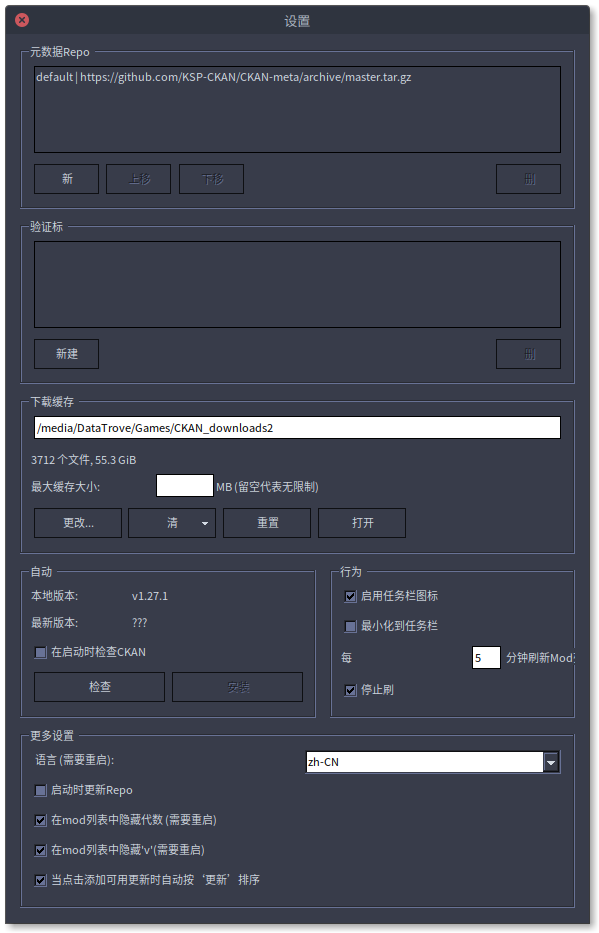
Test build for volunteer proofreadersSwitching to Chinese
TestingTry to view every screen and read every piece of text. For example, a non-exhaustive list:
FeedbackPlease post a reply here with anything that doesn't look right or could be improved. Or even if you have questions or want to discuss. Many strings will still be in English! In most cases this is because CKAN is divided into "Core" and "GUI" parts, and only the GUI is translated, while Core is English-only. In a few cases it might be because a GUI string was missed. Unfortunately there's no easy way to tell which is which, but if you ask, we can figure it out. Remember that not everyone here can read Chinese (e.g., I can't), so comments about recommended changes should be specific enough that we can figure out what you're talking about. For example, a screenshot will be most useful if you draw a red circle around a problem. |
This comment has been minimized.
This comment has been minimized.
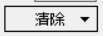
Hmm, not quite:
I wonder if those are caused by missing glyphs, bad wrapping, something else? |







This comment has been minimized.
This comment has been minimized.
This comment has been minimized.
This comment has been minimized.
|
And as for Chinese forum, yes we have some forum like tieba, bilibili, etc. I would like to post the test in our discord-like group first. |
This comment has been minimized.
This comment has been minimized.
|
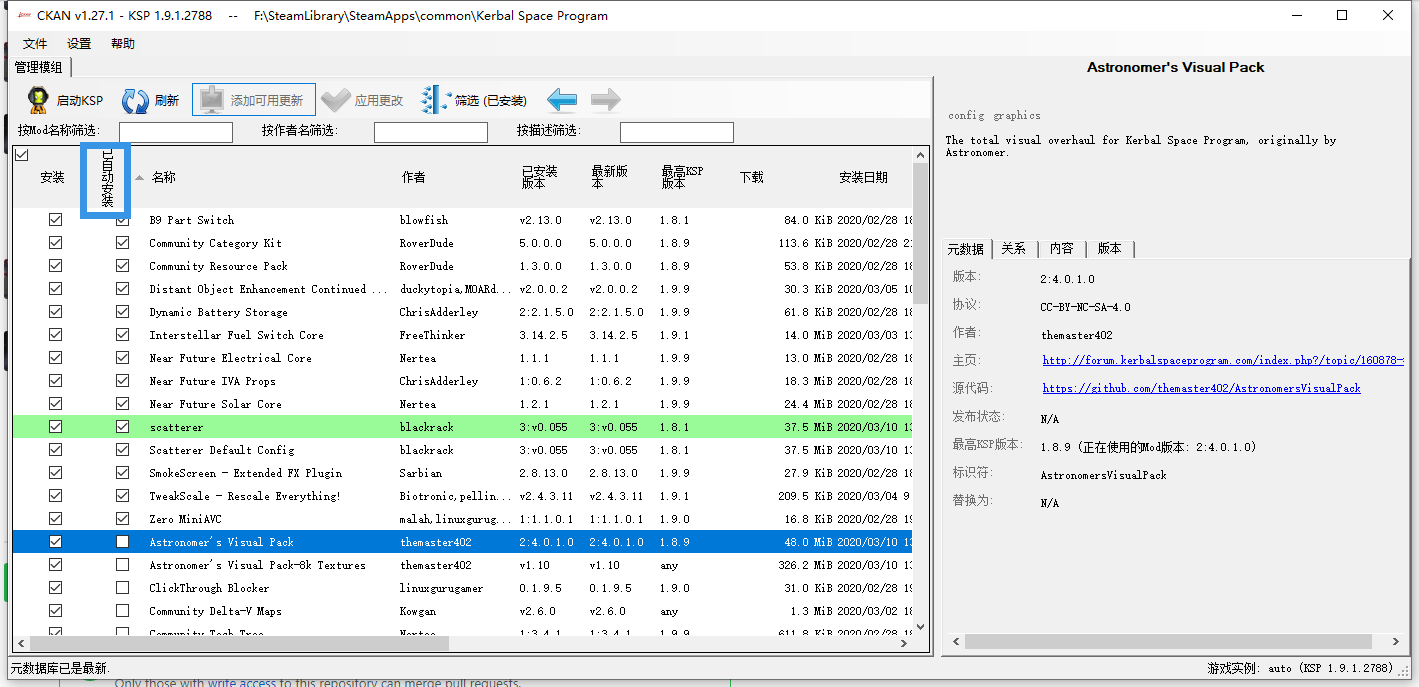
Alright, I've posted Localization test in our group. |

|
|
|
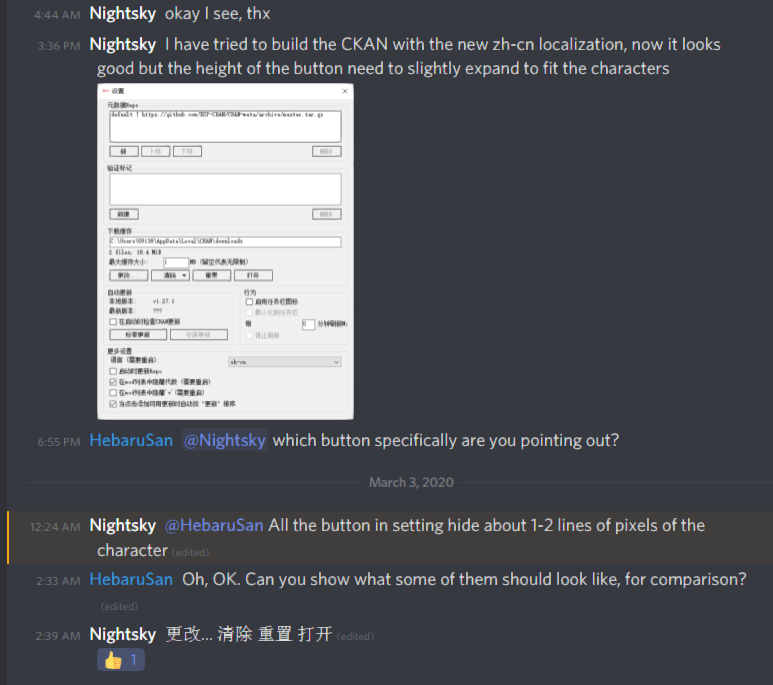
Pasting discussion from Discord for convenience:
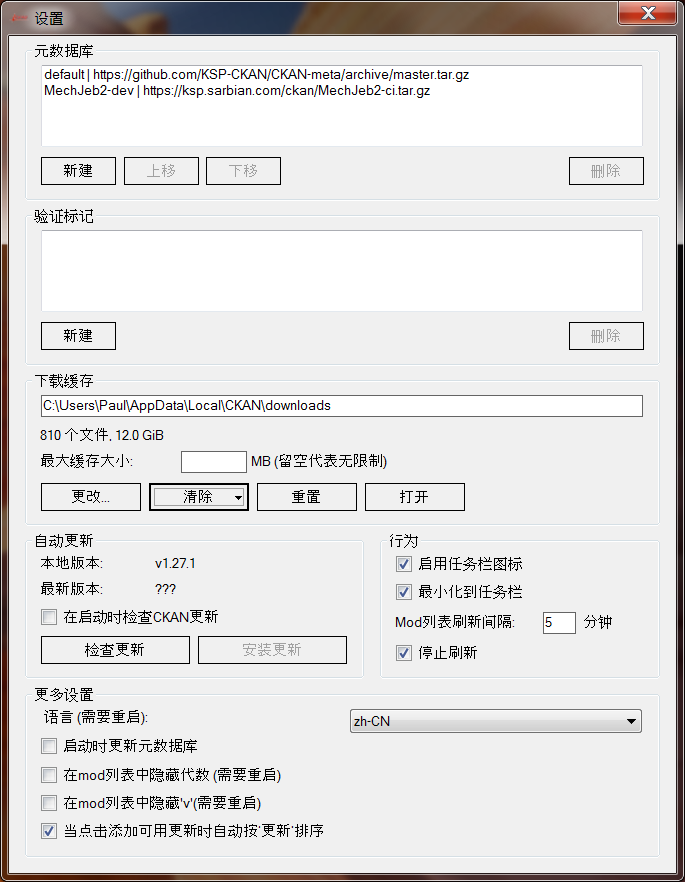
As noted, the characters do not all fit into their allotted space, which we'll need to fix before merging. I can't tell the difference without a reference because I am not familiar with the characters, but it is easy enough to adjust the sizes as needed. |
|
Checklist while comparing the app to the resx files...
Found a few untranslated strings:
Label on the Edit Labels window overlaps the dropdown:
And a few dialogs with bad sizes (pre-existing issue):
|
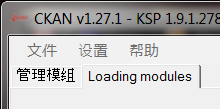
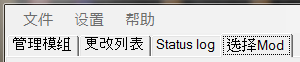
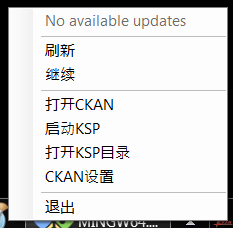
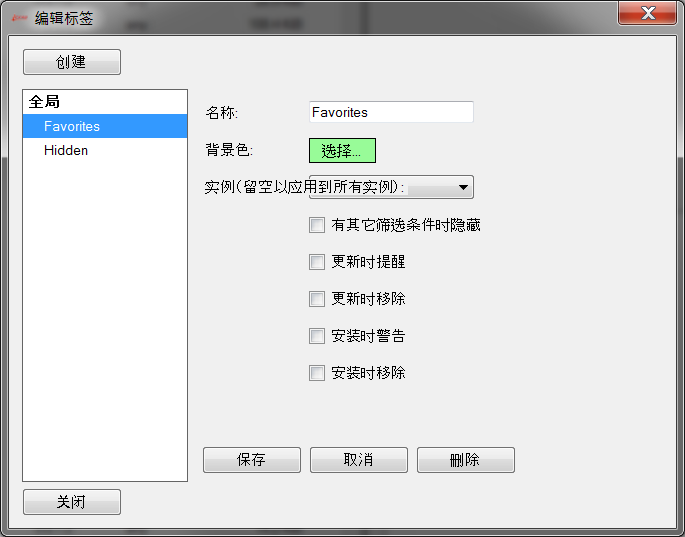
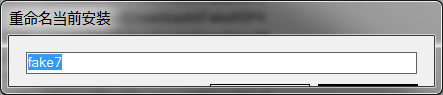

|
The untranslated strings do have translations in the .zh-CN.resx files. I think "No available updates" is a case of trying to update a GUI property from a background thread, easily fixed. The progress tab page titles are a mystery, though. ... maybe |
|
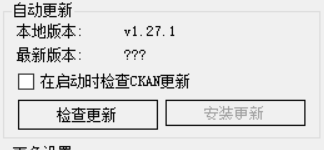
Pushed a commit with fixes for the problems in my previous comments. Since I'm not able to reproduce the issue with 1-2 pixels missing on some characters, I won't be able to work on addressing that. @050644zf, can you try editing the sizes yourself? They should all be in the .Designer.cs files, like this: CKAN/GUI/Dialogs/SettingsDialog.Designer.cs Line 397 in d0b3f83 It should be fine to make them slightly larger for all languages. |
|
@HebaruSan Now I edited the size to (112,25), comparing to the unmodified button, it does show the hidden pixel. |
|
Cool, if that size works then we can make all the buttons that big. Are there still any problems with the Settings dialog that you can see? |
I think there is no problem now. |
|
Excellent! I think this looks great now, will merge shortly... |
 DasSkelett
added
the
i18n
DasSkelett
added
the
i18n
4 participants


No description provided.