Home
Pre-built binaries for Windows are available as releases and nightly bulds and are for users who would like to try out the software.
Simply download, unzip and run the .exe in the bin folder, no compilation necessary.
If you want to build from source, please follow the instructions to build LichtFeld Studio from source.
- OS: Linux (Ubuntu 22.04+, but see note below*) or Windows
- CMake: 3.30 or higher
- Compiler: C++23 compatible (GCC 14+ or Clang 17+)
- Driver: Nvidia driver version 570 or higher (required)
- CUDA (toolkit): 12.8 or higher (required)
- vcpkg: For dependency management
* While technically supported, Ubuntu(-based) distros versions 24.04 and older do not natively offer a new enough CMake version or cuda-toolkit. You will have to manually set these up, which is not trivial and out of scope for LFS documentation. It's recommended you use a Linux distribution with more recent package versions if you aren't comfortable with working outside of your system's package manager.
- GPU: NVIDIA GPU with compute capability 7.5+
- VRAM: Minimum 8GB recommended
- Tested GPUs: RTX 4090, RTX A5000, RTX 3090Ti, A100, RTX 2060 SUPER
The preferred way to use LichtFeld Studio is to import your data (undistorted images + pointcloud + camera locations) in COLMAP format.
Have a look at these 2 introduction videos on how to get your images ready for use in LichtFeld Studio:
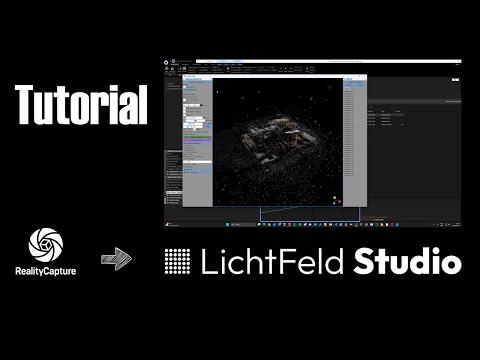
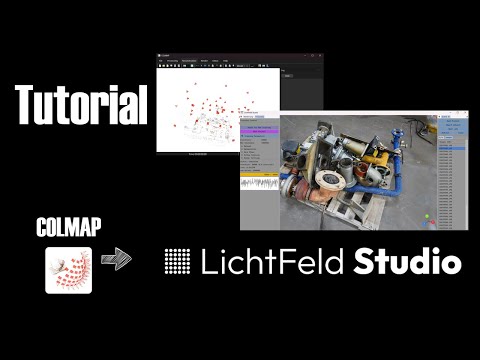
Example datasets can be found here
Once your dataset is ready, you can use LFS to train your images to create a Gaussian Splat, either using the GUI or the command line.
- GUI: start LightFeld Studio and use "Import dataset" to load your dataset
- Command line: Basic training:
./build/LichtFeld-Studio -d data/garden -o output/gardenTraining with evaluation and visualization:
./build/LichtFeld-Studio \
    -d data/garden \
    -o output/garden \
    --eval \
    --save-eval-images \
    --render-mode RGB_D \
    -i 30000
MCMC strategy with limited Gaussians:
./build/LichtFeld-Studio \
    -d data/garden \
    -o output/garden \
    --strategy mcmc \
    --max-cap 500000
More command line options: command line options