Shopothalamus, a full-stack application inspired by Amazon, is an e-commerce platform where users can buy and sell a wide range of unique products and items.

- Nur Unlu
Prerequisites
- NPM
- A version of Node.js >= 14 on your local machine
- Python 3.9
- PostgreSQL
- An AWS S3 bucket
Installation
-
Clone the repo
-
Install dependencies
pipenv install --dev -r dev-requirements.txt && pipenv install -r requirements.txt -
cd react-appand runnpm install -
Create a .env file based on the example with proper settings for your development environment
-
Setup a PostgreSQL database, user, and password and make sure they match your .env file.
-
Get into your pipenv, migrate your database, seed your database, and run your app
pipenv shell
flask db upgrade
flask seed all
flask run
-
Create your AWS user and bucket:
- Create a bucket: (https://s3.console.aws.amazon.com/s3/home?region=us-east-1)
- Navigate to ( https://console.aws.amazon.com/iam/home?#/users) to create a user with
Programmatic access. - Set up a security policy for your user: 'Attach existing policies directly' => 'Create Policy'
- Click the
JSONtab and set a policy.
-
Now update your .env with your
S3_BUCKET,S3_KEY,S3_SECRET -
Fire up your servers:
flask runin root andnpm startinreact-app
- JavaScript
- React
- Redux
- PostgreSQL
- Python
- AWS SDK
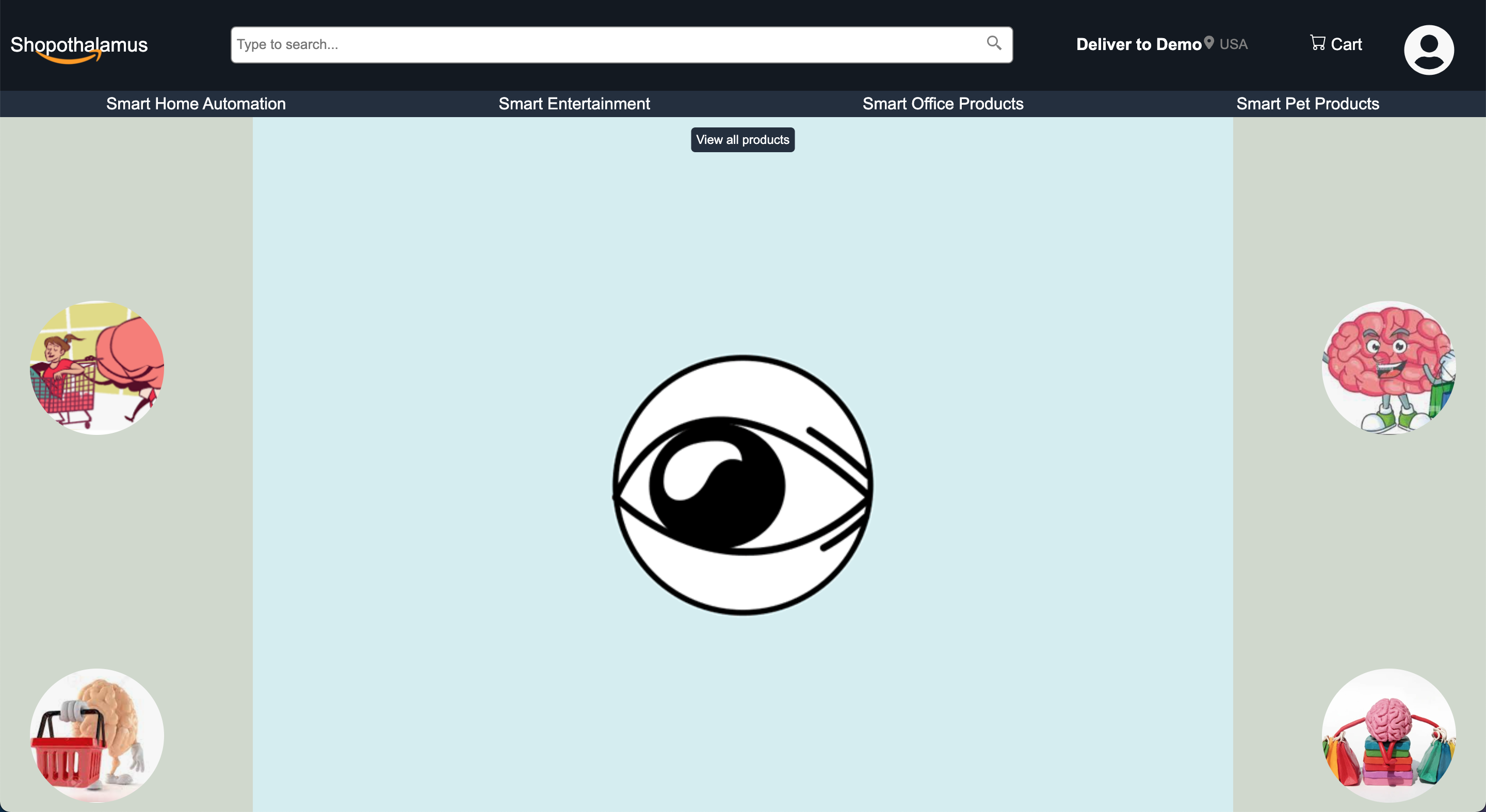
- Landing Page
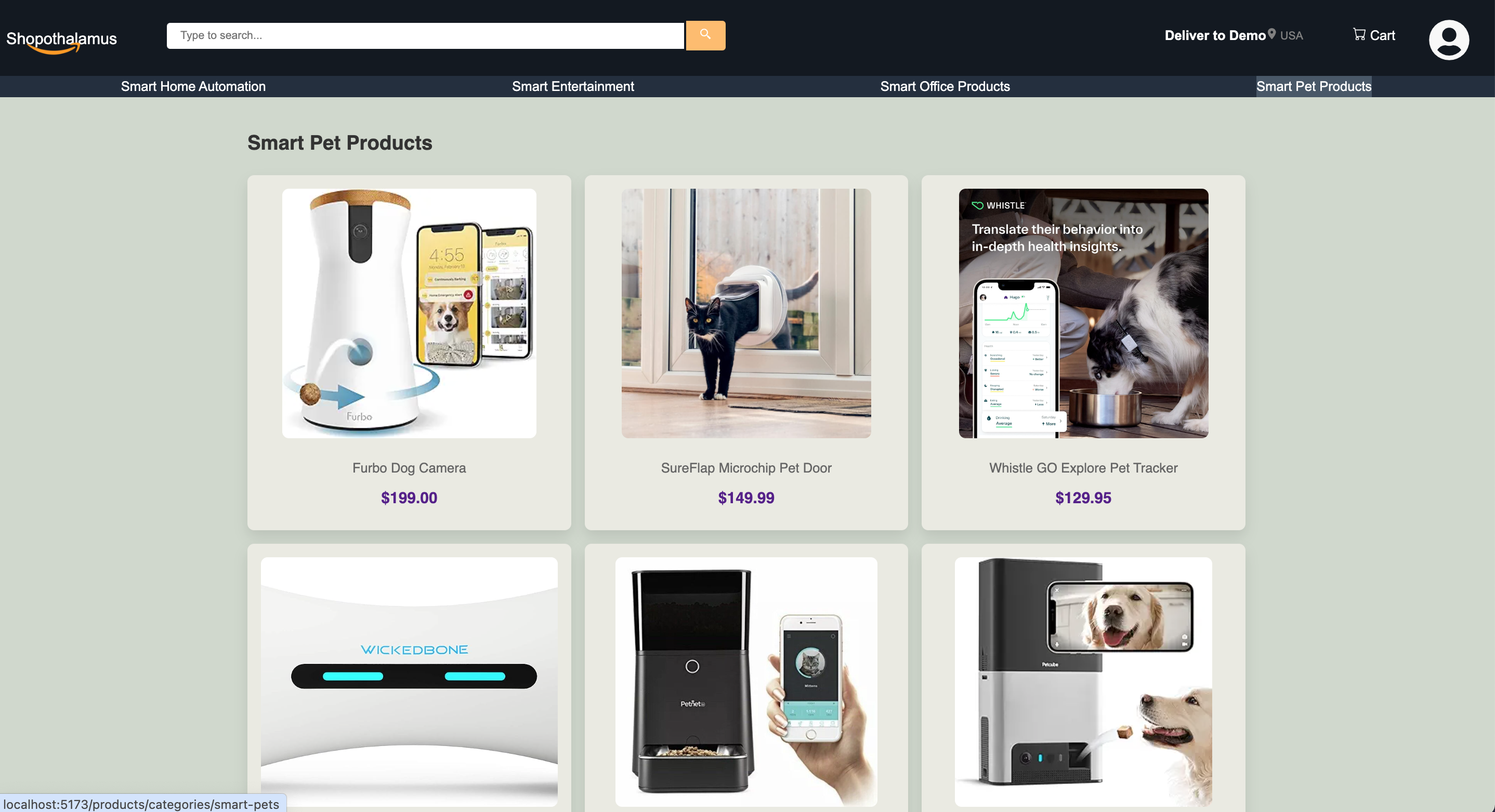
- Categories Page
-
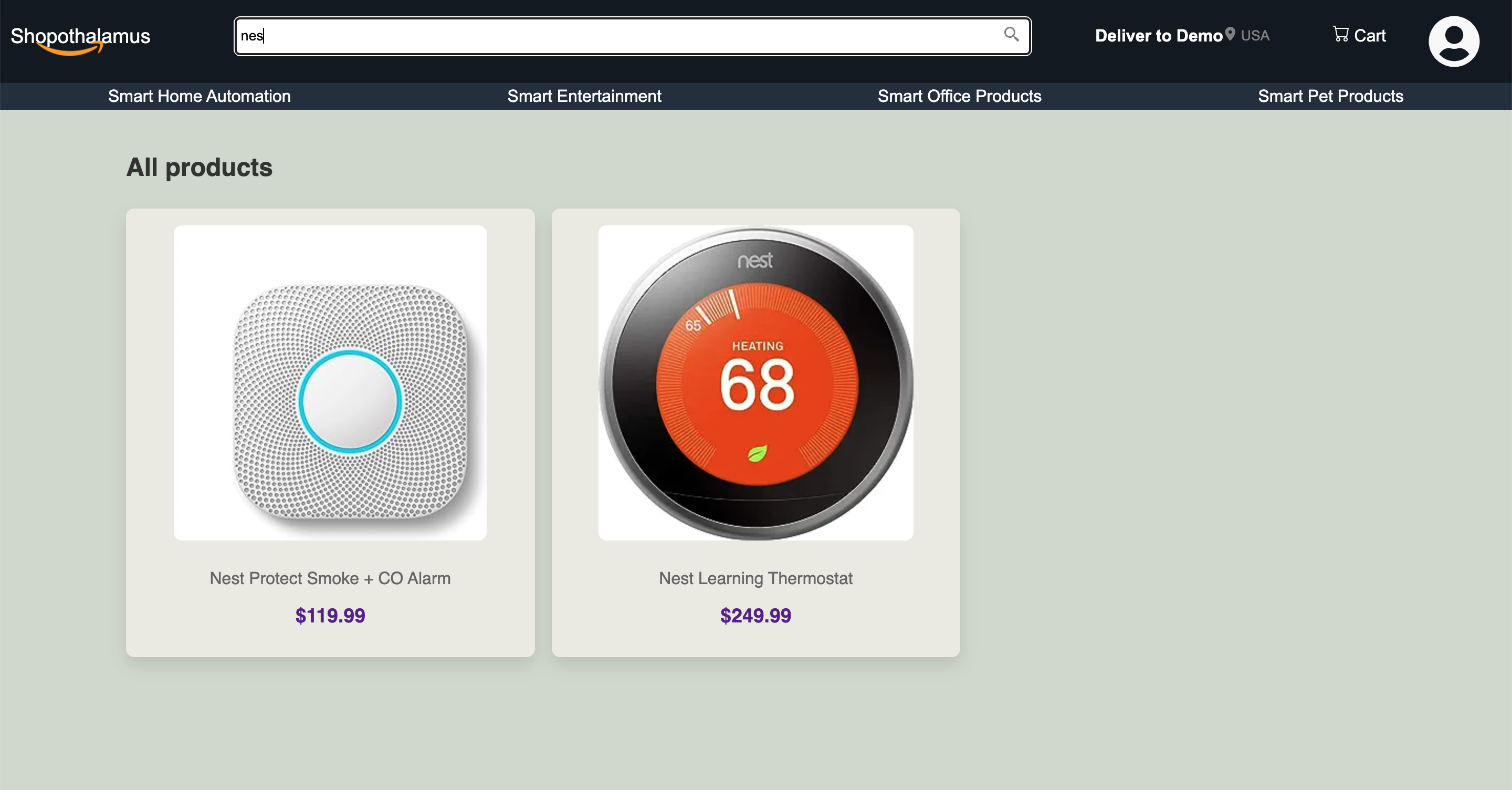
Search
- Users can search for products name using the Search feature.
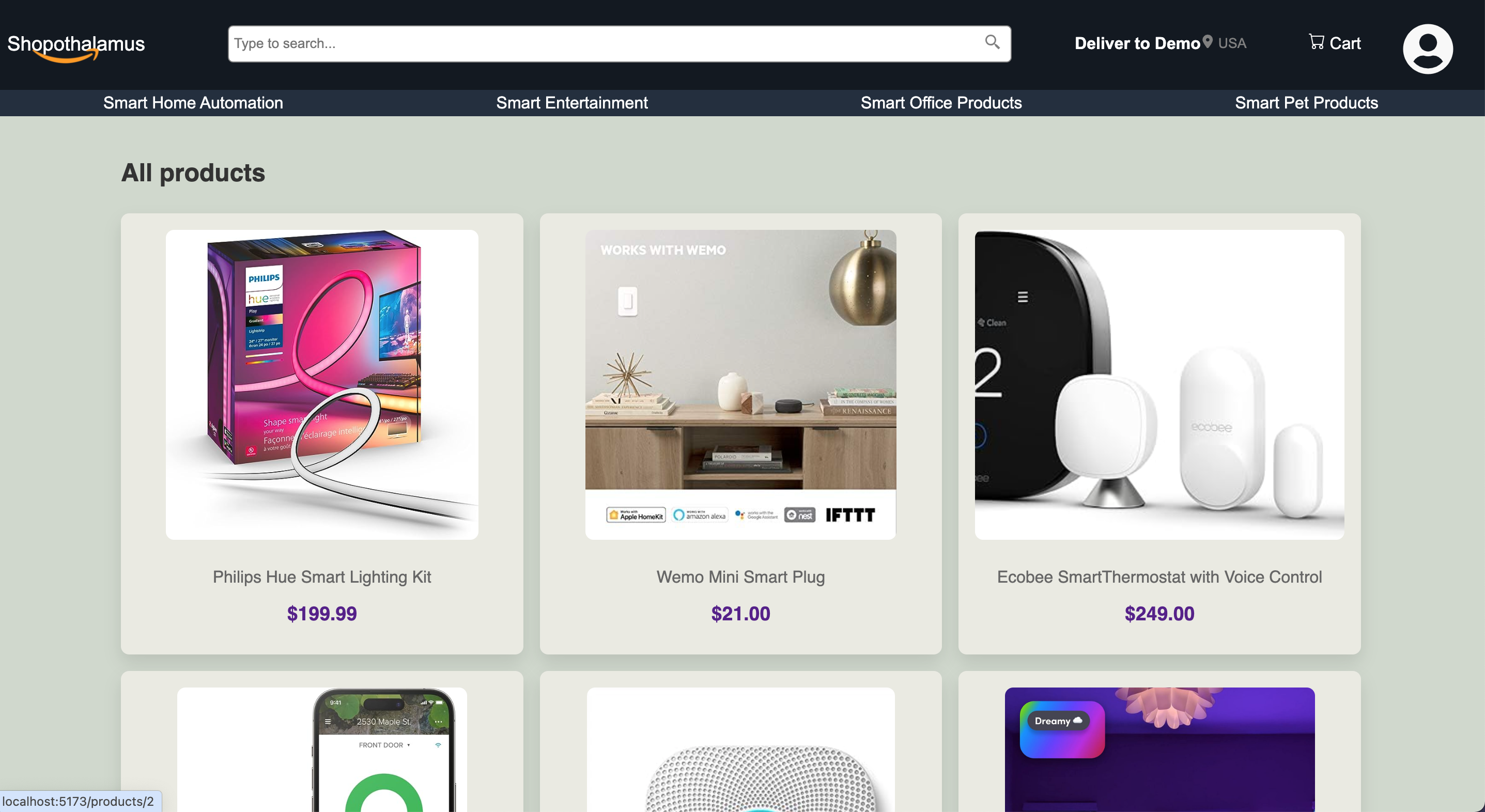
- All Products Page
- Authentication
- New account creation, log in, and log out functionalities.
- Guest/demo login option for trying out the site.
- Users must be logged in to access orders, wish lists, or create reviews.
-
Reviews
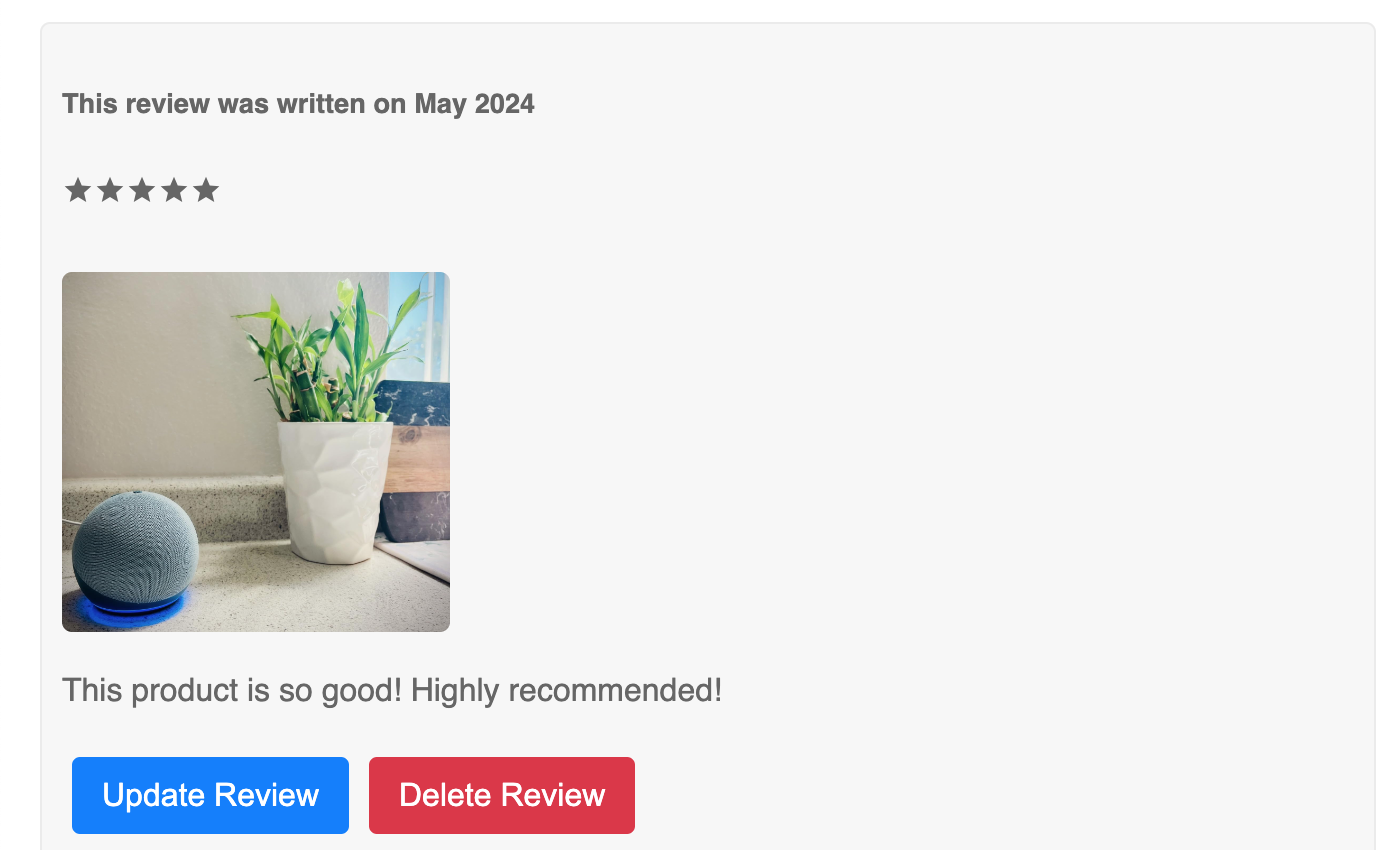
- CRUD operations for product reviews.
- Users can create new reviews on items.
- Users can add an image to their review.
- All users can read existing reviews on items.
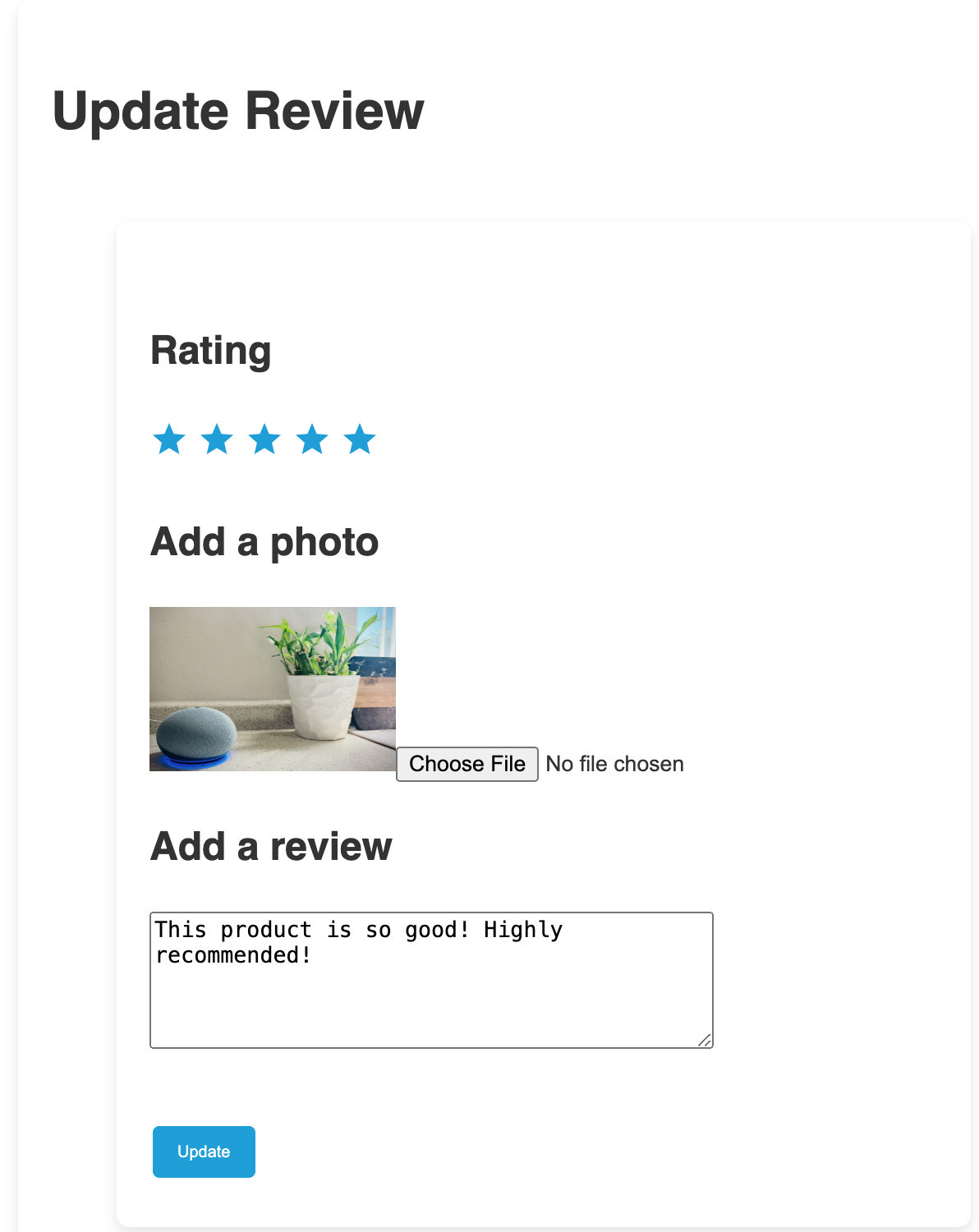
- Review creators can update and delete their own reviews.
- Update review page
- Cart
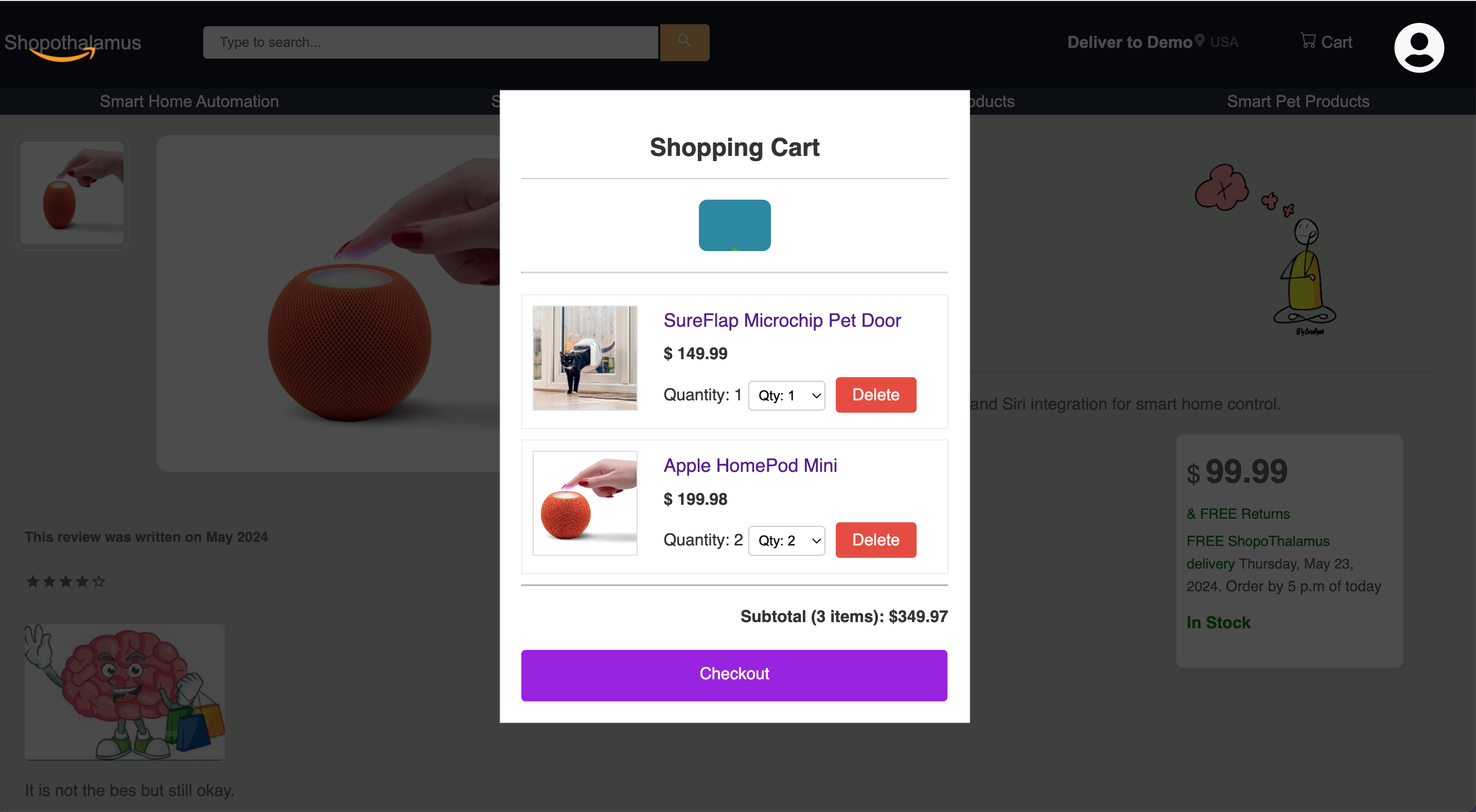
- CRUD operations for the shopping cart.
- Users can create a cart.
- Users can view the items in their shopping cart.
- Users can add, update quantities, and remove products from their carts.
- Total price will be displayed on the shopping cart page.
- Items that are in the cart will be cleared from the cart after payment is complete.
- Checkout Page
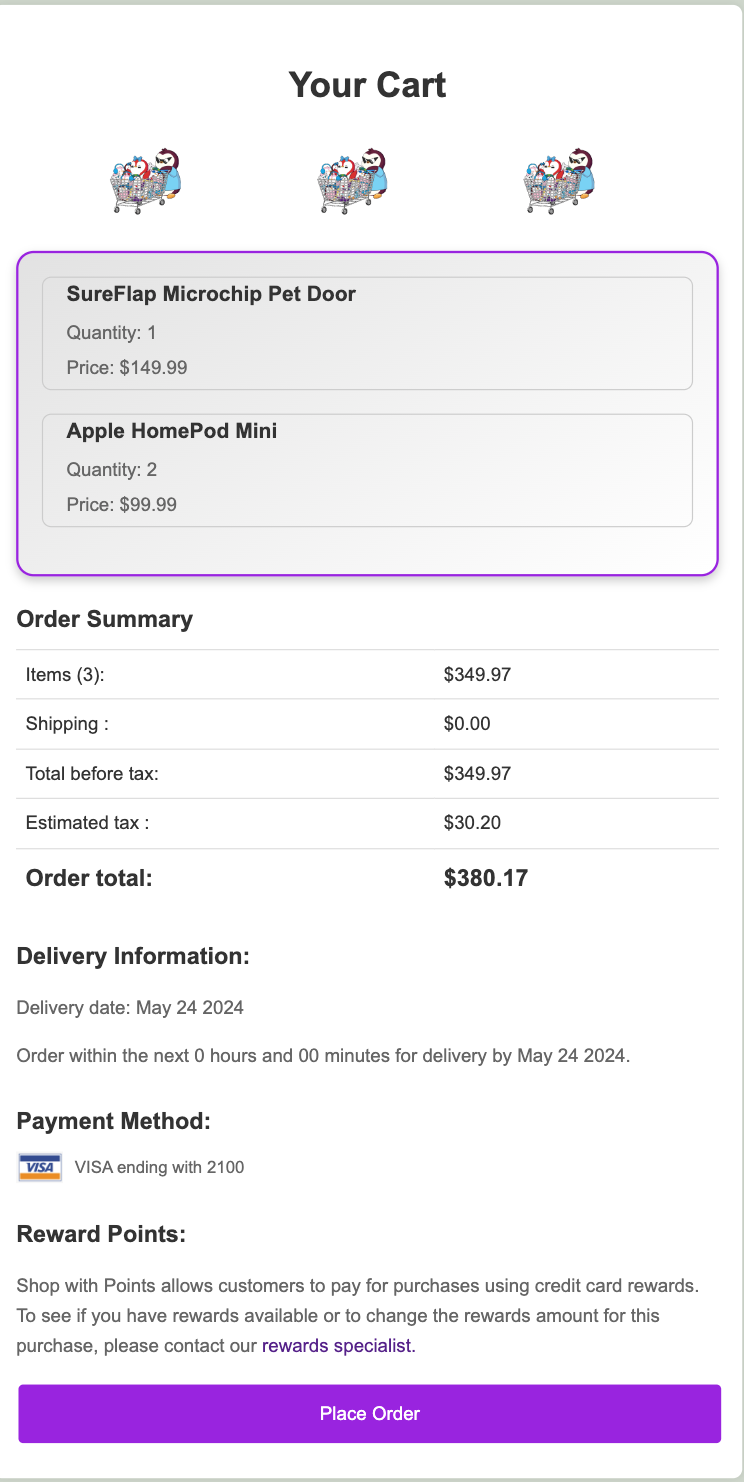
- Users can checkout their carts and will be directed to the checkout page.
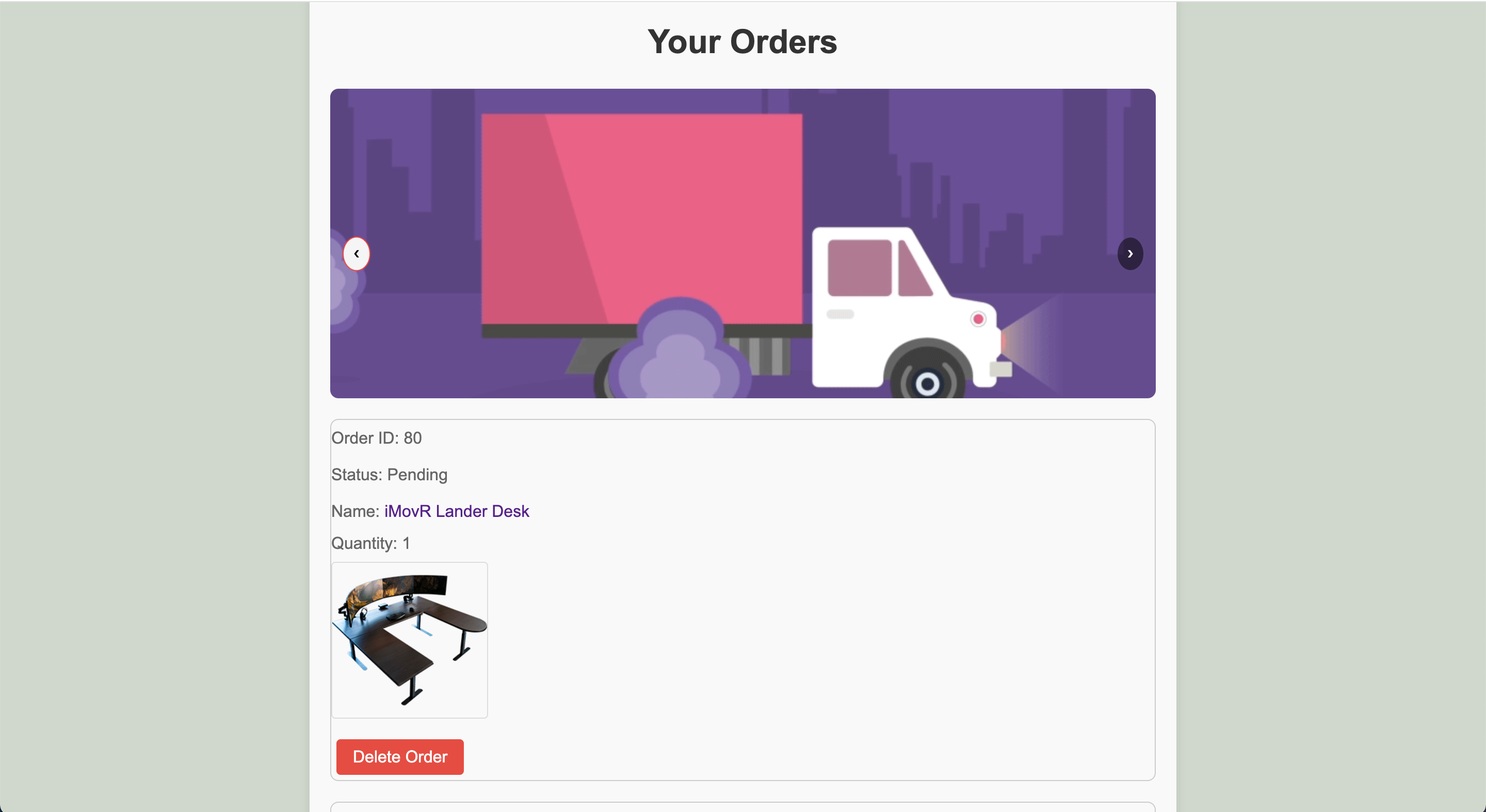
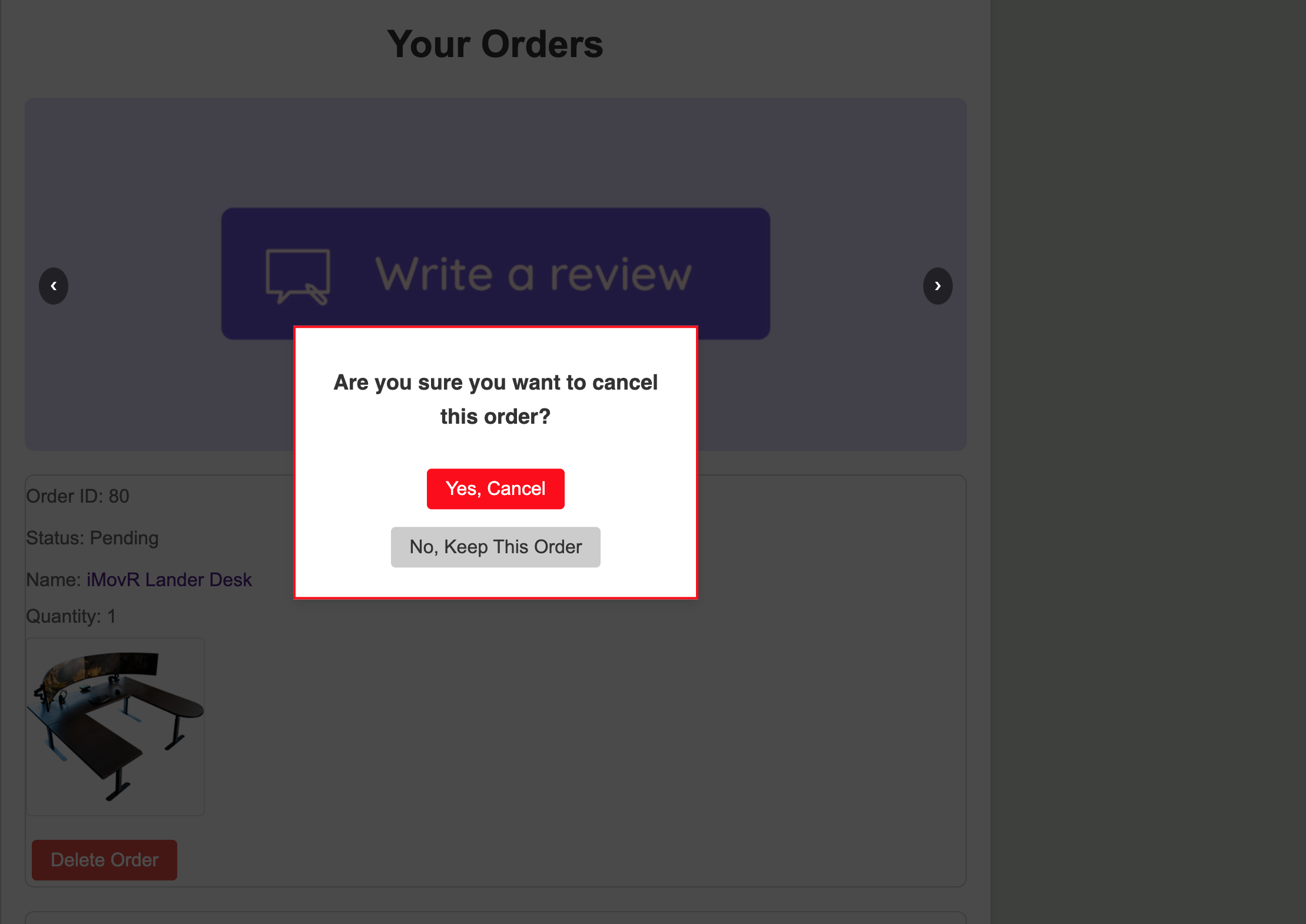
- Orders
- CRD operations for orders.
- Users can see open and past orders.
- Users can submit their current cart as an order.
- Users can cancel open orders.
- Products
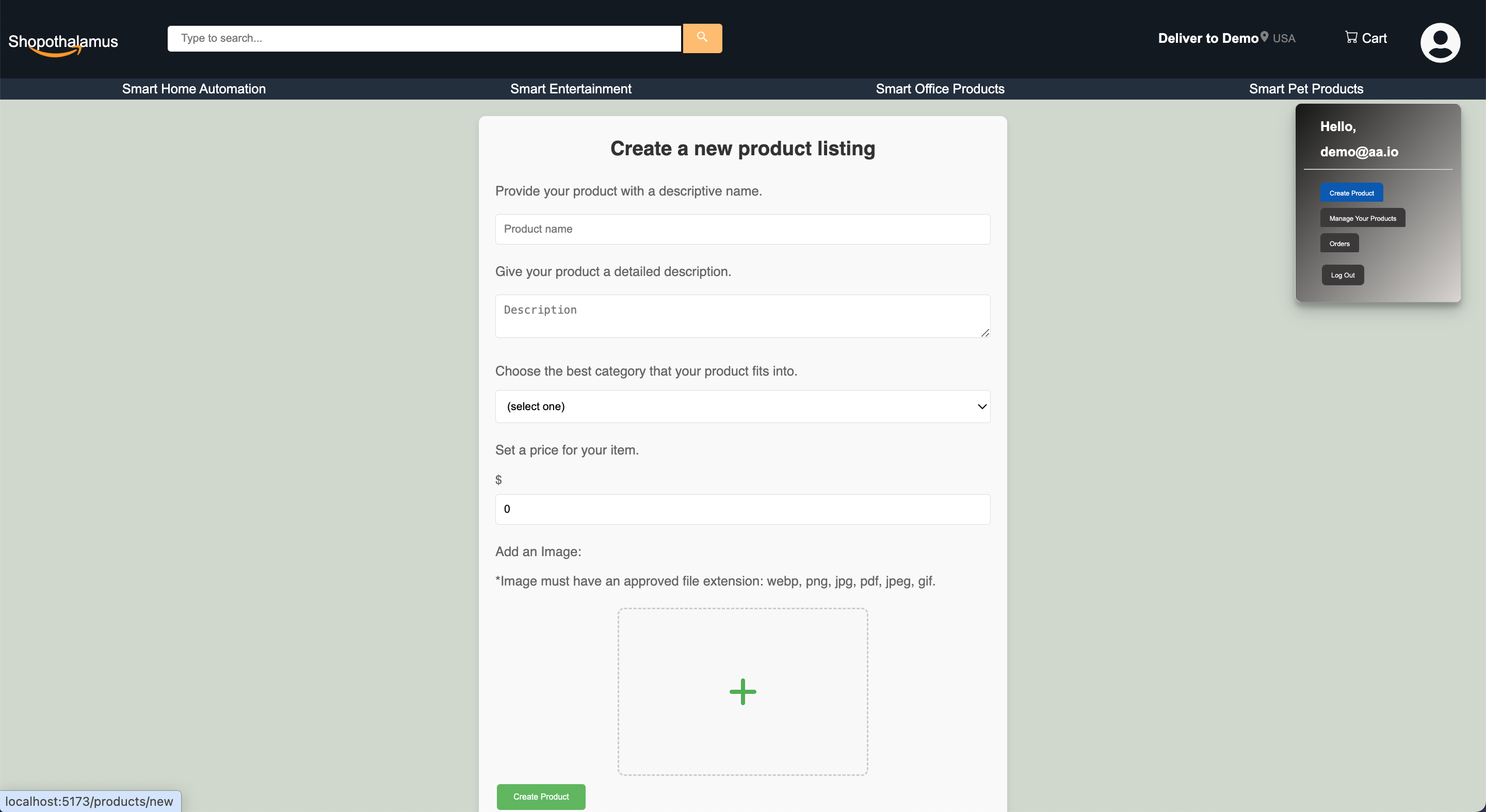
- CRUD operations for product listings.
- Users can create new product listings.
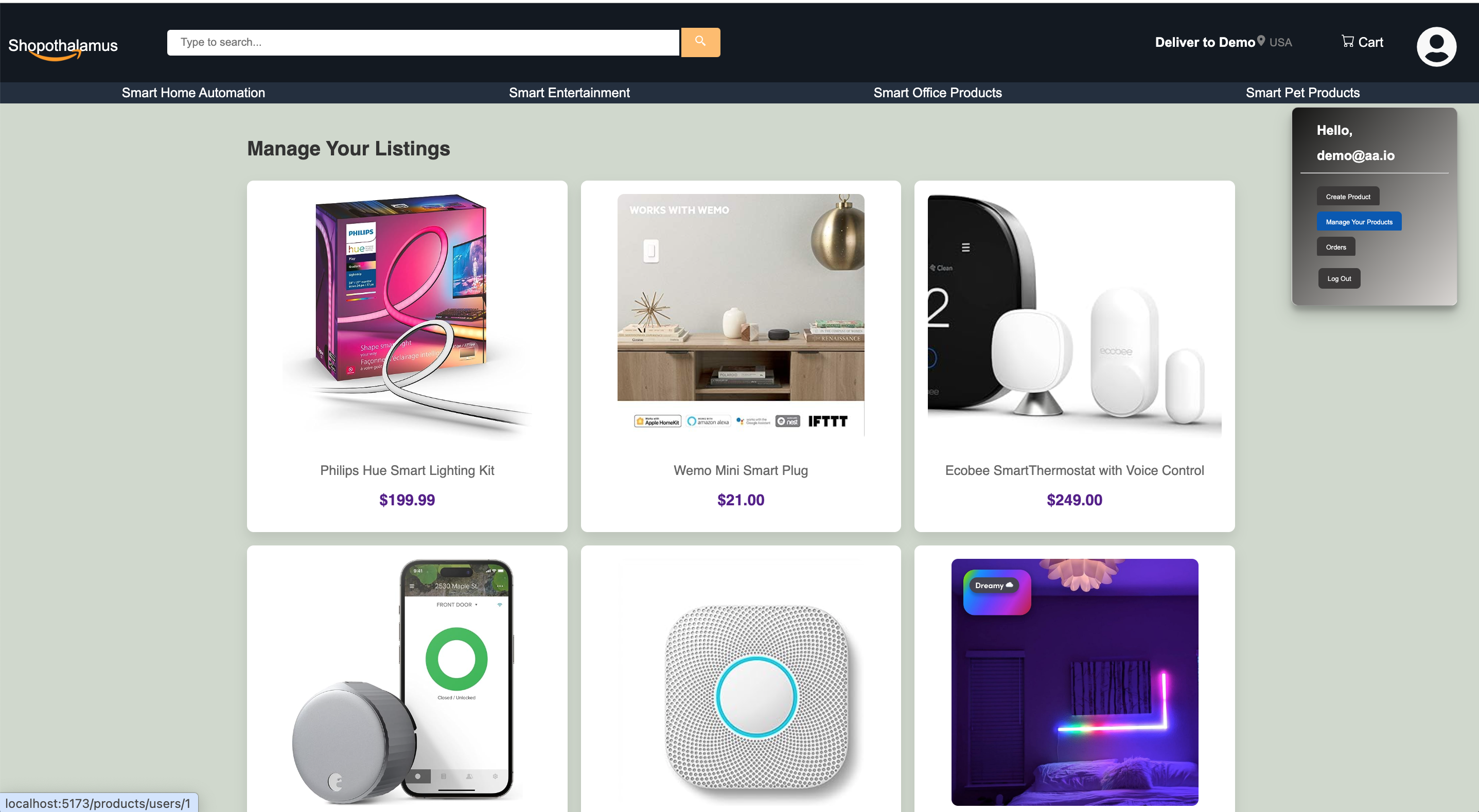
- Users can view existing listings.
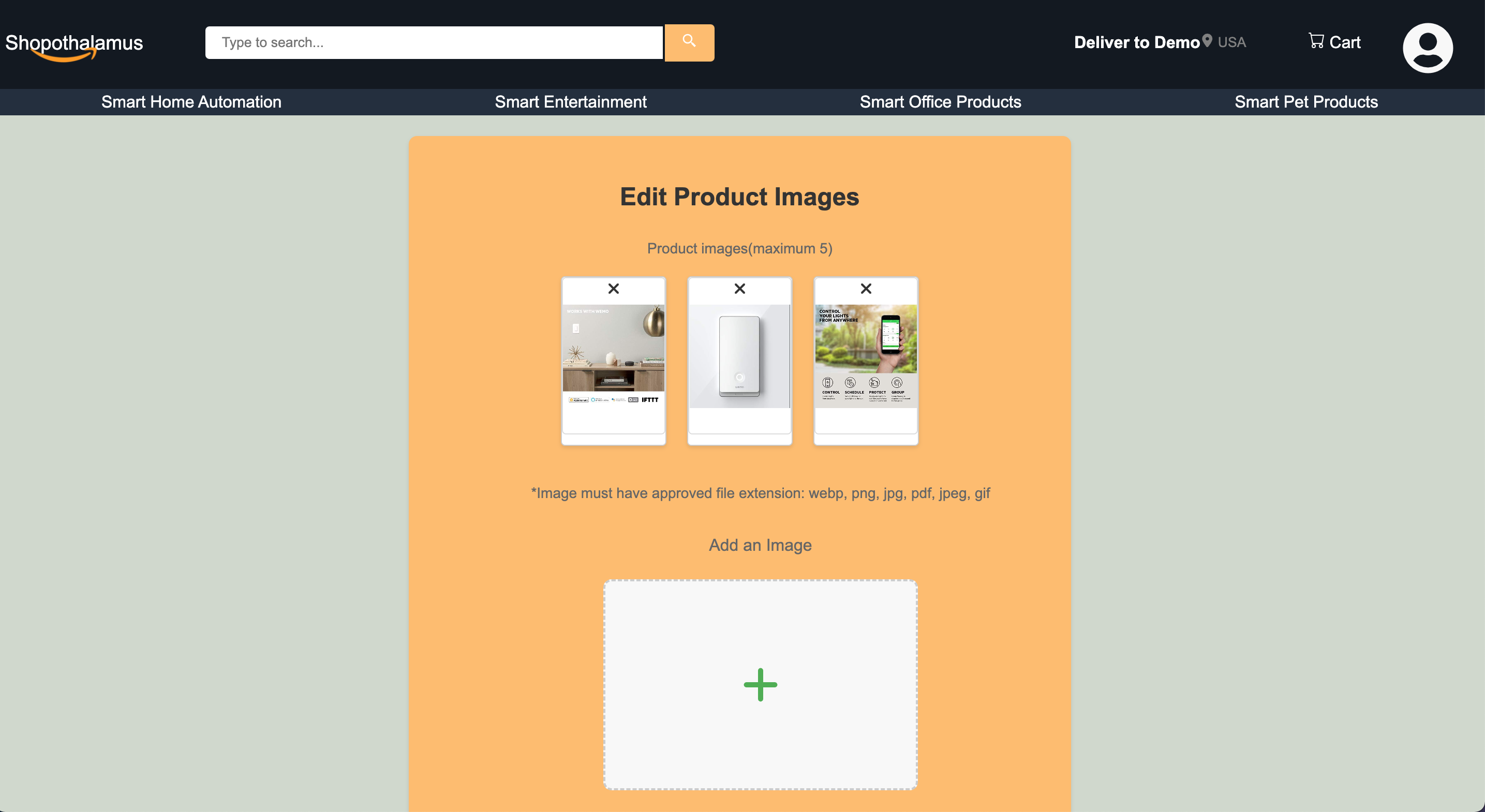
- Creators can add and delete product images for their own listings.
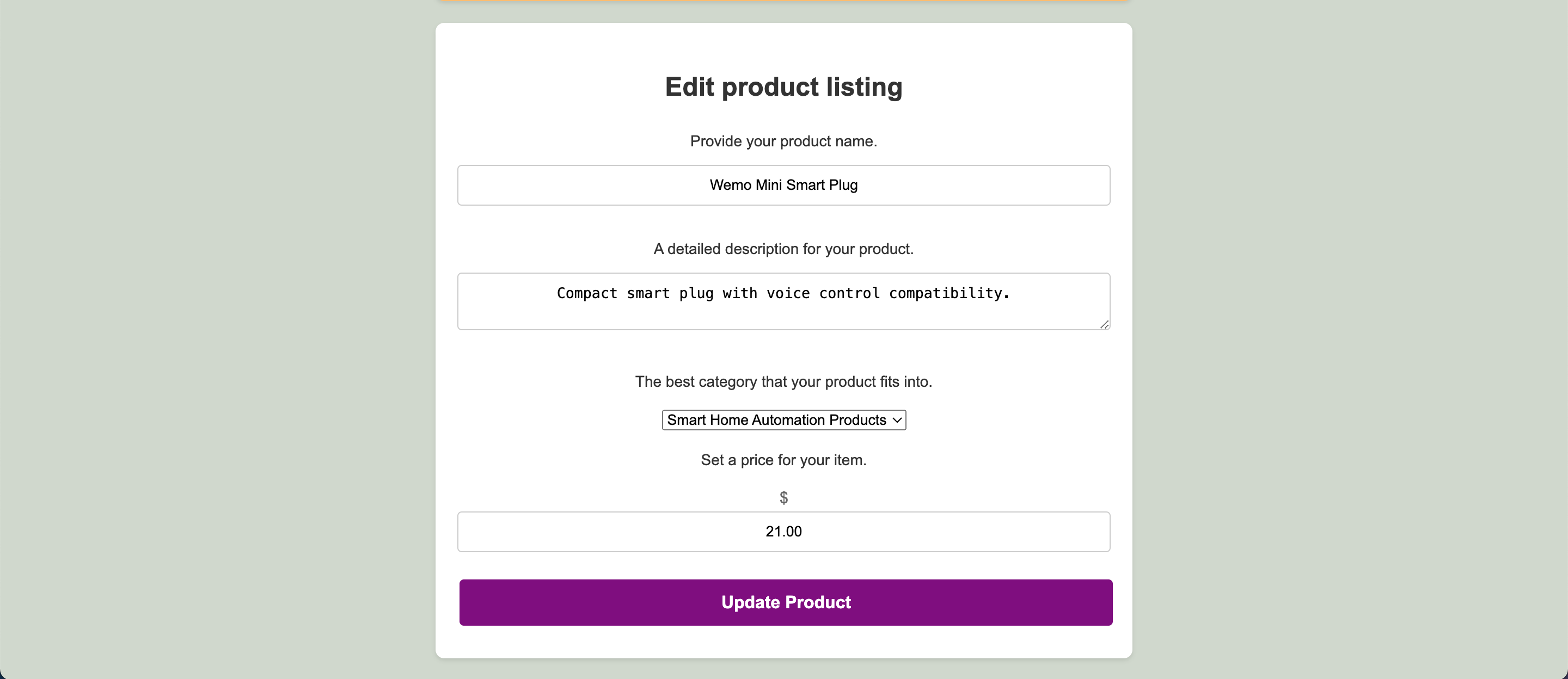
- Creators can update or delete their own product listings.