Technology Stack: Spring Boot, Spring Data JPA, Thymeleaf, Spring Security, PostgreSQL
The project follows the Model-View-Controller (MVC) design pattern for clean separation of concerns.
Model [M]:
- Represents entities like User and Contact.
- Relationship: One user can have multiple contacts.
View [V]:
- HTML pages built using Thymeleaf.
Controller [C]:
- Handles HTTP requests and user interactions.
- Calls service layer for business logic.
- java/ → All source code (controllers, services, repositories, models)
- static/ → CSS, JS, images, and other static resources
- templates/ → HTML files using Thymeleaf templates
- application.properties → Environment-specific configuration (local, production) with Spring profiles
- pom.xml → All required dependencies
Spring Web, Spring Security, Spring Data JPA, Thymeleaf, PostgreSQL, Apache POI, OpenCSV
The application allows users to securely manage their personal information and contacts.
Features include:
- User registration and authentication (normal users vs admin privileges)
- Admin-only reserved endpoints for management tasks
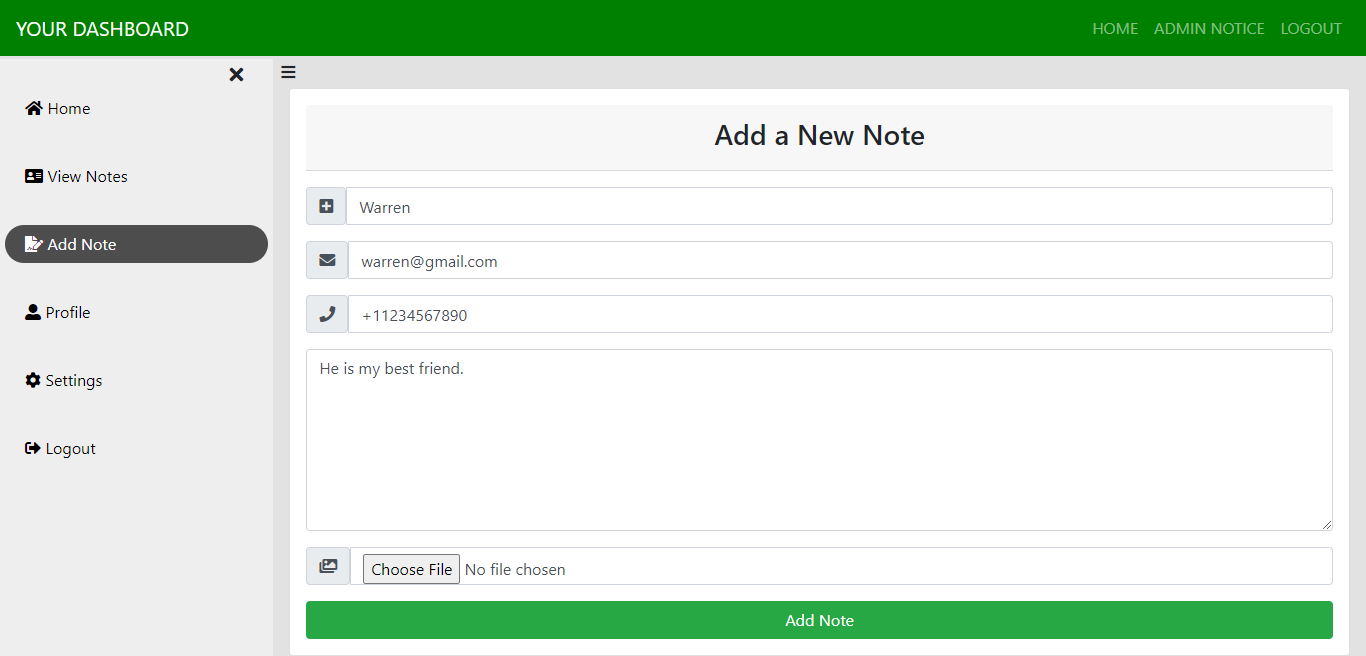
- Add and manage notes/contacts with text and image fields
- Navigation and pagination for large datasets
- Password reset and update functionality
- Import contacts from CSV files into the database
- Export contact lists to CSV or Excel files
-
GitHub Actions triggers on code push:
- Runs unit tests using Maven
- Builds the Spring Boot project
- Creates a Docker image and pushes it to Docker Hub
-
Elastic Beanstalk Deployment:
- Full-stack Spring Boot application can be deployed easily to AWS Elastic Beanstalk
- Access
/actuatorendpoint to view health and metrics - By default, only
/actuator/healthis enabled - To expose all endpoints, add in application.properties:
management.endpoints.web.exposure.include=*Pull the application Docker image:
docker pull badripaudel77/info-keeper-spring-boot-docker:my-info-app
Run the container:
docker run -p 8080:8080 badripaudel77/info-keeper-spring-boot-docker:my-info-app
Open the application in your browser: http://localhost:8080
Note: To ensure the latest changes are included, rebuild using Docker Compose:
docker-compose up --build
Using Docker Compose : Start the app along with the PostgreSQL container:
docker-compose up
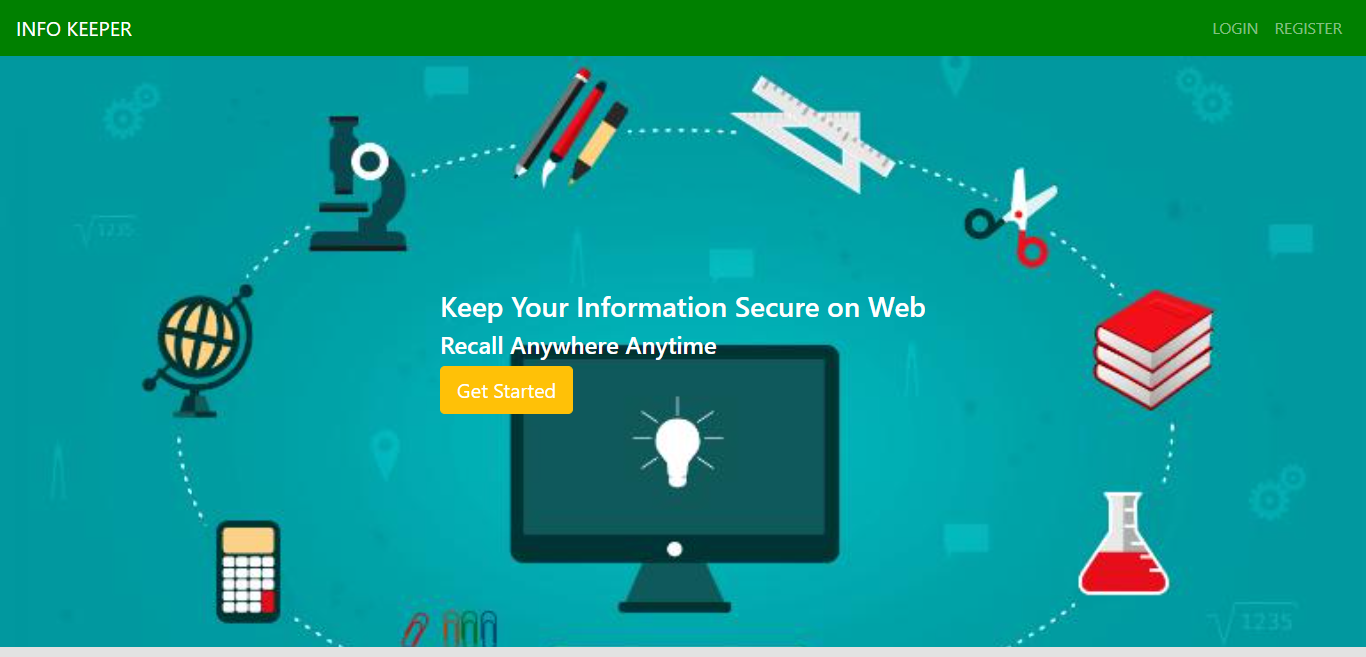
1️⃣ Home Page
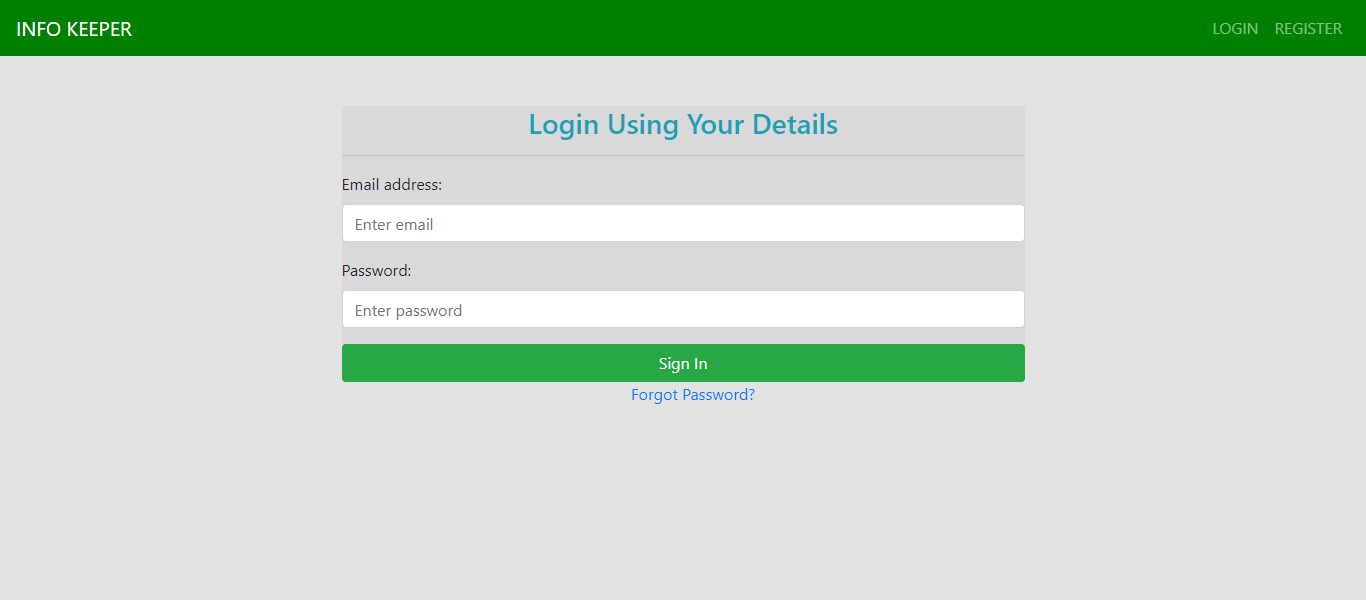
 2️⃣ Login Page
 3️⃣ Adding Info
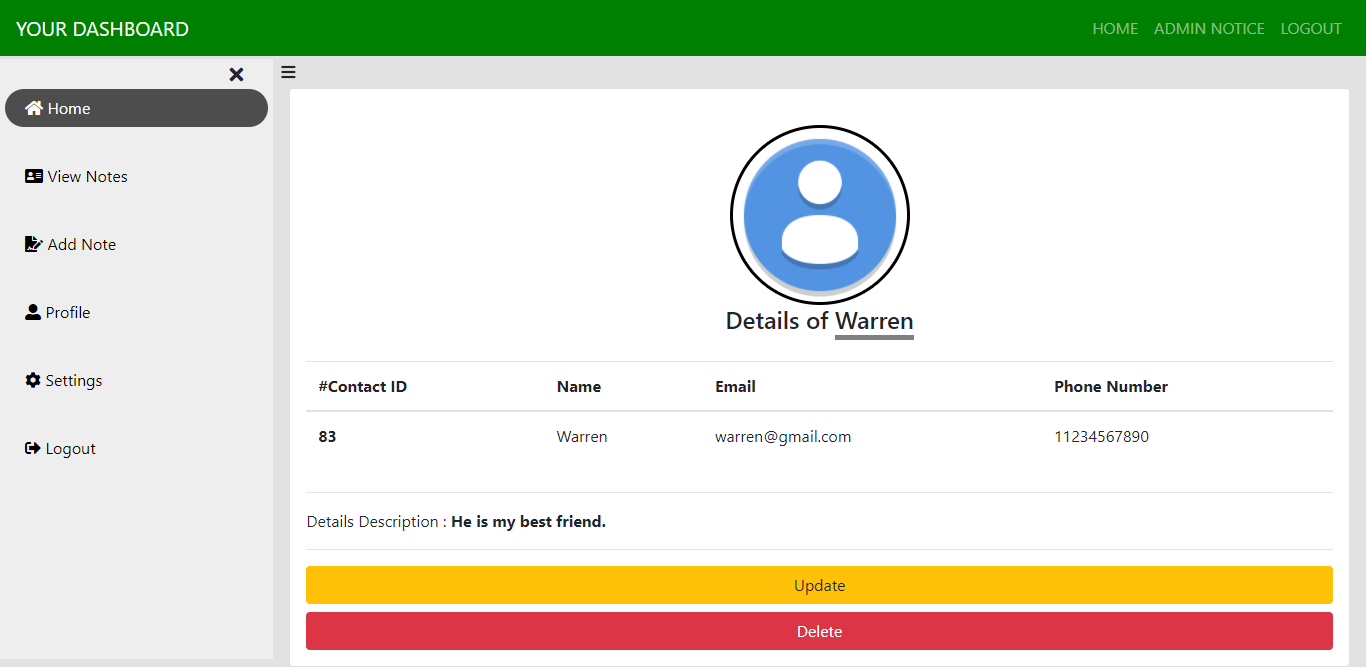
 4️⃣ Info Details
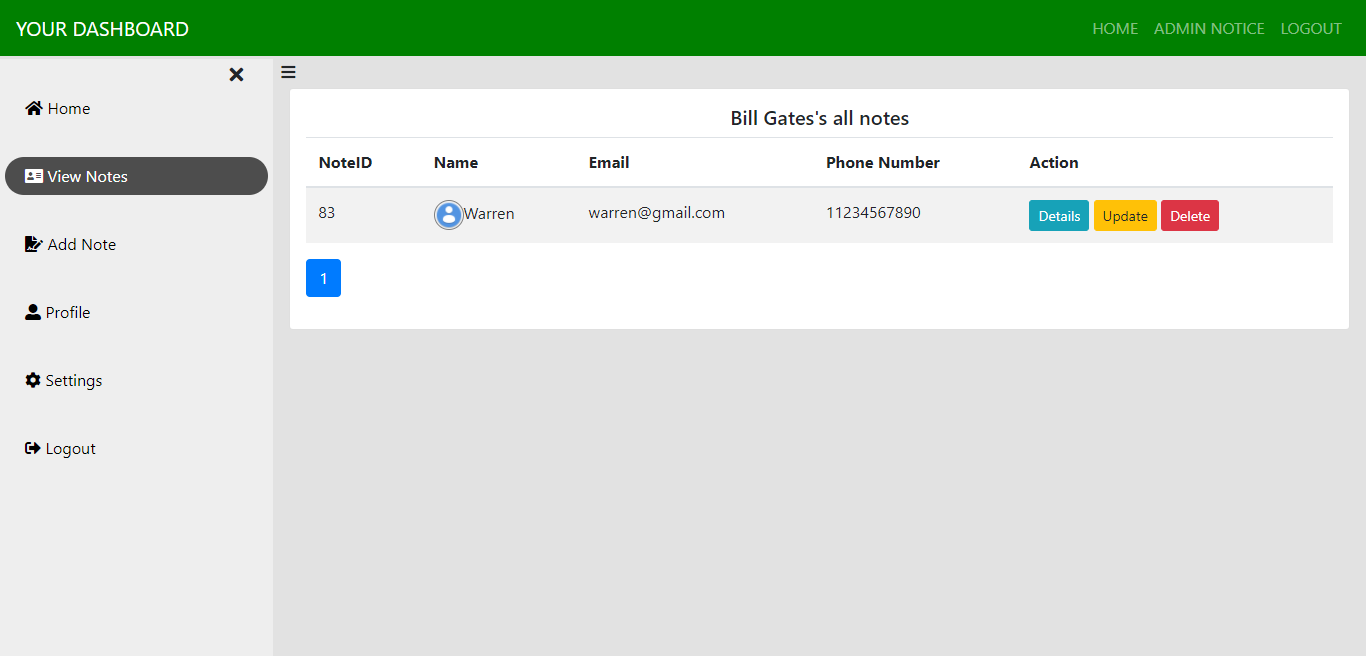
 5️⃣ View All Information
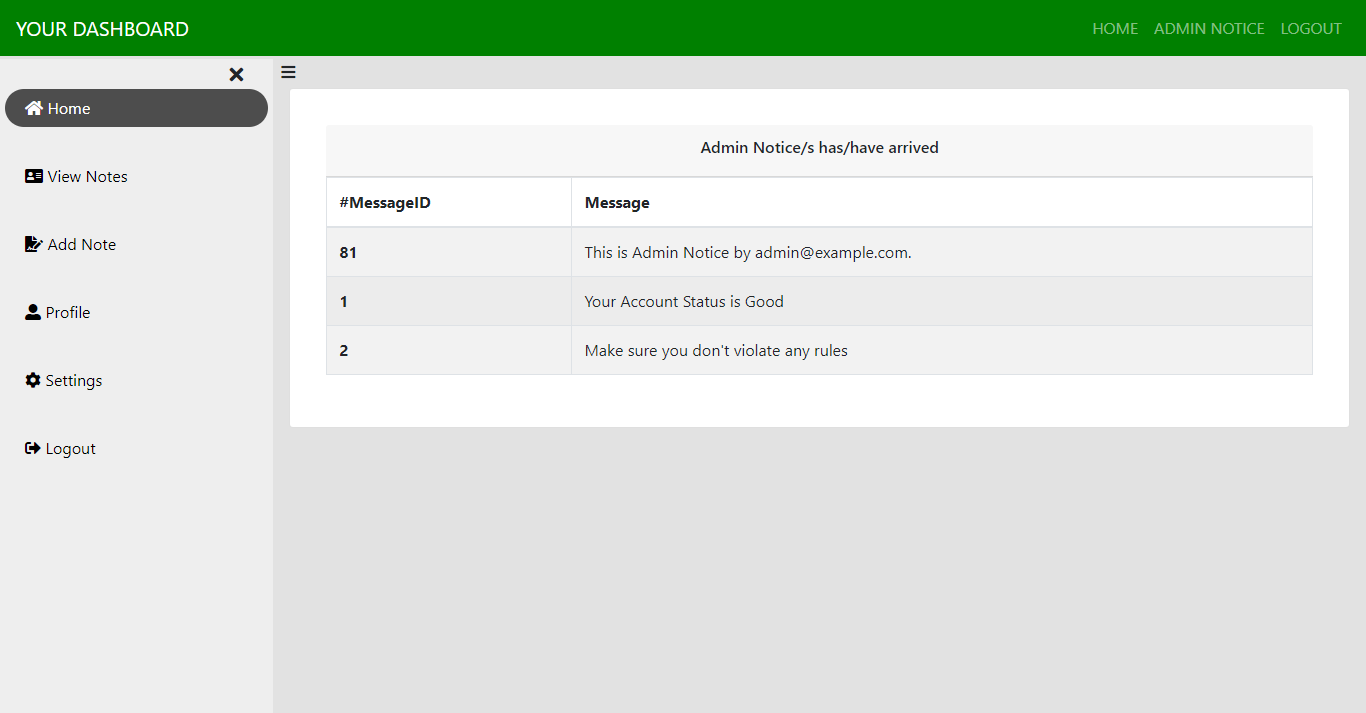
 6️⃣ Admin Message