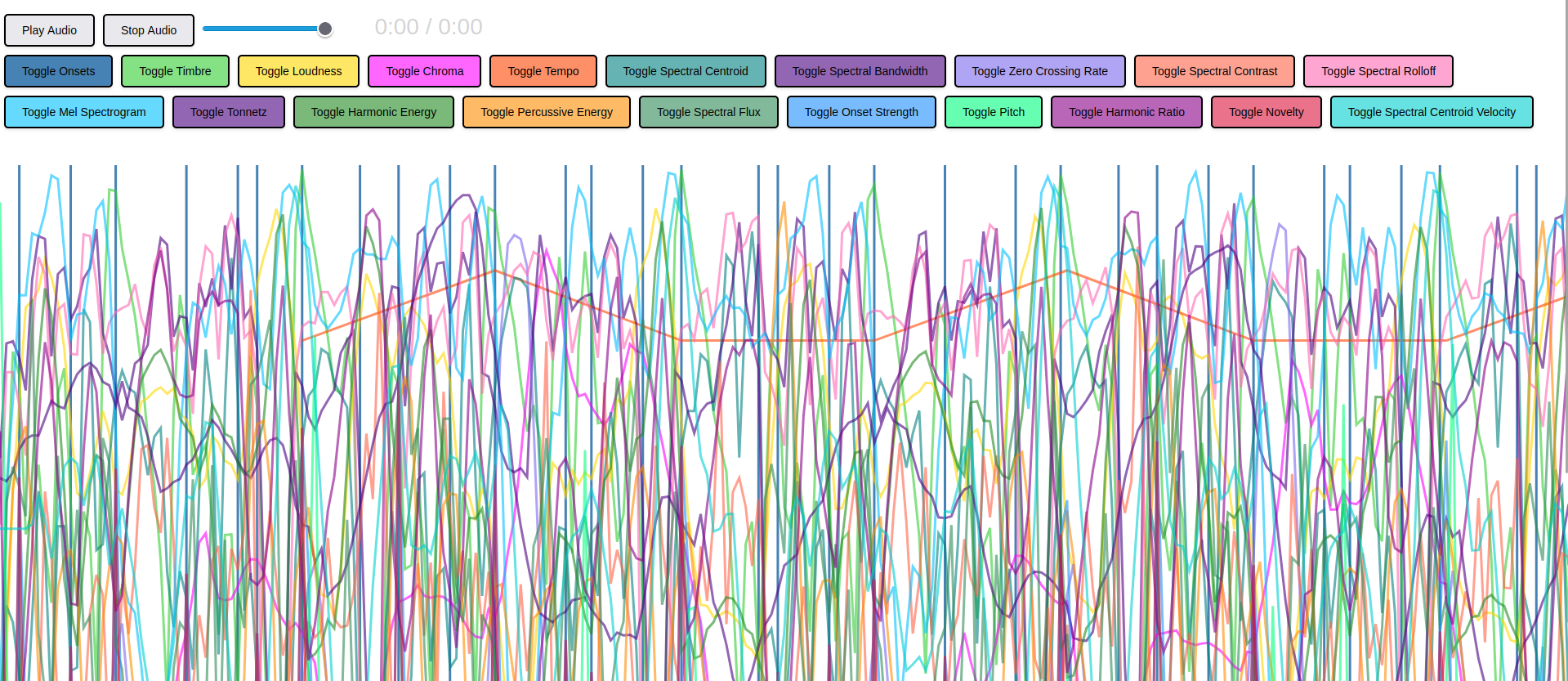
Analyze and visualize how rhythm, timbre, loudness, pitch, spectral characteristics and other key audio features evolve over time across any number of tracks.
The backend Python script is an audio analysis and visualization tool for processing .mp3 and .wav files from the local audio directory and converting them into a detailed .json dataset. Using Python, Librosa, NumPy and concurrent processing, this app extracts a wide range of audio features. The result is a structured audio_analysis_enhanced.json file intended to capture how each musical and acoustic property changes over time for every analyzed track.
Whereas the frontend turns the Python analysis data into an interactive experience using D3.js. For each audio file, the app creates a playback interface, then renders toggleable charts for extracted features. This lets users listen to a track while visually inspecting it. Overall, this application functions as a detailed audio fingerprinting and comparison system, useful for exploring sound design, studying musical characteristics, comparing tracks or building visual representations of audio files.
Below are the required software programs and instructions for installation and use of this software application on a Linux machine.
-
Install the above programs
-
Open a terminal
-
Clone this repository:
git clone git@github.com:devbret/detailed-audio-analysis.git -
Navigate to the repo's directory:
cd detailed-audio-analysis -
Create a virtual environment:
python3 -m venv venv -
Activate your virtual environment:
source venv/bin/activate -
Install the needed dependencies:
pip install -r requirements.txt -
Add the audio files you wish to analyze to the local
audiofolder -
Run the main Python script:
python3 app.py -
Start a local HTTP server:
python3 -m http.server -
Open the frontend to explore processed data:
http://localhost:8000 -
Stop the HTTP server when finished:
Ctrl + C -
Exit the virtual environment:
deactivate
This project repo is intended to demonstrate an ability to do the following:
-
Analyze
.mp3and.wavfiles from theaudiodirectory and save detailed audio feature data to a.jsonfile -
Extract characteristics such as tempo, onsets, loudness, MFCC timbre, mel spectrogram values and others
-
Load the generated
.jsondata and create D3.js visualizations for each analyzed audio track -
Enable users to play, stop and adjust volume, as well as toggle individual charts to compare how each feature changes over time
If you have any questions or would like to collaborate, please reach out either on GitHub or via my website.
The JSON file this Python script outputs will be very, very large. And takes a prolonged period of time to generate. As an example, putting one Drum And Bass track through this program produces almost 600 MB of data and took sixty seconds to compute.
Also, your browser may have a difficult time loading and displaying excessively sized JSON files. I find Firefox to be the most compatible internet browser when viewing the frontend of this application.