



Lightweight Nautobot plugin that fetches and displays live device and interface command output (via Netmiko) in Nautobot UI detail views.
Compatibility: Nautobot 3.0+.
Primary features:
- Live Data tabs on
DeviceandInterfacedetail pages. - Configurable per-platform show commands (set at Platform objects).
- Inline filtering of command output using
!!filter syntax (EXACT/LAST/FIRST). - Background jobs included for scheduling and housekeeping:
LivedataQueryJob— run queries against devices.LivedataCleanupJobResultsJob— remove stale collected results.EnforceDefaultJobQueueJob— align Job queue assignments with a default worker queue.
-
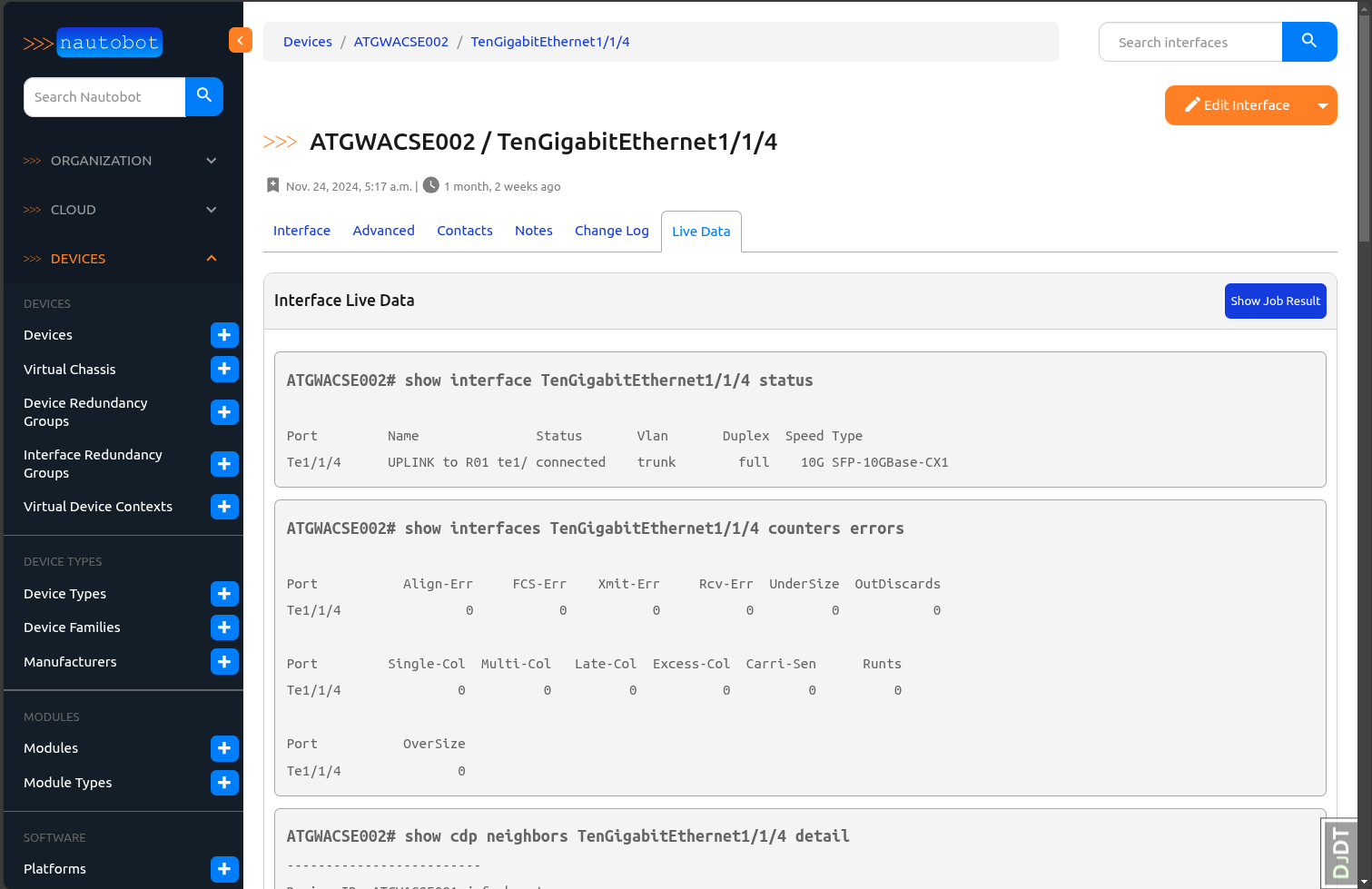
Live Data Interface Output for interfaces
-
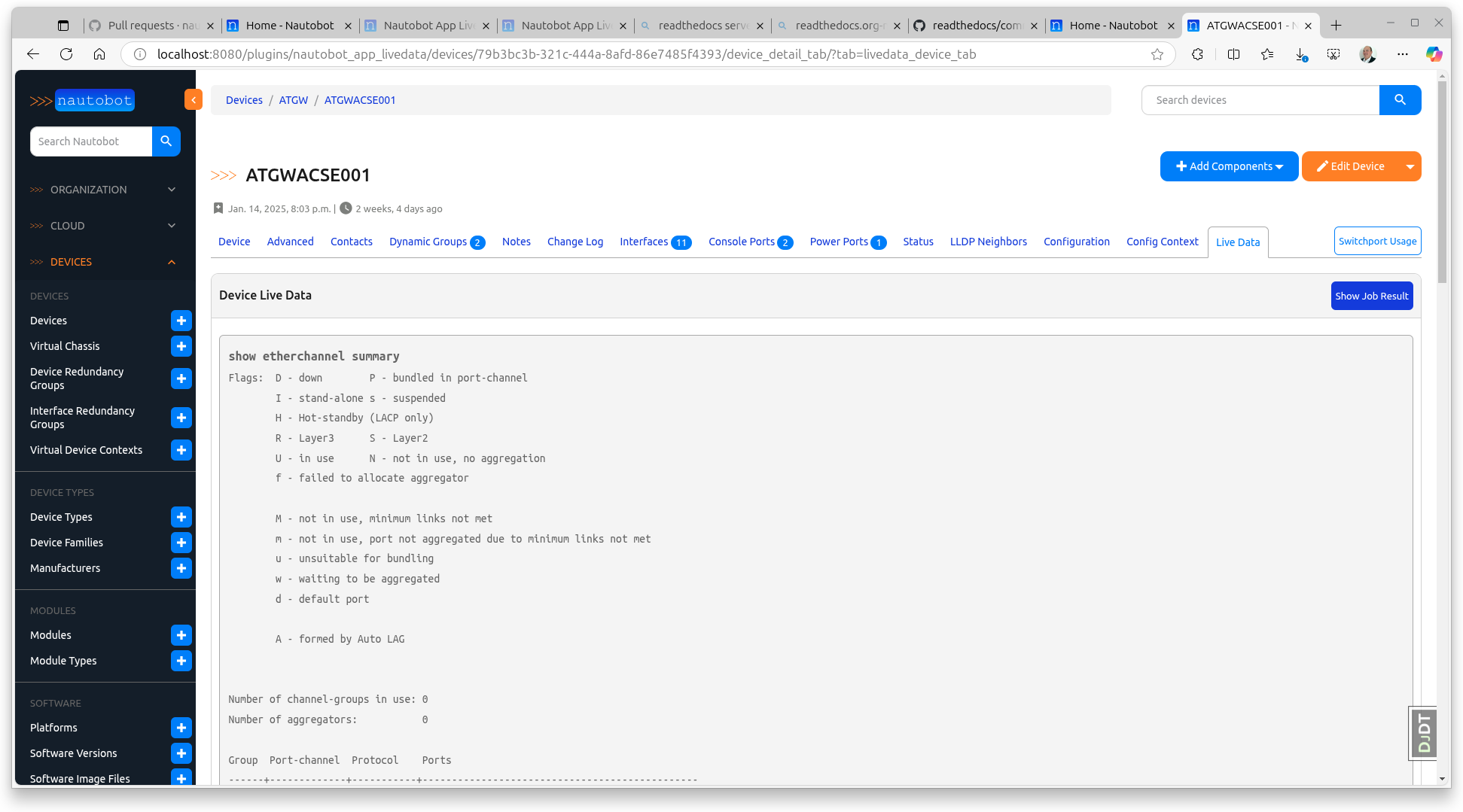
Live Data Device Output for devices
-
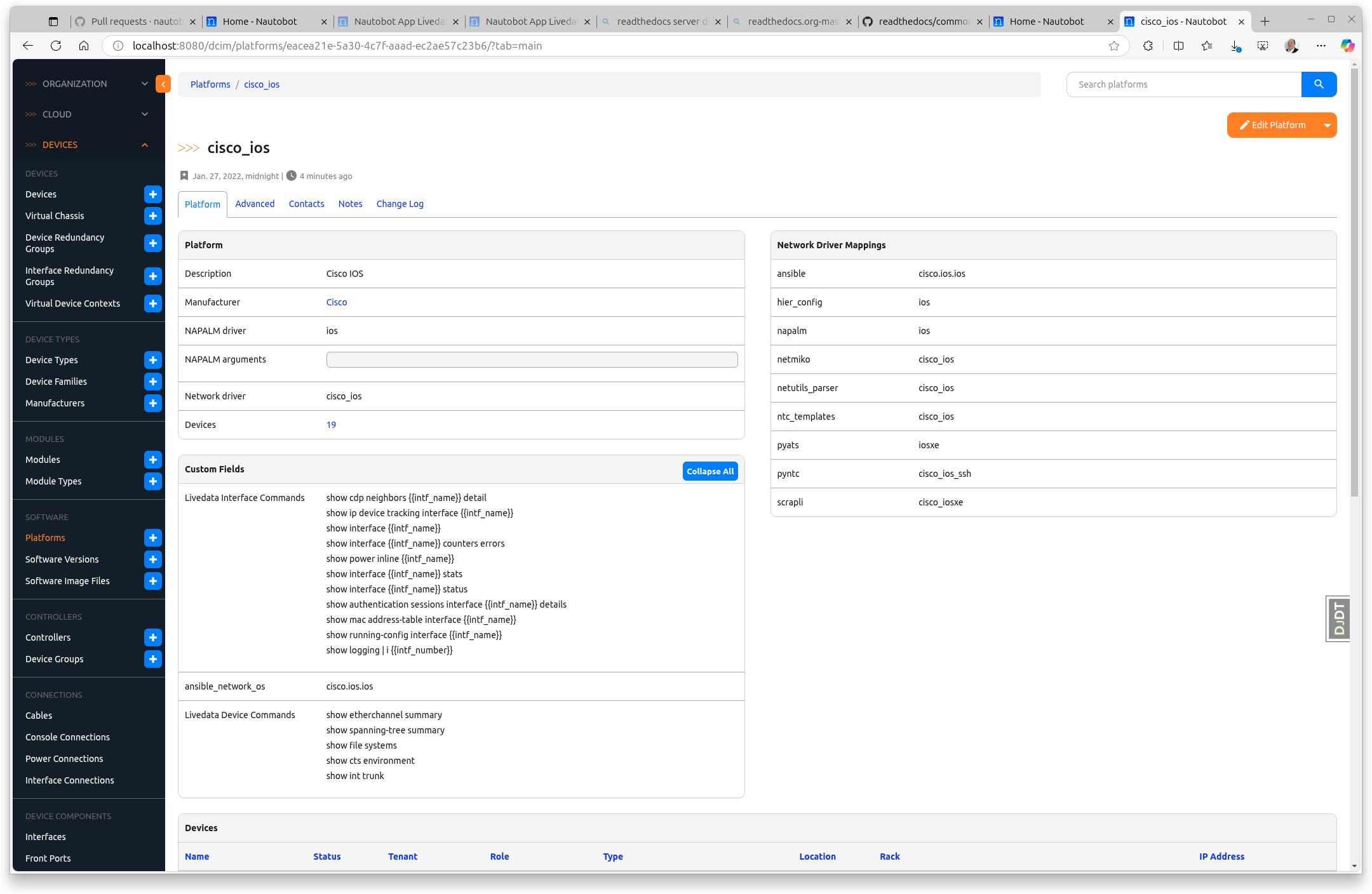
Configure the show commands to be executed on Platform level:
-
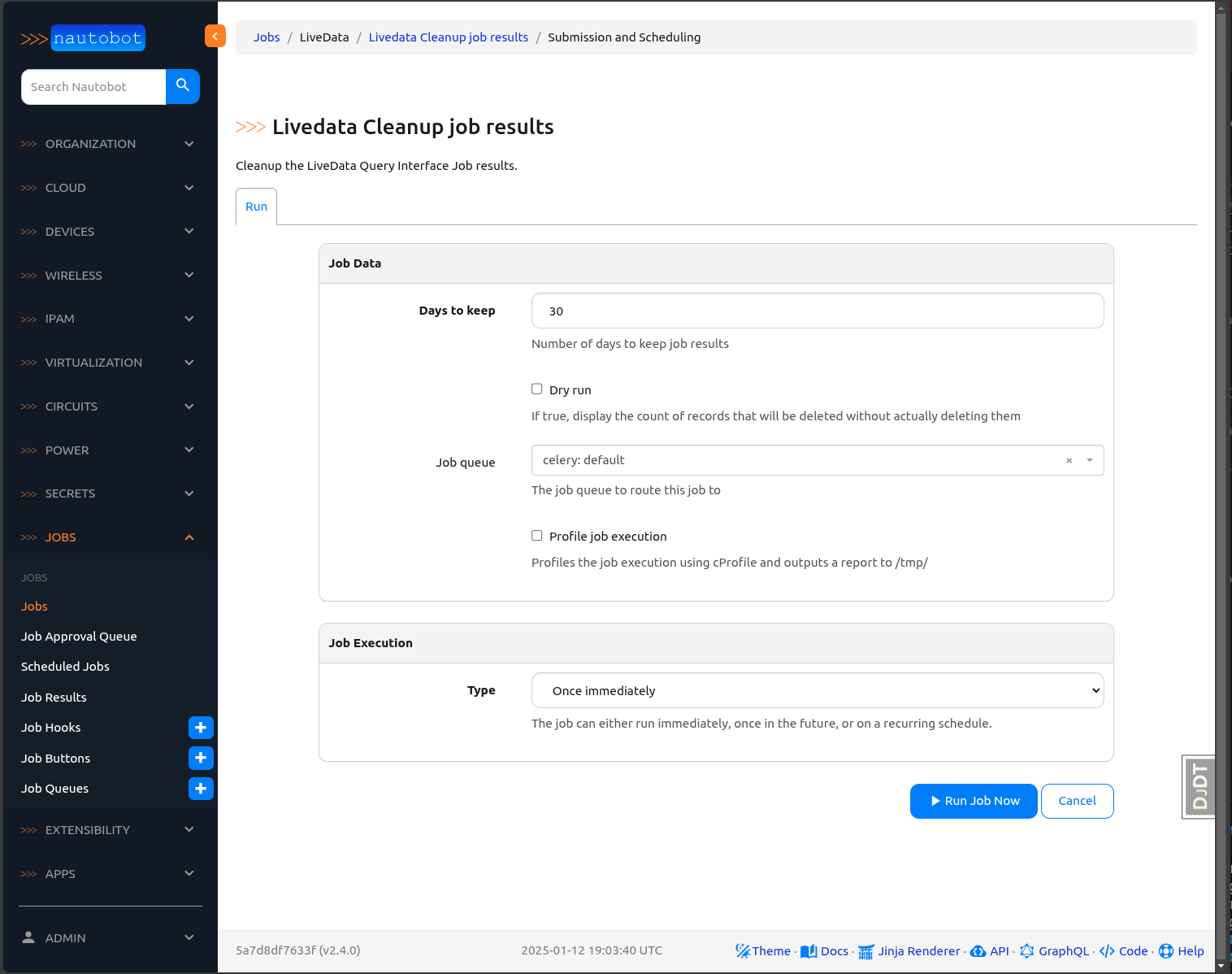
Job to clean up old data:
-
Job to align Nautobot job queues with the default worker so every Job executes on the shared Celery queue.
More screenshots can be found in the Using the App page in the documentation. Here's a quick overview of some of the app's added functionality:
Full documentation for this App can be found over on the Nautobot-App-Livedtata Docs website:
- User Guide - Overview, Using the App, Getting Started.
- Administrator Guide - How to Install, Configure, Upgrade, or Uninstall the App.
- Developer Guide - Extending the App, Code Reference, Contribution Guide.
- Release Notes / Changelog.
- Frequently Asked Questions.
You can find all the Markdown source for the App documentation under the docs folder in this repository. For simple edits, a Markdown capable editor is sufficient: clone the repository and edit away.
If you need to view the fully-generated documentation site, you can build it with MkDocs. A container hosting the documentation can be started using the invoke commands (details in the Development Environment Guide) on http://localhost:8001. Using this container, as your changes to the documentation are saved, they will be automatically rebuilt and any pages currently being viewed will be reloaded in your browser.
Any PRs with fixes or improvements are very welcome!
For any questions or comments, please check the FAQ first. Feel free to also swing by the Network to Code Slack (channel #nautobot), sign up here if you don't have an account.
You can now append a filter command to the end of a device command using the !! delimiter. The string following !! specifies the filter operation to be applied to the command output.
show logging | i {{intf_number}} !!EXACT:{{intf_number}}!!— Filters the output to contain only lines that contain the interface number as a whole word (for example, matchesGi1/0/1,1/0/1with trailing whitespace,^1/0/1, or1/0/1$but not11/0/1,1/0/11, orfoo1/0/1bar).show logging !!LAST:100!!— Returns only the last 100 lines of the output.show logging !!FIRST:10!!— Returns only the first 10 lines of the output.show logging !!EXACT:{{intf_number}}!!FIRST:5!!— Filters for lines containing the interface number, then returns only the first 5 matching lines.
!!EXACT:<pattern>!!— Only lines that contain<pattern>as a whole word (ignoring leading/trailing whitespace, not matching substrings within other numbers or words)!!LAST:<N>!!— Only the last N lines!!FIRST:<N>!!— Only the first N lines
Additional filters may be added in the future.
This feature provides a consistent filtering mechanism across all supported platforms, reducing the need for custom scripts or manual output parsing.