Paste a YouTube URL. Get a finished reaction reel with a lip-synced AI commentator. No editing. No prompting individual tools.
A single AI agent reads the transcript, picks the sharpest moment, writes commentary with emotion-scored delivery, calls Runway APIs for every media asset, and assembles the final vertical video — all autonomously.
Runway API Hackathon submission
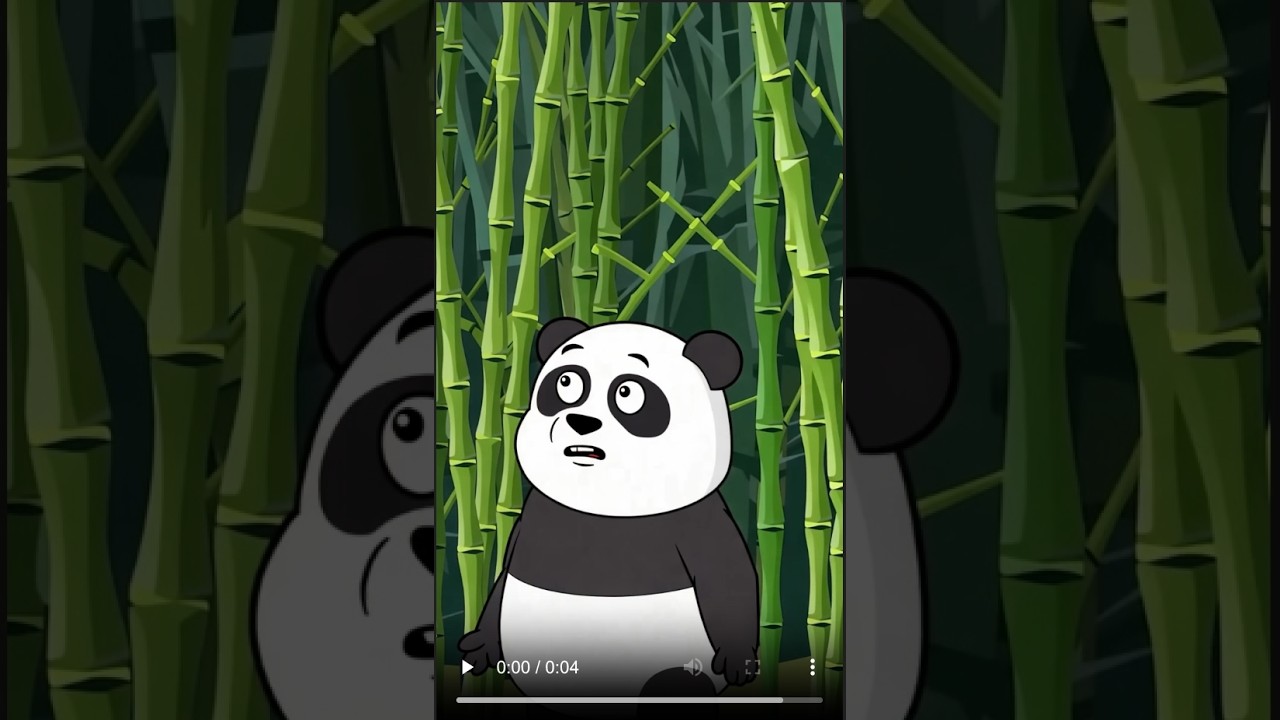
YouTube videos are long — most of the value lives in 30 seconds. ReelAgent finds that moment automatically.
- Paste a URL, optionally type a direction (
"roast it","make it serious","make it funny") - An AI agent picks the sharpest moment, writes a reaction take, and calls Runway to generate the assets
- A lip-synced avatar character delivers the commentary — no filming, no editing
- Output is a finished vertical reel, ready to post
Most highlight tools clip video. ReelAgent produces a finished piece:
- A lip-synced avatar delivering commentary (a face speaking, not a voiceover)
- Emotion markers baked into the script —
[shocked],[laughing],[sarcastic],[deadpan]— so the character reacts, not just reads - Generated reaction imagery or animated beats timed to the cut
- Sound effects placed at precise moments
- Voice-isolated source audio so the original clip sounds clean
| Model | Use |
|---|---|
gen4_image |
Reaction still image — meme-style, bold text card, reaction face |
gen4.5 (text-to-video) |
Animated reaction beat — fresh reaction clip for the moment |
gwm1_avatars (avatar_videos) |
Lip-synced character video from script + emotion markers |
eleven_text_to_sound_v2 |
SFX sting — record scratch, vine boom, dramatic reverb |
eleven_voice_isolation |
Clean source audio — removes background noise and music |
  YouTube URL + optional direction ("roast it", "make it serious", …)
        │
        ▼
  yt-dlp ──────────────────────────────► source.mp4
        │
        ▼
  ffmpeg extract audio ────────────────► source.m4a
        │
        ▼
  Whisper (HF Inference) ──────────────► transcript.json
                                          word-level timestamps
        │
        ▼
┌───────────────────────────────────────────────────────────────┐
│          Kimi K2.6 · thinking model · up to 25 turns          │
│                        128K context                           │
│                                                               │
│  Context each turn                                            │
│  ├─ System prompt — pick ONE sharp moment; write a take,      │
│  │    not a recap; beats first, assets second;                │
│  │    emotion markers for avatar delivery                     │
│  ├─ Full transcript + user direction                          │
│  └─ All previous tool results (loop never prunes messages)    │
│                                                               │
│  ┌─────────────────────────────────────────────────────────┐  │
│  │  LLM reasons  →  calls tool(s)  →  asyncio.gather       │  │
│  │       ↓                                                  │  │
│  │  tool results appended  →  LLM sees result + reasons ↺  │  │
│  │                                                          │  │
│  │  exits when model calls  finalize_reel(plan)             │  │
│  └─────────────────────────────────────────────────────────┘  │
└───────────────────────────────────────────────────────────────┘
        │
        ▼
  plan.json ── tracks, overlays, audio_overlays (pydantic-validated)
        │
        ▼
  ffmpeg assembly ─────────────────────► reel.mp4  720×1280 · 30fps
| Tool | Badge | Description |
|---|---|---|
get_frames |
local · vision sub-call | ffmpeg extracts frames, passes to a Kimi vision sub-call, returns text only. Raw images never reach the orchestrator — keeps the main context lean. Used when transcript alone is ambiguous. |
generate_reaction_image |
Runway gen4_image |
Generates a still meme-style or reaction image. Bold text card, reaction face, or meme beat. 9:16 vertical. |
generate_animated_reaction |
Runway gen4.5 |
Generates a short text-to-video reaction clip — a fresh reaction GIF for this moment. Can overlay on source (cartoon "NO", exploding emoji). Duration: 4, 6, or 8 s. |
generate_sound_effect |
Runway eleven_text_to_sound_v2 |
Generates an audio sting — record scratch, vine boom, dramatic reverb, comedic hit — layered under a cut. |
generate_character_video |
Runway gwm1_avatars · always called |
Generates a lip-synced avatar video of the commentary script. Script includes inline emotion markers [shocked], [laughing], [sarcastic], [deadpan] that score each line's delivery. Called exactly once per session. |
isolate_voice |
Runway eleven_voice_isolation · always called |
Slices source audio with ffmpeg then runs voice isolation — required for any original audio window kept audible in the reel. |
finalize_reel |
ends the loop | Agent submits full assembly plan. Pydantic validates: tracks tile from 0 with no gaps, all asset_ids exist, total duration within configured range. On valid → writes plan.json and exits. On invalid → returns error so agent corrects itself. |
The orchestrator never sees images. get_frames runs a separate vision completion internally and returns plain text. Raw frames never enter the orchestrator's messages list — keeps 128K context lean across long traces with many tool calls.
Tool calls within a turn run in parallel. When the agent issues multiple tool calls in one assistant message, they execute concurrently via asyncio.gather. This cuts Runway generation time significantly.
finalize_reel is a tool, not a signal. The agent ends by calling finalize_reel(plan) with a structured JSON plan. If validation fails, the tool returns {"error": ..., "issues": [...]} and the loop continues — the model corrects itself.
Full resumption without re-billing. Every Runway call, Whisper call, and yt-dlp download is wrapped in a checkpoint that writes results to SQLite. On retry, the checkpoint returns the cached result. Failed sessions show a Resume button — no credits re-spent.
No fixed pipeline. There is no hard-coded sequence of "find moment → write commentary → generate assets." The agent is the sole decision-maker. The system prompt tells it what to consider, not what order to call tools.
Before you start, you need:
- Python 3.13
- ffmpeg installed system-wide
- macOS:
brew install ffmpeg - Ubuntu/Debian:
sudo apt install ffmpeg
- macOS:
- Runway API key — get one at app.runwayml.com
- Hugging Face token — get one at huggingface.co/settings/tokens — used for both the Kimi K2.6 LLM and Whisper transcription
# 1. Clone the repo
git clone https://github.com/nik-55/runway-api-hackathon
cd runway-api-hackathon

# 2. Create a Python virtual environment
python3.13 -m venv .venv
source .venv/bin/activate        # Windows: .venv\Scripts\activate

# 3. Install dependencies
pip install -r requirements.txt

# 4. Set up environment variables
cp .env.sample .env
Open .env and fill in at minimum:
RUNWAY_API_KEY=rw-...         # your Runway API key
OPENAI_API_KEY=hf_...         # your Hugging Face token
# 5. Start the server
uvicorn app.main:app --reload --port 8000
Open http://localhost:8000 in your browser.
# 1. Clone the repo
git clone https://github.com/nik-55/runway-api-hackathon
cd runway-api-hackathon

# 2. Configure
cp .env.sample .env
# Fill in RUNWAY_API_KEY and OPENAI_API_KEY in .env

# 3. Build and start
docker compose up --build- ReelAgent: http://localhost:8000
- Langfuse tracing dashboard: http://localhost:3000
To enable tracing: create a Langfuse account at localhost:3000, copy the project keys into .env (LANGFUSE_PUBLIC_KEY, LANGFUSE_SECRET_KEY), and restart with docker compose up.
# Required
RUNWAY_API_KEY=               Runway API key (rw-...)
OPENAI_API_KEY=               Hugging Face token (hf_...) — used as LLM key

# LLM (optional overrides)
OPENAI_API_BASE_URL=          Default: https://router.huggingface.co/v1
OPENAI_MODEL_NAME=            Default: moonshotai/Kimi-K2.6:fireworks-ai
HF_TOKEN=                     Falls back to OPENAI_API_KEY if unset

# Avatar
CHARACTER_AVATAR_PRESET=      Runway avatar preset (default: influencer)
CHARACTER_VOICE_PRESET=       Runway voice preset (default: ruby)

# Limits
MAX_AGENT_TURNS=25            Hard cap on agent loop iterations
MAX_VIDEO_DURATION_SEC=600    Reject source videos longer than this (10 min)
MIN_REEL_DURATION_SEC=10      Minimum output reel length
MAX_REEL_DURATION_SEC=60      Maximum output reel length

# Tracing (optional)
LANGFUSE_HOST=                http://langfuse-web:3000 in Docker; blank disables
LANGFUSE_PUBLIC_KEY=
LANGFUSE_SECRET_KEY=
YouTube actively blocks yt-dlp from datacenter IP ranges (AWS, GCP, Azure). On a cloud host, pasting a YouTube URL will usually fail. Upload an MP4 directly instead — the form accepts a video file alongside the URL field.
Grab the video locally first:
pip install yt-dlp
yt-dlp -f "bv*[ext=mp4][height<=720]+ba[ext=m4a]/b[ext=mp4][height<=720]/b" \
       --merge-output-format mp4 -o source.mp4 <youtube-url>
Then upload the resulting MP4 via the form. Videos over 600 seconds are rejected.
| Layer | Technology |
|---|---|
| Web server | FastAPI + uvicorn |
| Orchestrator LLM | Kimi K2.6 (HF router, OpenAI-compatible) |
| Speech-to-text | HF Whisper large-v3-turbo |
| Image generation | Runway gen4_image |
| Video generation | Runway gen4.5 |
| Sound effects | Runway eleven_text_to_sound_v2 |
| Voice isolation | Runway eleven_voice_isolation |
| Lip-synced avatar | Runway gwm1_avatars (avatar_videos) |
| Media processing | ffmpeg / ffprobe |
| Database | SQLite (stdlib) |
| Frontend | Jinja2 HTML + browser EventSource |
| Tracing | Langfuse (self-hosted, optional) |
| Retries | tenacity |