Config
-
Sun light is also called
main light, you can disable theSUN_LIGHT_ENABLEif you don't want it, disable can run so fasterSun light is only valid when a control
SUN_LIGHT_ENABLEis opened.0: Disable
1: Enable (default option)
2: Enable,and also, calculating the sun radiance from solar zenith angle -
#define SUN_LIGHT_ENABLE 0

-
#define SUN_LIGHT_ENABLE 1

-
#define SUN_LIGHT_ENABLE 2

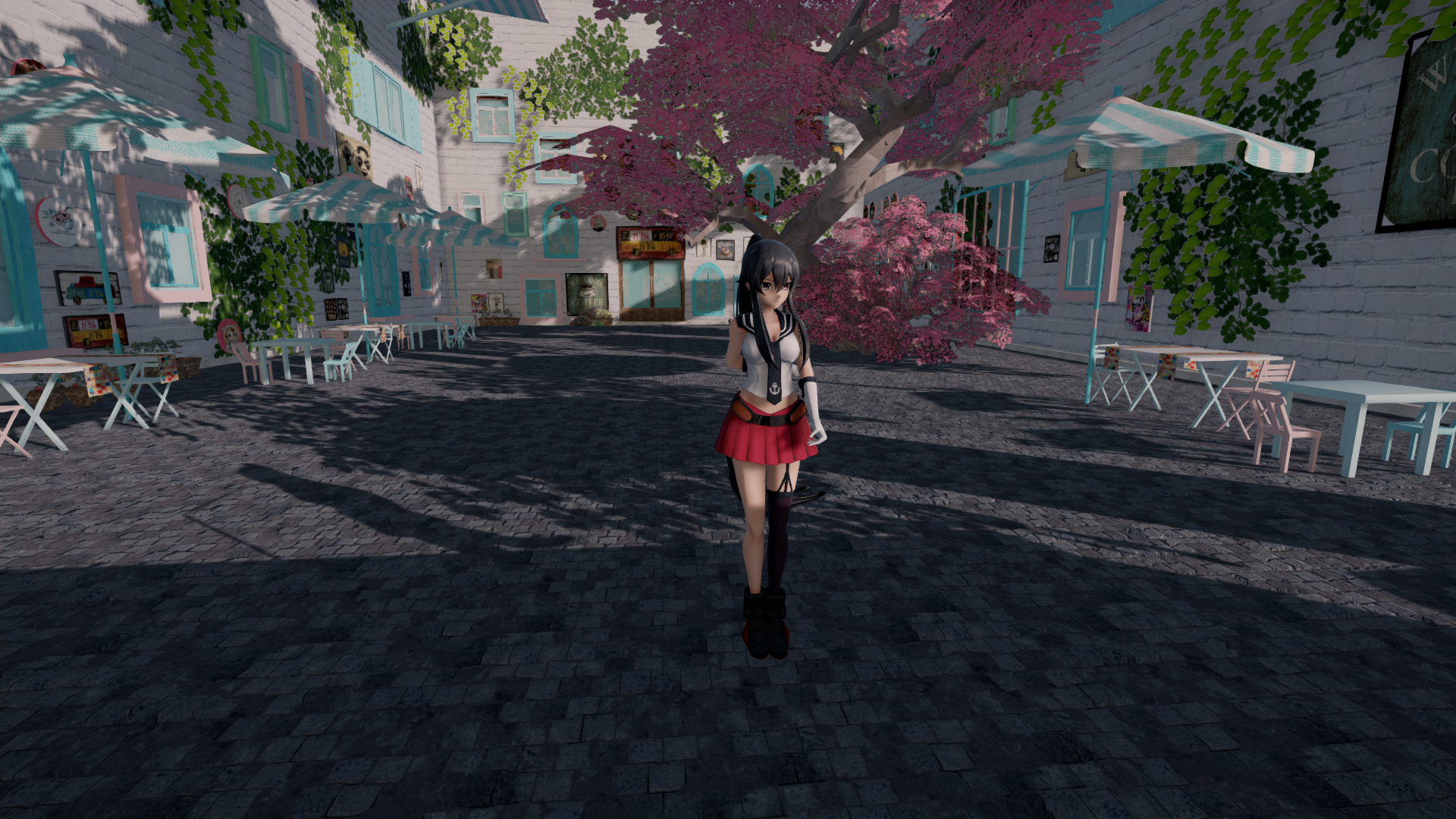
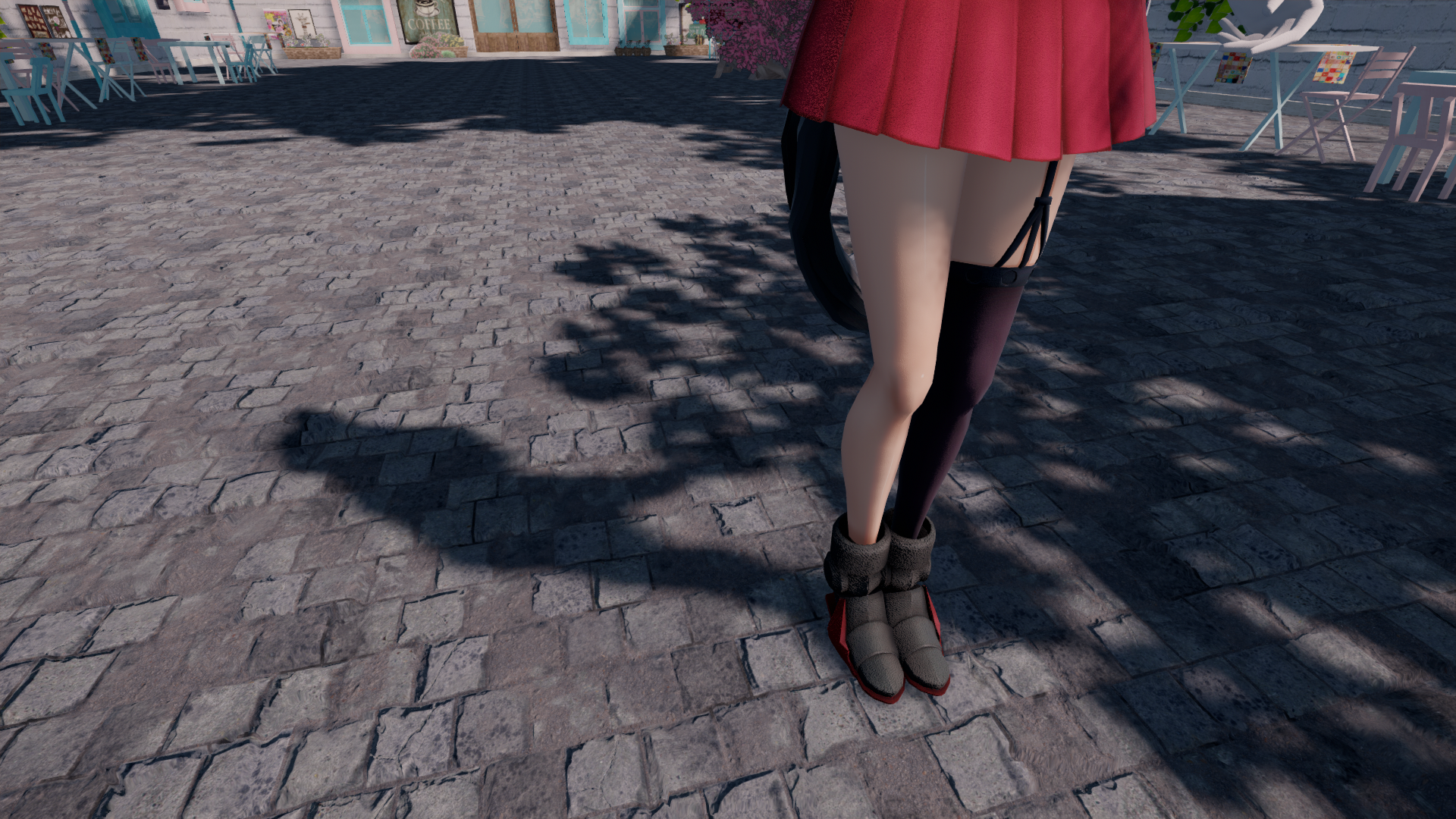
Whether the light should cast any shadows, and controls how much size of shadow map, that calculating the shadow into shadow map, smaller can run faster
0: None
1: Low ( 512 * 4)
2: Medium (1024 * 4)
3: High (2048 * 4) (default option)
4: boom! (4096 * 4)
5: boom!! (8192 * 4) -
#define SUN_SHADOW_QUALITY 1

-
#define SUN_SHADOW_QUALITY 2

-
#define SUN_SHADOW_QUALITY 3

-
#define SUN_SHADOW_QUALITY 4




#### IBL_QUALITY
`1` : None (default option)
`2` : UV flip
-
Fog effect is only valid when a control
FOG_ENABLEis opened, this allows MME to add a tab of FogMap, disable can run faster0: Disable
1: Enable (default option)
-
Multiple light source is only valid when a control
MULTI_LIGHT_ENABLEis opened, this allows MME to add a tab of LightMap, disable can run faster0: Disable
1: Enable (default option)
-
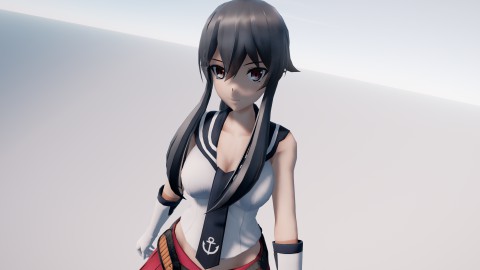
Outer Line is only valid when a control
OUTLINE_QUALITYis opened, this allows MME to add a tab of OutlineMap, disable can run faster0: Disable (default option)
1: Enable
2: Enable + SMAA
3: Enable + SSAA -
#define OUTLINE_QUALITY 0
-
#define OUTLINE_QUALITY 1

-
#define OUTLINE_QUALITY 2

-
#define OUTLINE_QUALITY 3


-
this allows you to use the toon material with diffusion effect, disable can run faster
0: Disable (default option)
1: Enable
2: Enable + Diffusion -
#define TOON_ENABLE 0

-
#define TOON_ENABLE 1

-
#define TOON_ENABLE 2


-
this effect that approximates the shadows of sky light, the ssao and occlusion map can become combined result in even better AO, smaller can run faster
0: Disable
1: 8 samples
2: 12 samples (default option)
3: 16 samples
4: 20 samples
5: 24 samples
6: 28 samples -
#define SSDO_QUALITY 1

-
#define SSDO_QUALITY 2

-
#define SSDO_QUALITY 3

-
#define SSDO_QUALITY 4

-
#define SSDO_QUALITY 5

-
#define SSDO_QUALITY 6


-
this effect that add support for real-time reflection by using ray marching, smaller can run so faster
0: Disable (default option)
1: 32 samples
2: 64 samples
3: 128 samples -
#define SSR_QUALITY 0

-
#define SSR_QUALITY 1

-
#define SSR_QUALITY 2

-
#define SSR_QUALITY 3


-
this effect that approximates the subsurface scattering for better skin by using gaussian blur, giving a soft look to translucent objects, it can't work with MMD's Anti-Aliasing
0: Disable
1: Enable (default option) -
#define SSSS_QUALITY 0

-
#define SSSS_QUALITY 1


-
this allows you to create depth of filed with the bokeh of hexagon pattern
0: Disable (default option)
1: Enable -
#define BOKEH_QUALITY 0

-
#define BOKEH_QUALITY 1


-
automatically adjust exposure as camera when going from a bright environment into a dark environment, but it can't work well in the some cases
0: Disable (default option)
1: 12.7% Middle Gray
2: 18.0% Middle Gray
-
Bloom can be seen by the eye or camera when looking at very bright objects, it can help to hint the relative brightness of objects or add beauty and atmospheric
0: Disable
1: Inf
2: saturate
3: luminance & exposure
4: saturate & exposure (default option)0: None (default option)
1: Blue
2: Orange
3: Auto0: None (default option)
1: Anamorphic Lens Flares Blur
2: Anamorphic Lens Flares Auto
3: Glare star Orange
4: Glare star Auto
-
this allows to map the wide range of high dynamic range (HDR) colors into low dynamic range (LDR) that a display can output
0: Linear
1: Reinhard
2: Hable
3: Uncharted2
4: Hejl2015 (default option)
5: ACES-sRGB
6: NaughtyDog -
#define HDR_TONEMAP_OPERATOR 0

-
#define HDR_TONEMAP_OPERATOR 1

-
Hable (
#define HDR_TONEMAP_OPERATOR 2

-
#define HDR_TONEMAP_OPERATOR 3

-
#define HDR_TONEMAP_OPERATOR 4

-
#define HDR_TONEMAP_OPERATOR 5

-
#define HDR_TONEMAP_OPERATOR 6


-
the moethod solves most causes of low-freq AA, but cannot fully prevent temporal aliasing and specular highlight, SMAA can result in more sharper image, but slower than FXAA
0: None
1: FXAA (default option)
2: SMAAx1-medium
3: SMAAx1-high
4: SMAAx2-medium
5: SMAAx2-high
-
Controls which mode will be activated to make a dispersion
0: Color Shift (default option)
1: Chromatic Aberration