With CloudMemoIOS, you can take notes and save them onto the cloud and access them on different IOS devices. CloudMemoIOS also provides file and folder organization that allow better management of your memos/ notes.
The app is written in swift and implements several APIs and Cocoapods such as Firestore for cloud storage, Firebase for authentication, and SWTableViewCell for file/ folder deletion with swiping motion.
An overview of functionalities is provided below.
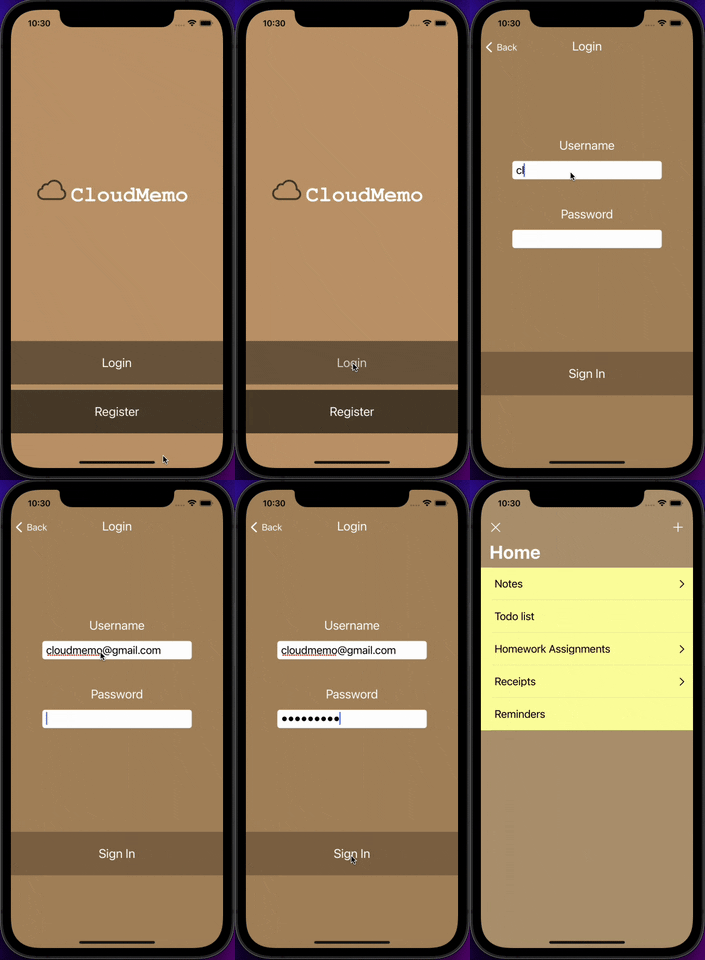
In the launch screen, there is a login button and a register button, which will open the login and register screens respectively. On the register screen, an unregistered email address can be entered along with the desired password to create an account. That account will be automatically logged into upon a successful registration. On the login screen, a registered email can be entered with the corresponding password to sign into that account. User will be notified of a wrong password or wrong email address. All folder and file contents are tied to the logged in user account, and will be reloaded upon successful login each time.
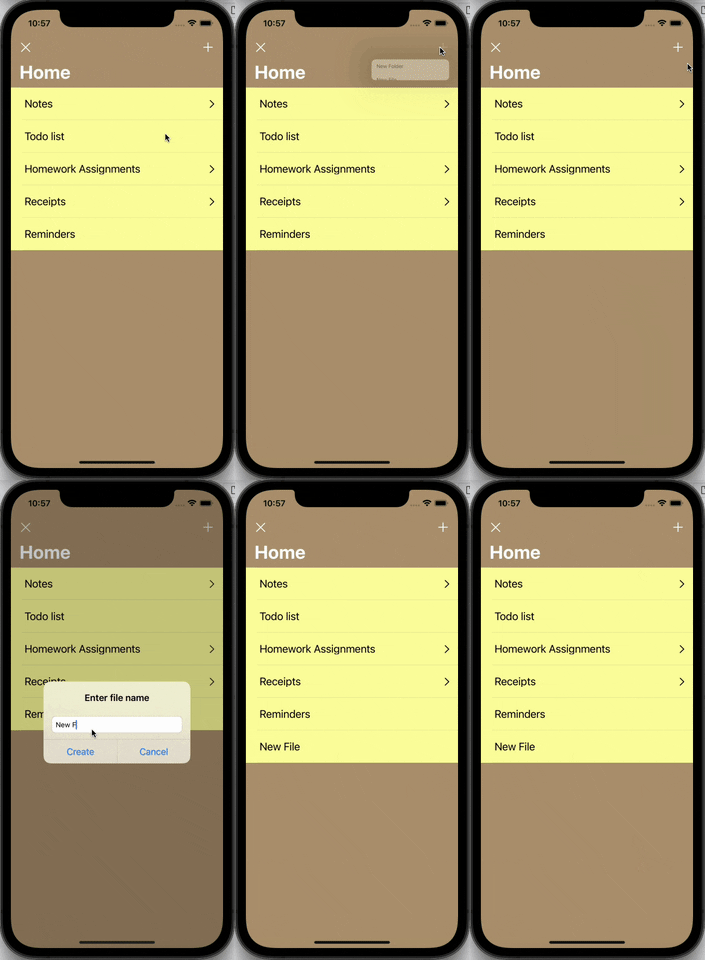
The Home Directory will be empty initially, but new memo files and folders can be created by clicking the "+" button on the top right of the screen. There will be an option for making a new file or a new folder. The name for the new file or folder cannot be left blank.
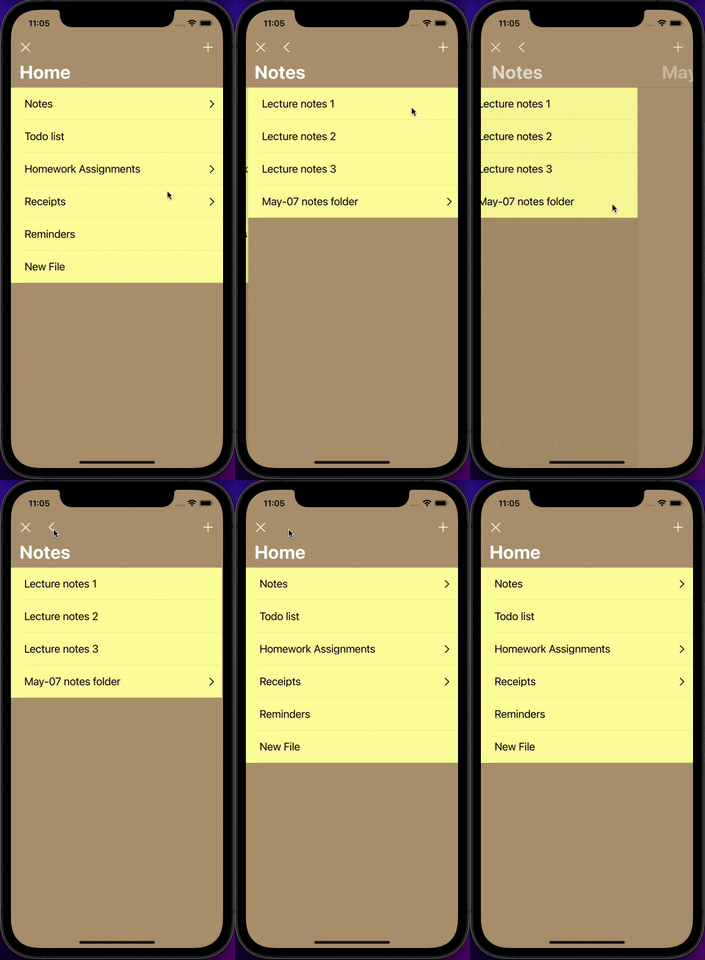
clicking an existing folder will redirect you to the files/ folders within that folder
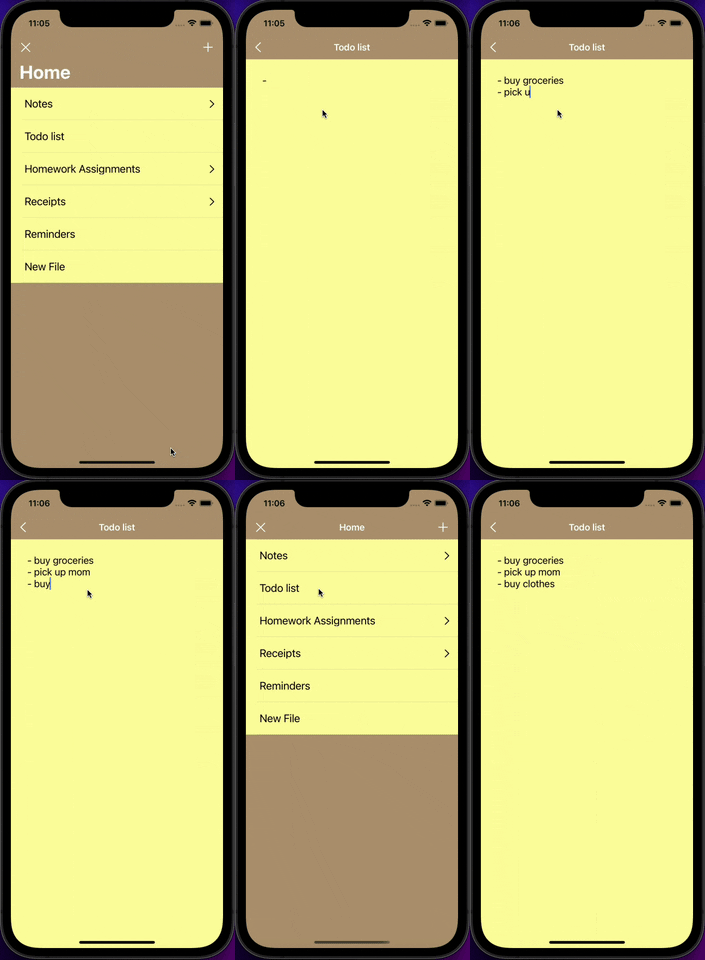
click on a file allows you to edit a text memo file, and its content will be saved if you have chosen to save the content when exiting by clicking the "<" button on the top left of the screen.