"Sync your profile" pop-up on Windows when using Edge #1842


Description

"Sync your profile" pop-up on Windows when using Edge
This pop-up is now appearing when running Selenium tests with an Edge browser (pytest --edge) on Windows.
USERNAME has signed in on this device, so we've also signed you in to Microsoft Edge.
Sync isn't available for this account.
To sign out, go to Settings > Profiles.
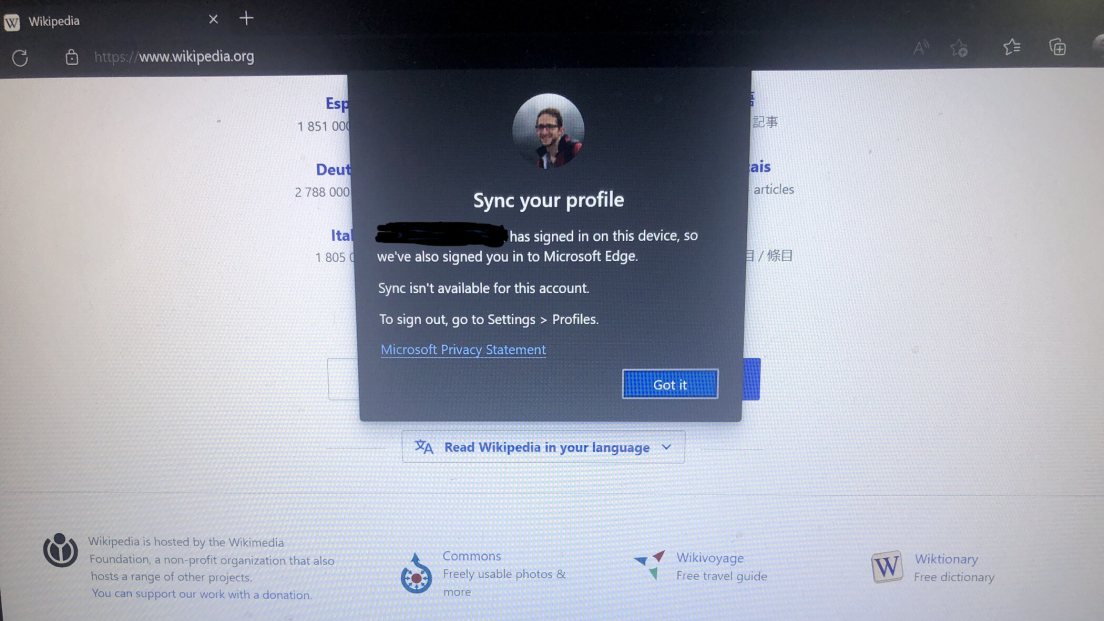
This pop-up interferes with tests. We should prevent the pop-up from appearing.
The solution is to run Edge tests in --guest mode on Windows:
options.add_argument("--guest")(This should be set as the default option for --edge tests on Windows.)