This layout is based on the Russian phonetic layout on Mac OS. It works on Windows 7, 8, and 10. Note installation instructions for Windows 10.
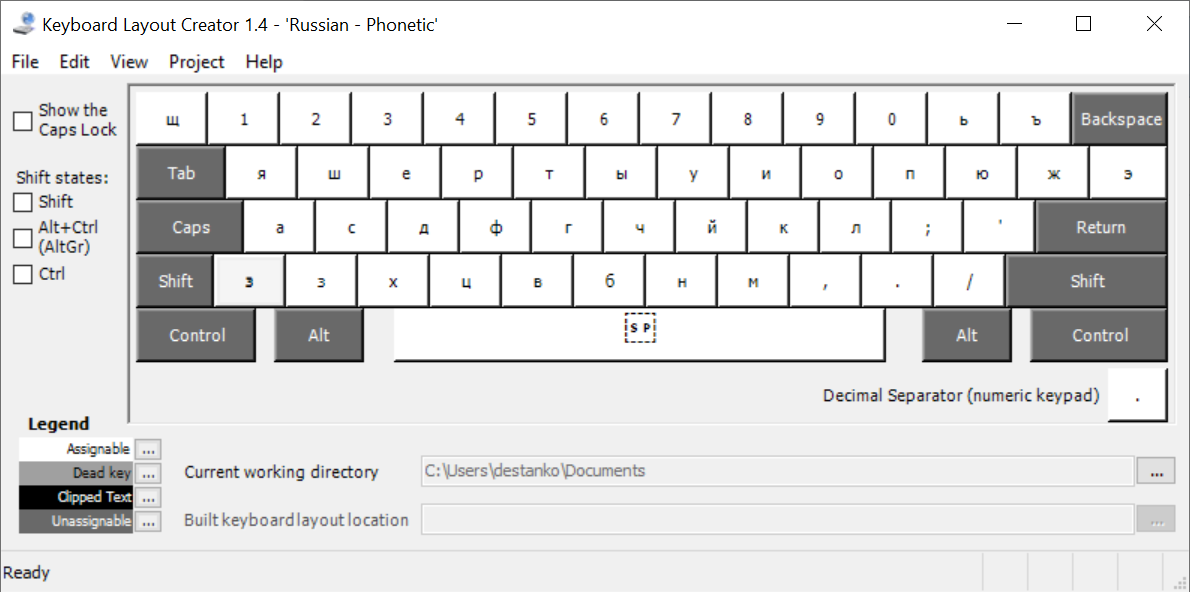
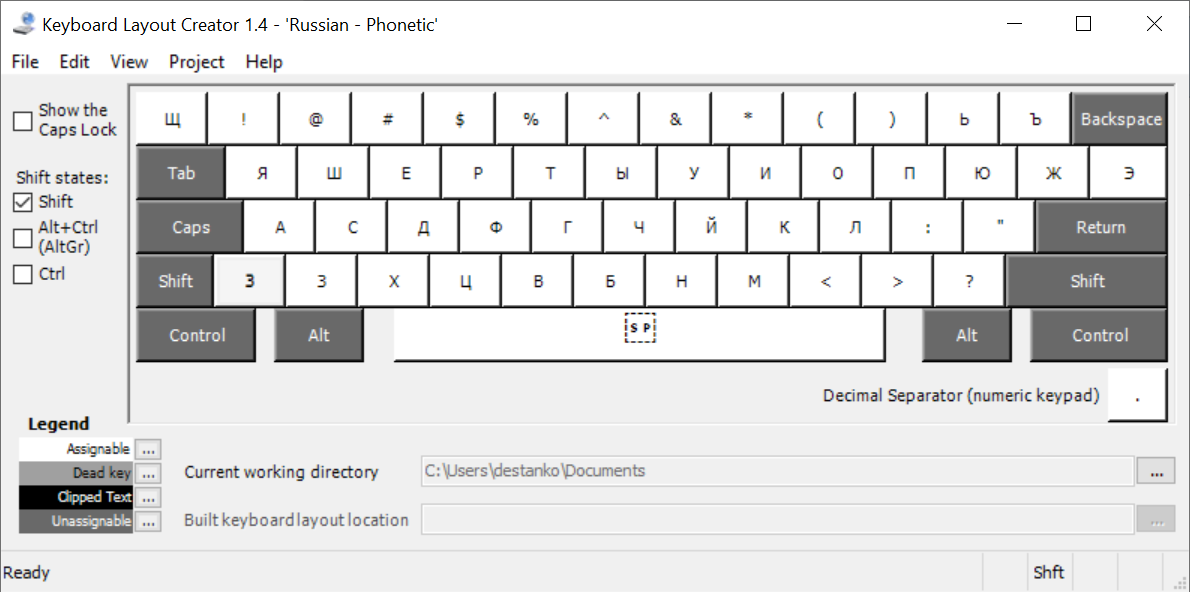
- Download from Releases
- Unzip and run
setup.exe - On Windows 10 sign out and sign back in
- Install
Microsoft Keyboard Layout Creator 1.4from Microsoft https://www.microsoft.com/en-us/download/details.aspx?id=22339 - Open
src\Russian Phonetic.klcusing "Keyboard Layout Creator" - Go to "Project > Build DLL"